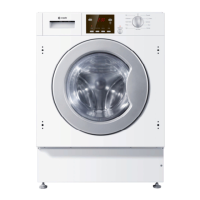
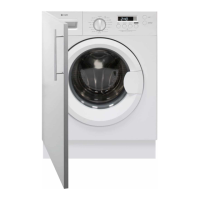
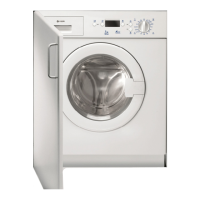
18 Instruction manual WMi4001 Please keep this instruction manual for future reference
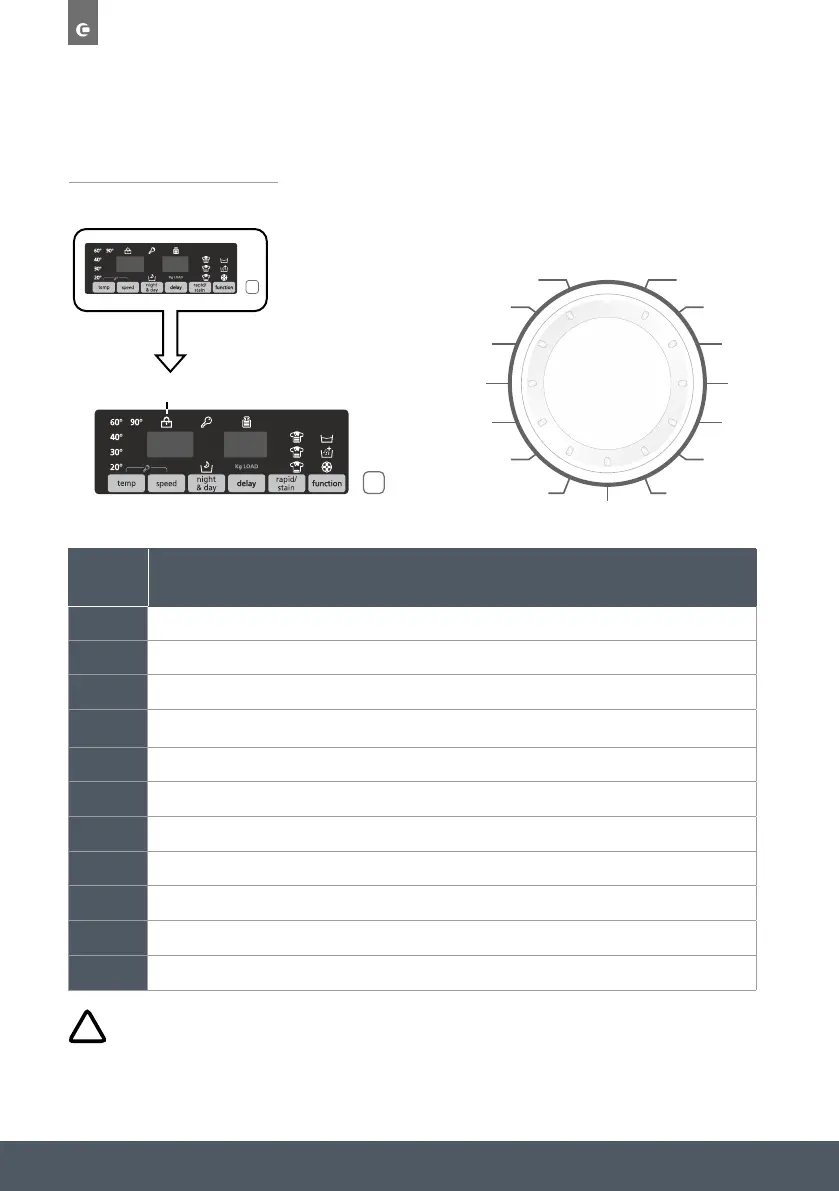
BUTTON OPERATION
1
Programme Selector With Off Position
2 Start/Pause Button
3 Delay Start Button
4 Function Button
5 Rapid / Stain Level Button
6 Temperature Selection Button
7 Spin Speed Button
8 Night & Day Button
6+7 Key Lock
9
10
Digital Display
CONTROL PANEL
Pre
Pre
1
2
9
10
453876
Door Locked Indicator Light
off
whites
eco 40-60
dark
colours
shirts
silk
wool
handwash
rapid
14’-30’-44’
rinse
spin
drain
20
°
C
jeans
synthetics
delicates
BUTTON OPERATION
1
Programme Selector With Off Position
2 Start/Pause Button
3 Delay Start Button
4 Function Button
5 Rapid / Stain Level Button
6 Temperature Selection Button
7 Spin Speed Button
8 Night & Day Button
6+7 Key Lock
9 Digital Display
10 Door Locked Indicator Light
CONTROL PANEL
BUTTON OPERATION
1
Programme Selector With Off Position
2 Start/Pause Button
3 Delay Start Button
4 Function Button
5 Rapid / Stain Level Button
6 Temperature Selection Button
7 Spin Speed Button
8 Night & Day Button
6+7 Key Lock
9
10
Digital Display
CONTROL PANEL
Pre
Pre
1
2
9
10
453876
Door Locked Indicator Light
off
whites
eco 40-60
dark
colours
shirts
silk
wool
handwash
rapid
14’-30’-44’
rinse
spin
drain
20
°
C
jeans
synthetics
delicates
WARNING:
Do not touch the display while inserting the plug. The machine calibrates the systems during the
first few seconds: touching the display could cause the machine to not work property. In this
case, remove the plug and repeat the operation.


 To Next Page