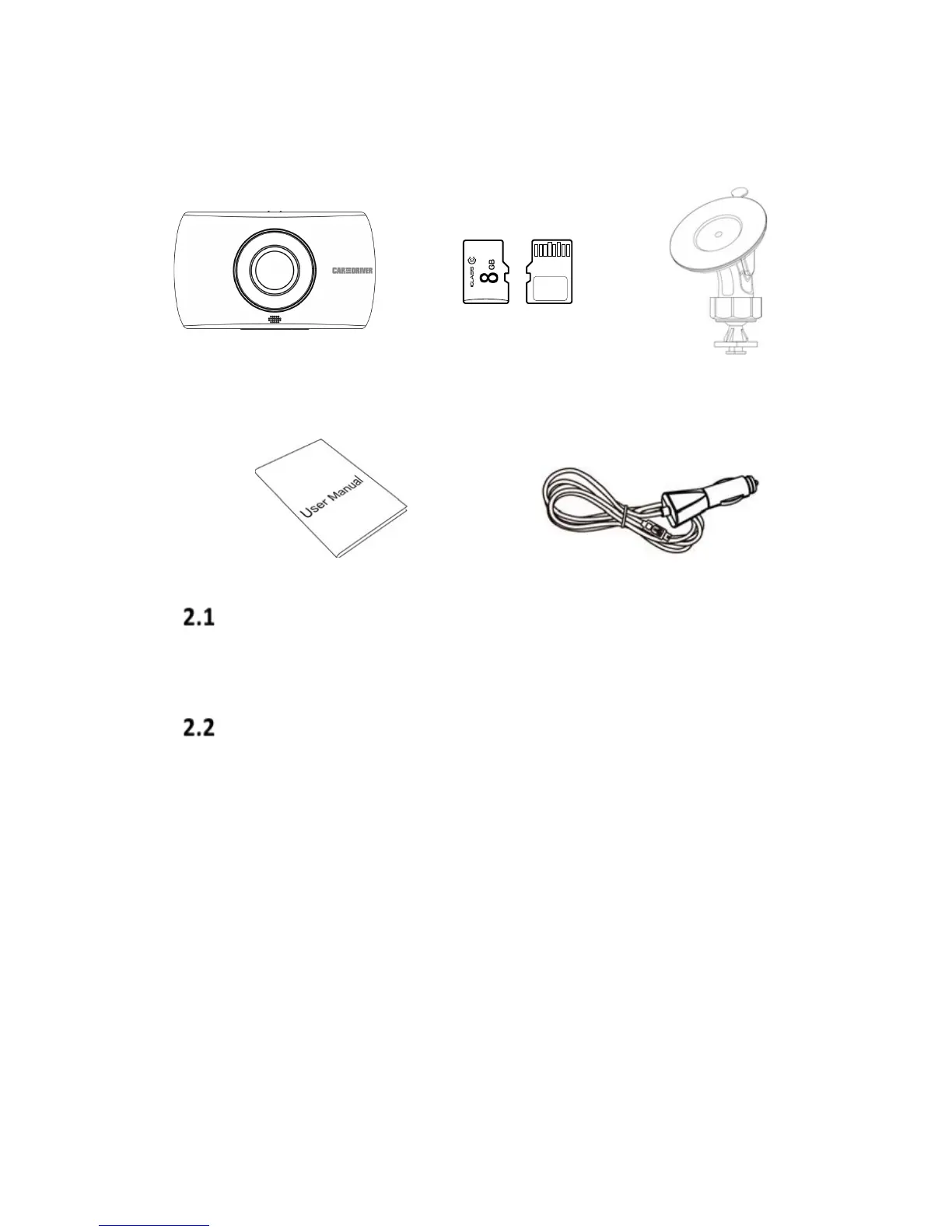
2 Getting Started
Protective Plastic
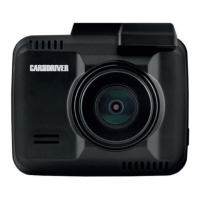
Remove the thin sheet of protective plastic covering the
screen and front lens of the camera.
Inserting and Removing the Memory Card
Insert the memory card with the gold contacts facing
away from the screen of the Dash Cam. Push the memory
card in until it clicks into place. Use Class 10 or above
memory card for this Dash Cam. We recommend you
format your memory card before using your Dash Cam for
the first time. (For instruction on how to format memory
cards please proceed to 5.2.5 Format Memory Card on
page 16)
12 ft. Car Adapter with USB
charging port


 To Next Page