EasyManua.ls Logo

Carbolite 201 - Navigation Diagrams - Main Controller; Navigation Diagrams - Overtemperature Controller

Default Icon
8 pages
Print Icon
To Next Page IconTo Next Page
To Previous Page IconTo Previous Page
Loading...
201 Controller
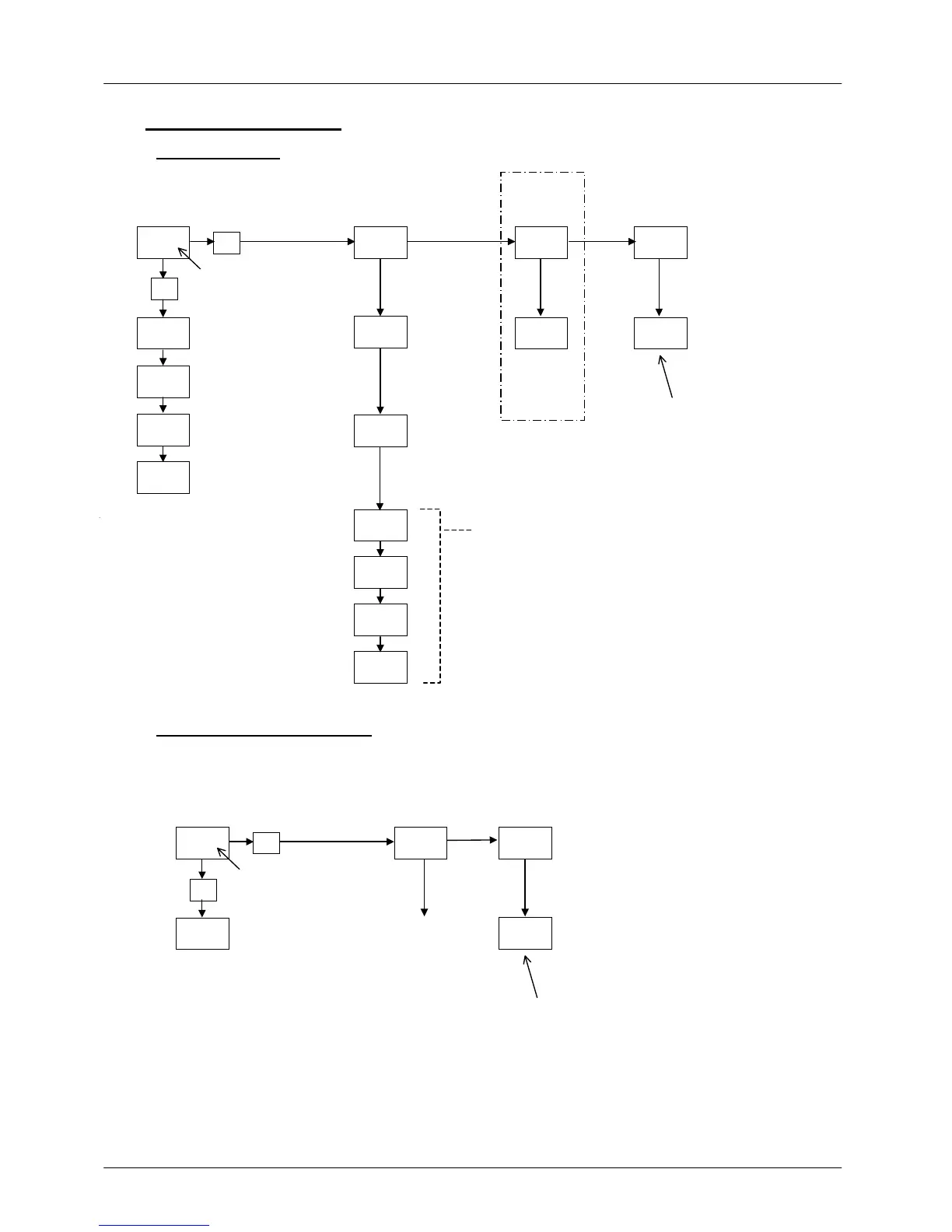
NAVIGATION DIAGRAMS
6.1 Main Controller
OP.Hi
SPrr
m-A
w.SP
Home
List
Input
List
Output
List
Access
List
20.0 iP oP ACCS
OP
OFS.H
CAL.P
CAL
Pnt.L
OFS.L
Pnt.H
codE
4
*C
if user
calibration
enter
p
assword
p
resent only if
SPrr in use
f
or factory access to
lists and parameters
not available to the
operator
user 2-point
calibration
manual/Auto
mAn=off, Auto-on
output power,
read only
s
etpoint ramp rate
OFF or value
4 4 4
p
ower limit
setting, if
p
resen
t
*C
measured temperature;
use
T
/
S
to access
setpoint
4
6.2
Overtemperature Controller
Hold the Overtemperature Key to make the parameters in this diagram available.
Home
List
Input
List
Access
List
20.0
4
iP
*C
4
*C
overtemperature
setpoint; use
T
/
S
to
alter
ACCS
4 4
codE
PV
measured
temperature at
overtemperature
sensor
calibration
as for main
controller
f
or factory access to
lists and parameters
not available to the
operator
MC07 7

Related product manuals