Basic Operation
6
MC16-EN – 1.04
2.4 Home display
The Home display is the first display you see when the controller is switched on. It shows
the actual temperature of the furnace or oven and will be referred to as PV throughout this
manual. If you enter the menus, the controller will automatically return to the Home display
if no keys are pressed for 30 seconds.
2.4.1 Finding the Home display from the Home menu
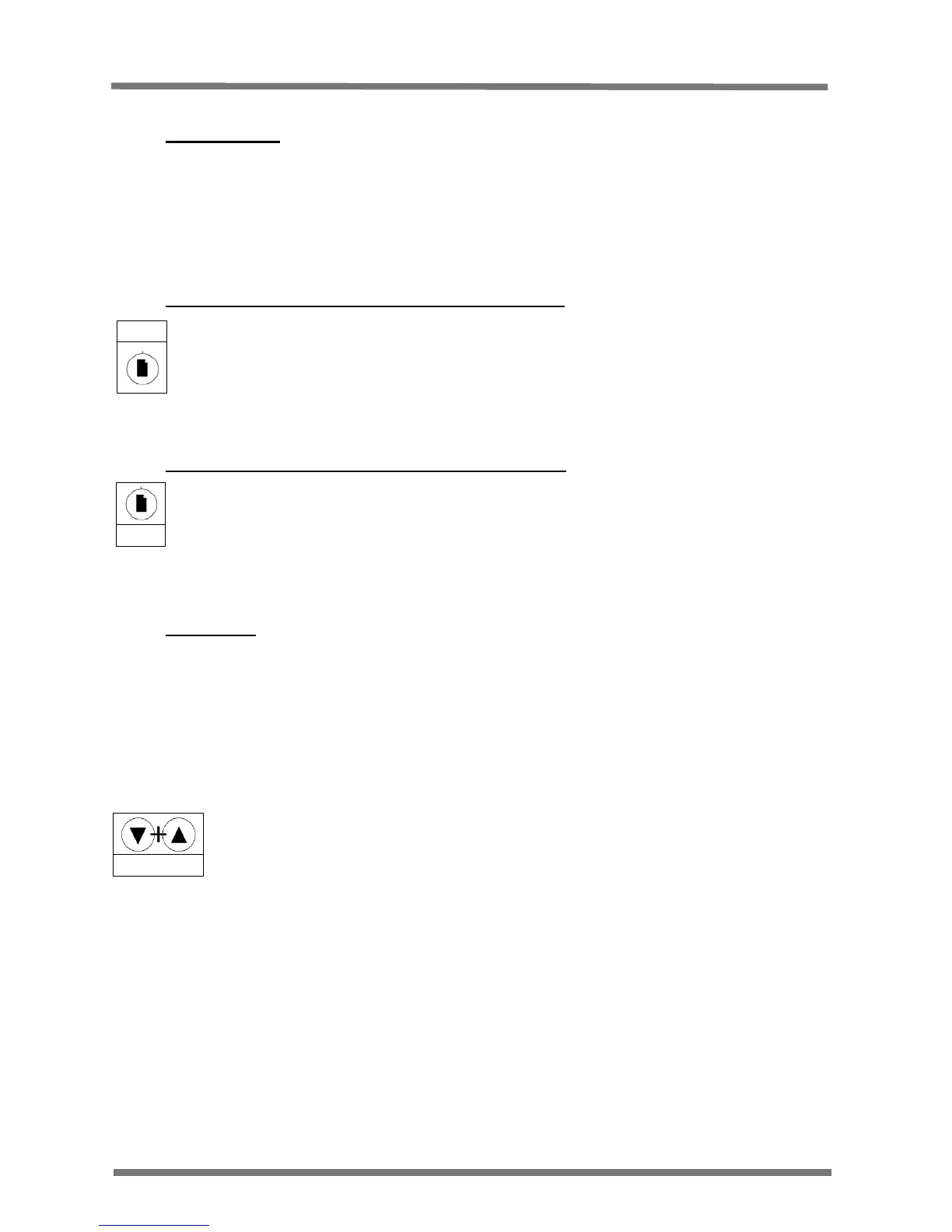
Press the Page key until the PV is shown on the display (301 shown as example).
2.4.2 Finding the Home screen from the Set up menu
Press and hold the Page key for 1.5 seconds
2.5 Hold Mode
Hold mode turns the output off; this allows for parameters to be set without the controller
instantly trying to control at the new settings.
Hold mode is shown on the display by the output indicator being off and the home display
flashing between the PV and HOLd.
To enter Hold mode:
Start at the Home display
Press and hold the Up and Down arrow keys together for 1.5 seconds.
The display will flash HOLd to show that hold mode has been entered.
To exit Hold Mode:
Start at the Home display.
Press and hold the Up and Down arrow keys together for 1.5 seconds OR start the timer
(See section 5).
Note: The Hold Mode function is disabled when the Timer function is running.
Hold Together
301
Hold


 To Next Page