17
and that it would be advisable to restart your PC before using the
application. Click ‘Finish’ to complete the installation process.
Running Micro I PC software
Connect your Micro I to a USB port on the PC using the cable
provided. The Micro I will take power from the USB port on the PC.
Please be advised that the Micro I requires a High Current USB port,
and if connected to a Low Power USB port the device will turn itself off
and fail to respond to any key presses until disconnected. Low Power
USB ports are commonly found on keyboards and unpowered USB
hubs and should not be used. Whilst connected to the PC the Micro I
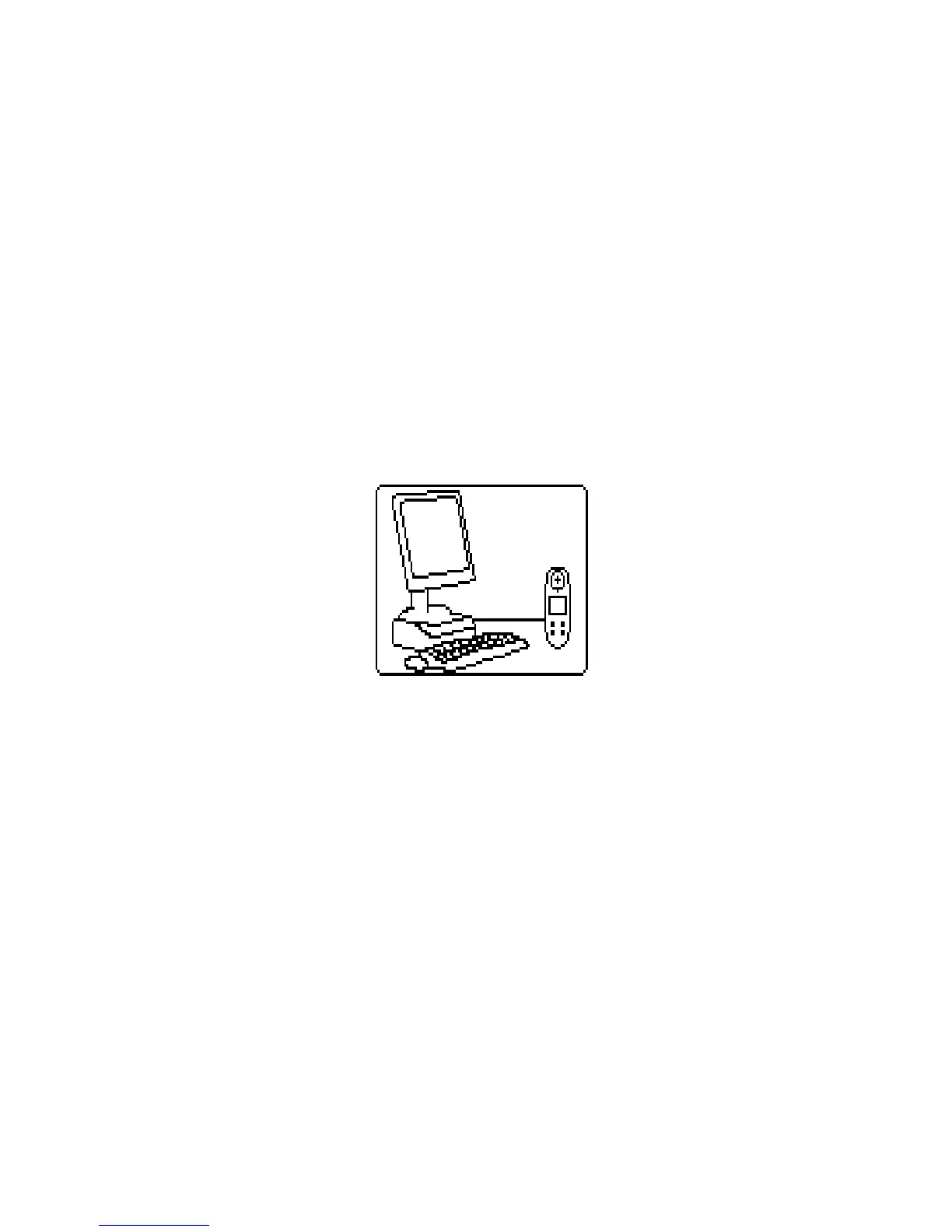
will display:
Do not allow the patient to handle the spirometer during this
procedure.


 To Next Page