Transfer All Refrigerant to Cooler/Compressor Vessel
1.
Push refrigerant into the cooler vessel.
a.
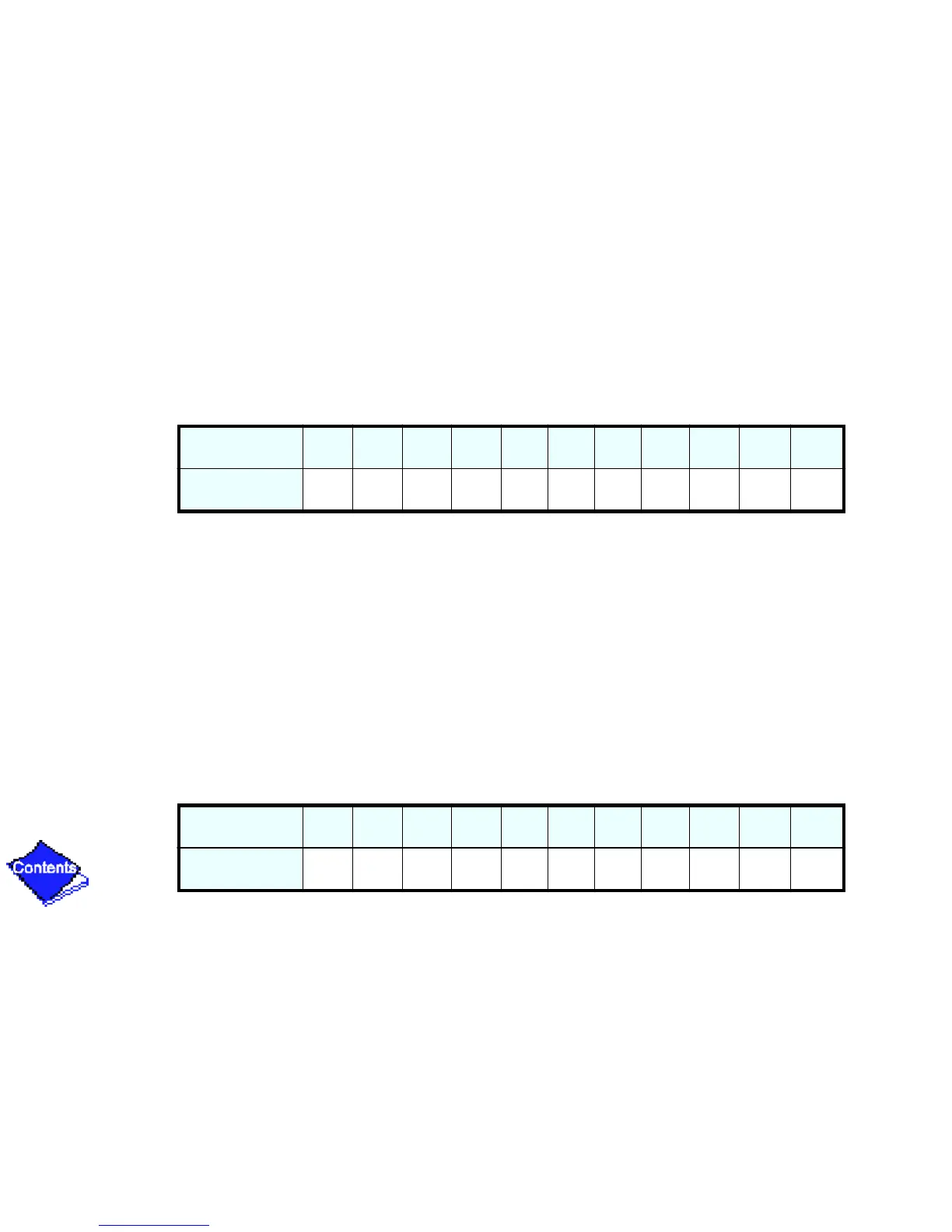
Valve positions:
b.
Turn off machine water pumps and pumpout condenser water.
c.
Turn on pumpout compressor to push refrigerant out of the condenser.
d.
When all liquid is out of the condenser, close cooler isolation valve 11.
e.
Turn off the pumpout compressor.
2.
Evacuate gas from the condenser vessel.
a.
Access the Control Test, Pumpdown table on the LID display to turn on the machine
water pumps.
b.
Close pumpout valves 3 and 4; open valves 2 and 5.
Valve
1a 1b 2 3 4 5 8 11 12 13 14
Condition
CCCCCC
Valve
1a 1b 2 3 4 5 8 11 12 13 14
Condition
CC CCCCC




 To Next Page