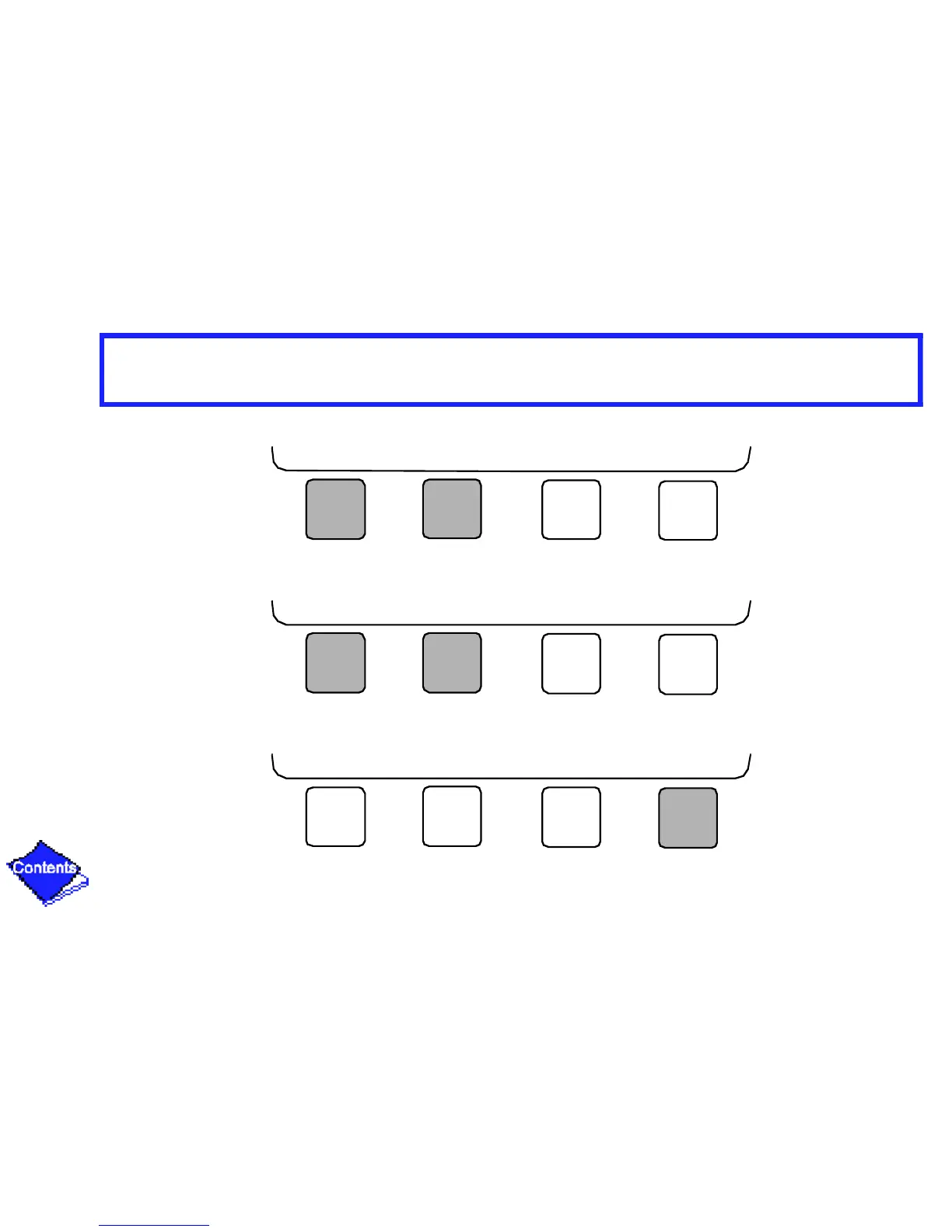
For Discrete Points
— Press START or STOP to select the desired state.
For Analog Points
— Press INCREASE or DECREASE to select the desired value.
3. Press ENTER to register new value.
Note: When overriding or changing metric values, it is necessary to hold the softkey down for a
Click here for Figure 17 — 19XL Service Menu Structure
START STOP RELEASE ENTER
INCREASE DECREASE RELEASE ENTER
NEXT PREVIOUS SELECT EXIT





 To Next Page