GB // 30
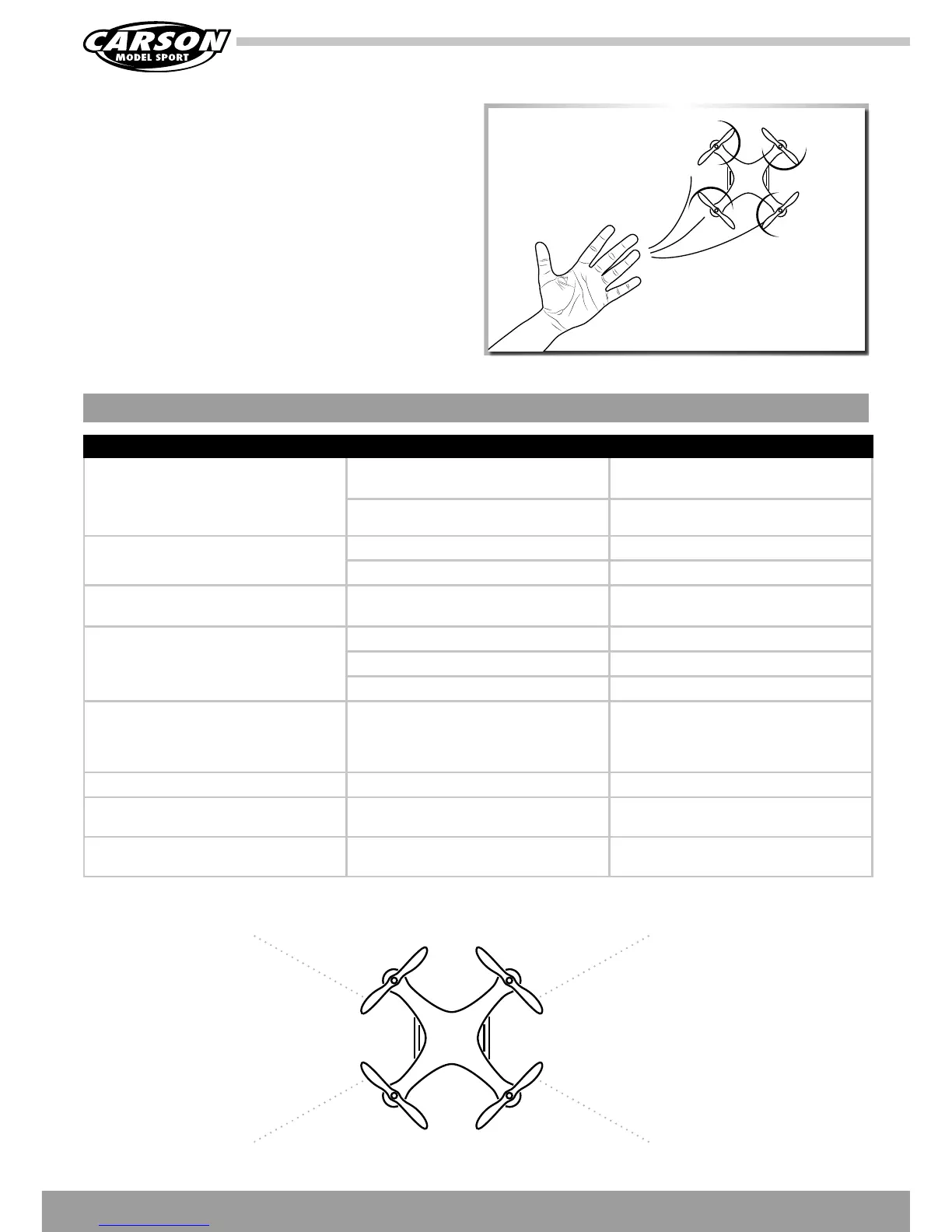
Throw-Start
Experiencedpilotscanstartthequadcopteronthe„cool“way.
Throwthemodelintotheair(approx3-5m).Movethethrottle
lever up, and the model stabilizes it self in the air. Practice this
method best on a soft Lawn / meadow.
Blade A
Blade B
Blade B
Blade A
Front
Back
Problem Cause Reparation
The model does not move Check, if the transmitter and the model are
switched ON.
Switch on the Transmitter and the Model.
Check the battery voltage of transmitter
and model
Employ completely charged batteries
Motor does not turn Motor is defective Exchangethemotor
Motor is too hot Allow the motor to cool down
The model reacts incorrectly to the con
-
trol commands or flies choppily
Check the state of the transmitter and
receiver battery charges
Employ completely charged batteries
The model does not take off Rotor blades are twisted Exchangetherotorblades
Motor is too hot Allow the motor to cool down
Batteries are empty Chargethebatteriesorexchangethem
The model moves forward/ backward and
sidewise, but does not hover
Checkwhetherthequadcopterisexposedto
a draught, e.g. by an opened window or an
air conditioner. Hover flight is not possible
when there is a draught
Close the window/door, switch off the air
conditioner or select a more suitable room
The model vibrates severely Check whether the rotors run true Possibly change the rotor blades
Transmitter and quadcopter can not be
binded
Throttle control not set to minimum Throttle need to be minimized to zero
Can not take off Wrong installation on rotors, rotors mark
with A, B.
Mount the propeller as shown below
TROUBLESHOOTING



 To Next Page