21
RS-232C communication
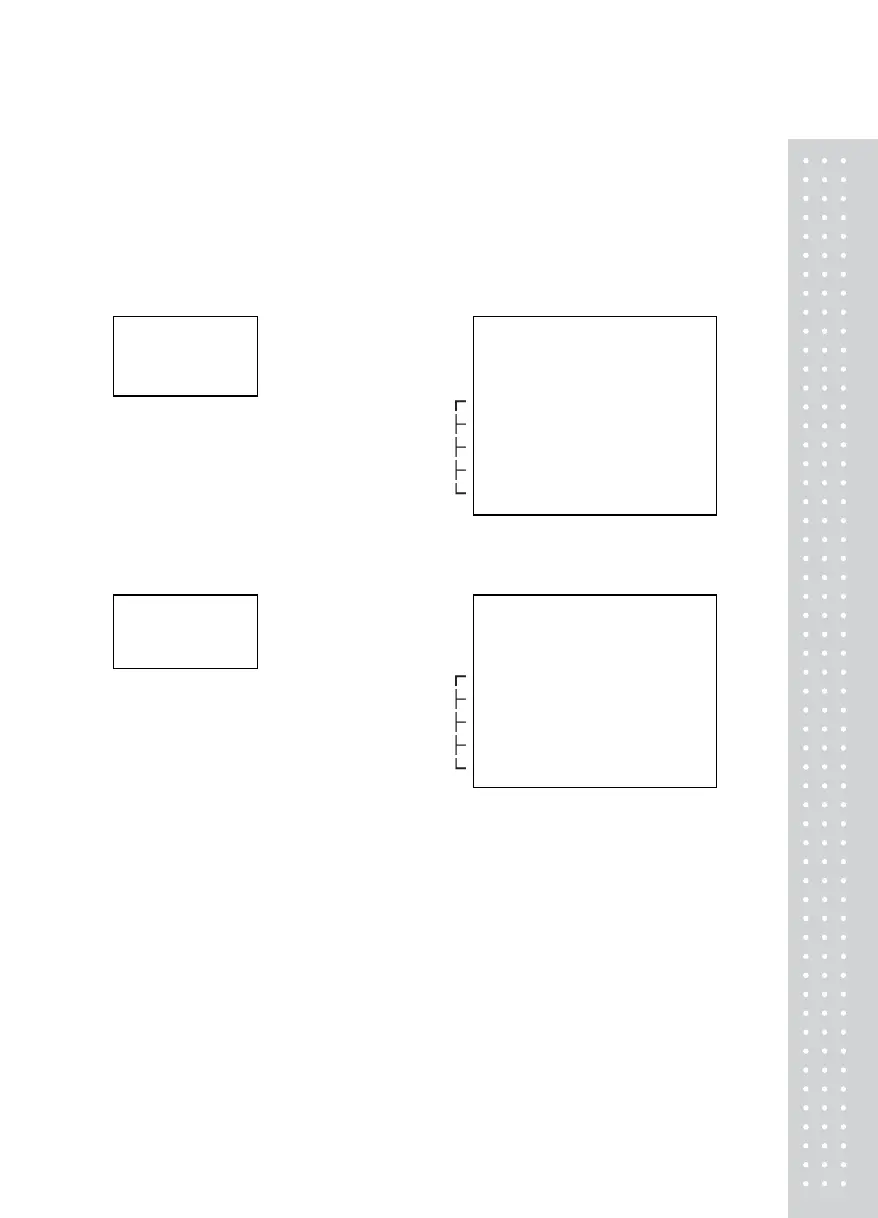
1. Port connection method
Connect the computer serial port with RS-232C port in the back panel
of indicator as follows to communicate with computer
(2)TXD ◆
(1)RXD ◆
(5)GND ◆
- - - - - - - - - - - - - - - - - - - -
- - - - - - - - - - - - - - - - - - - -
- - - - - - - - - - - - - - - - - - - -
CN 1 of
Indicator
( male )
3 Receive Data◆
2 Transmit Data◆
7 Signal Ground◆
4 Request to Send◆
5 Clear to Send◆
6 Data Set Ready◆
8 Carrier Detect◆
20 Data Terminal Ready◆
Computer serial 25 pin port(female)
(2)TXD ◆
(1)RXD ◆
(5)GND ◆
- - - - - - - - - - - - - - - - - - - -
- - - - - - - - - - - - - - - - - - - -
- - - - - - - - - - - - - - - - - - - -
CN 1 of
Indicator
( male )
◆ 2 Receive Data
◆ 3 Transmit Data
◆ 5 Signal Ground
◆ 1 Carrier Detect
◆ 4 Data Terminal Ready
◆ 6 Data Set Ready
◆ 7 Request to Send
◆ 8 Clear to Send
Computer serial 9 pin port (female)
2. RS-232C Output data format
■ Baud rate : 9600bps
■ Data bit : 8, Stop bit : 1, Parity bit : None
■ Code : ASCII



 To Next Page