1
Chapter 2. PLU Saving & PLU Calling-up
a. Saving unit price on PLU
Number of PLU Range Remarks
PLU
200 1~200
PLU name (option)
28 1~28
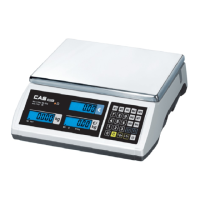
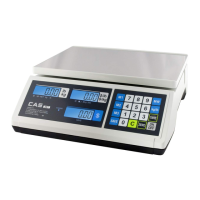
● Number of direct PLU may be different on product model.
● “C” key is to clear data input.
1) Press numeric key to input unit price you wish to have. Ex) 1.99
2) Press “ ” key.
3) Press numeric key to input a PLU address.
Ex) PLU 10.



 To Next Page