9
④ Remove container and
commodity, then the display
will show the weight of the
container with "-" symbol.
⑤ Press the key, then
display will show the
"0.000".
3. Changing Unit of Weight ( lb, oz, kg , g)
■ Press the UNIT key in the simple weighing mode.
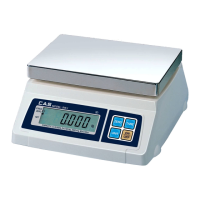
You may select g, kg, lb, oz as the unit of weight.(SW-1S Unit conversion only)
■ Press the UNIT key in the simple weighing mode.
You may select g, oz(Fraction), kg, lb, oz(Decimal) as the unit of weight.(SW-1N only)
① Press the UNIT key, then
display will show the
“oz(Decimal)” mode.
② Press the UNIT key, then
display will show the “g” mode.
③ Press the UNIT key, then
display will show the
“oz(Fraction)” mode.
④ Press the UNIT key, then
display will show the
“kg” mode



 To Next Page
 Loading...