13
12
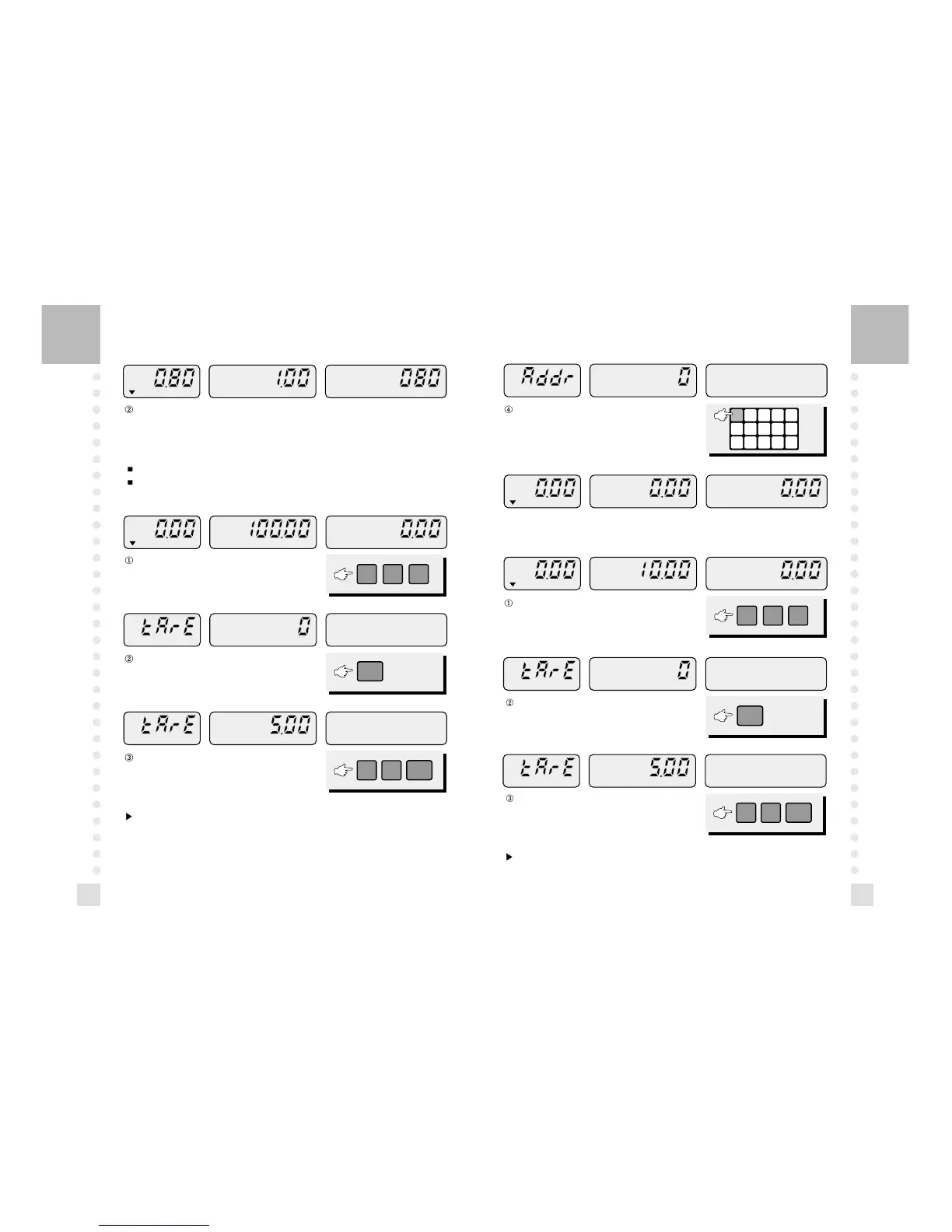
If you place an item(1.00 lb), the display shows 0.80 lb because you set the tare to 20%.
5. How to Save a PLU
This function save each PLU into a internal back up memory.
PLU means Price Look Up which has a unit price.
Direct PLU
Enter a unit price by pressing the numeric keys.
Press one of the direct PLU keys, then this price will
be stored.
Enter a unit price by pressing the numeric keys.
If you use tare for this PLU, enter the weight of container
and press the MW key. (5.00lb)
If you do not use tare for this PLU, press the MW key.
Press the MW key.
If you use tare for this PLU, enter the weight of container
and press the MW key. (5.00lb)
If you do not use tare for this PLU, press the MW key.
Note: If you have set Tare option to On, you can program tare.
(Refer to Tare Option)
Note: If you have set Tare option to On, you can program tare.
(Refer to 12. Tare Option)
Indirect PLU
There are 199 indirect PLUs from 1 to 199.



 To Next Page