15
14
Note: Before you call up a PLU, you should save it to the memory.
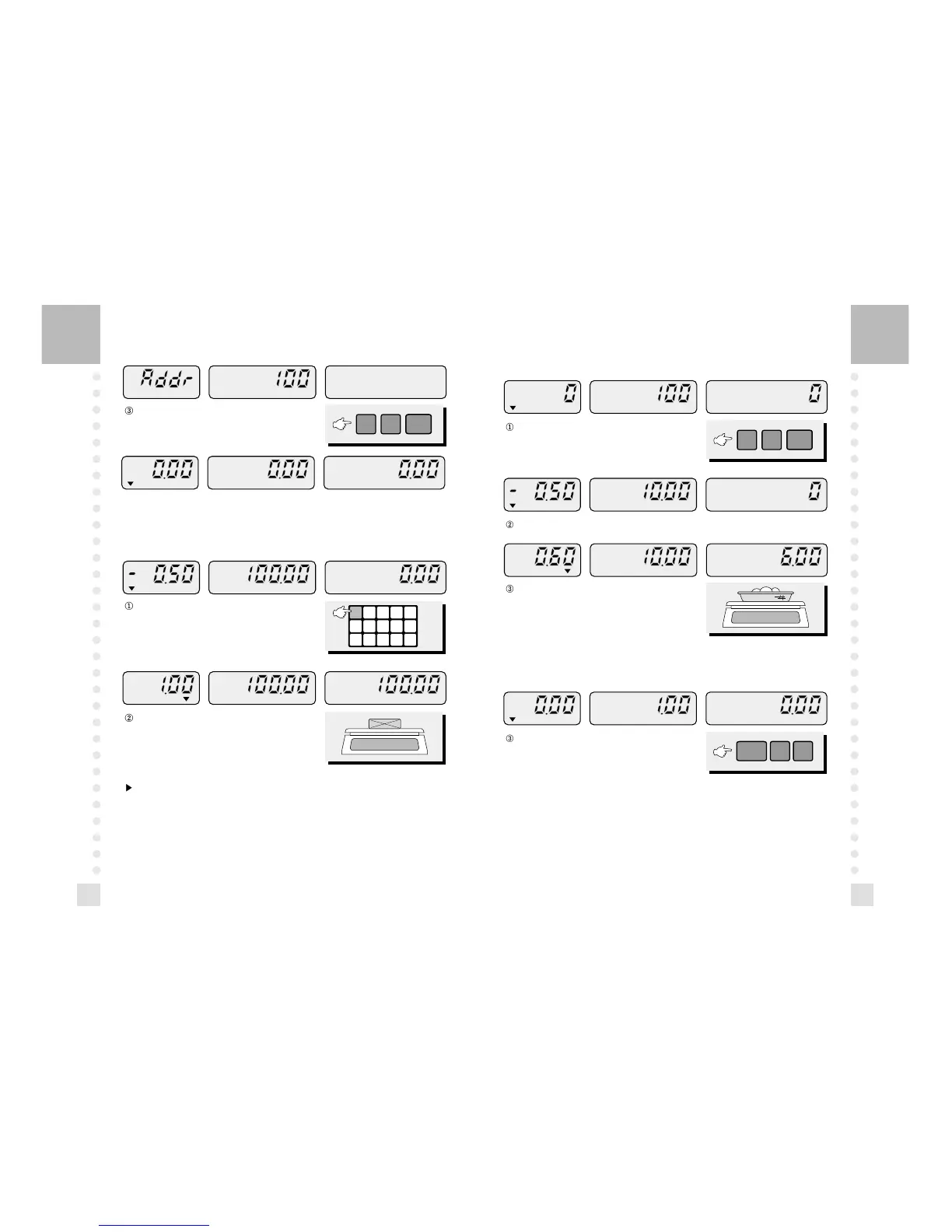
Enter the address of PLU and press the MW key.
(Address: 100)
Press one of the direct PLU keys that you wish to call, then
the display will show the unit price.
Place a commodity with container, then will see the total
price.
Enter the address of a PLU and press the MR key.
(Address: 100)
Place a commodity with container, then you will see
the total price.
Press the SAVE key and enter the unit price or press one
of the PLU (M1~M15) keys that you wish to call.
You will see the tare and the unit price.
6. How to Call up a PLU
Direct PLU
7. How to Save a Currently Called Unit Price
Indirect PLU



 To Next Page