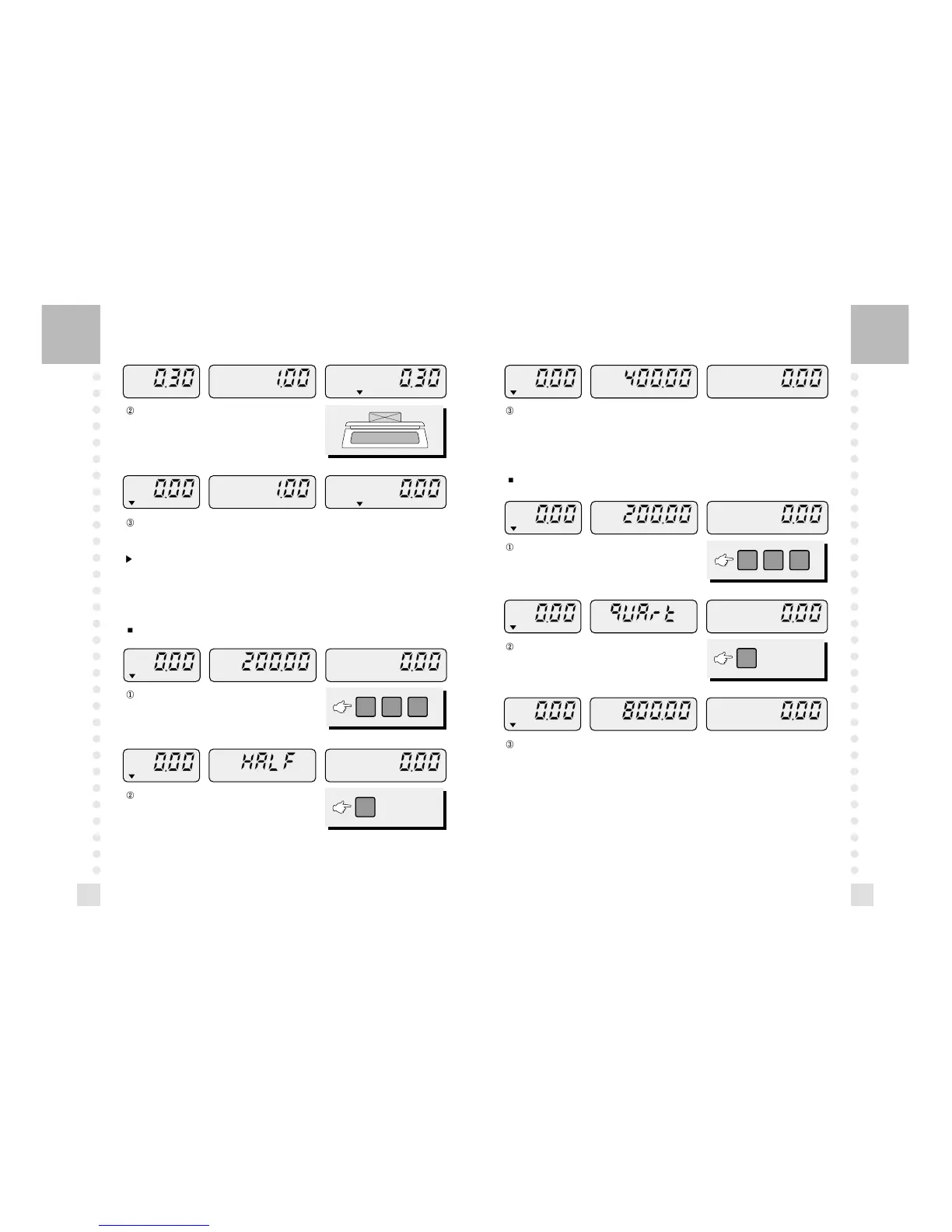
Press the 1/4 key, then the price shows the qUArt.
The unit price will be quadruple.
Press the 1/2 key, you will see the HALF on the unit price
display.
Remove the commodity from the platter. The display saves currently called unit price.
You can weigh another commodity which has a same unit price.
The unit price will be double.
Note: If you want clear this unit price, press the C key.
To release this function, press the SAVE key.
9. 1/4 Function
This function quadruples the unit price.



 To Next Page