23
Advanced Info
On the x088 and x130 with Legacy Cab with Cornerpost
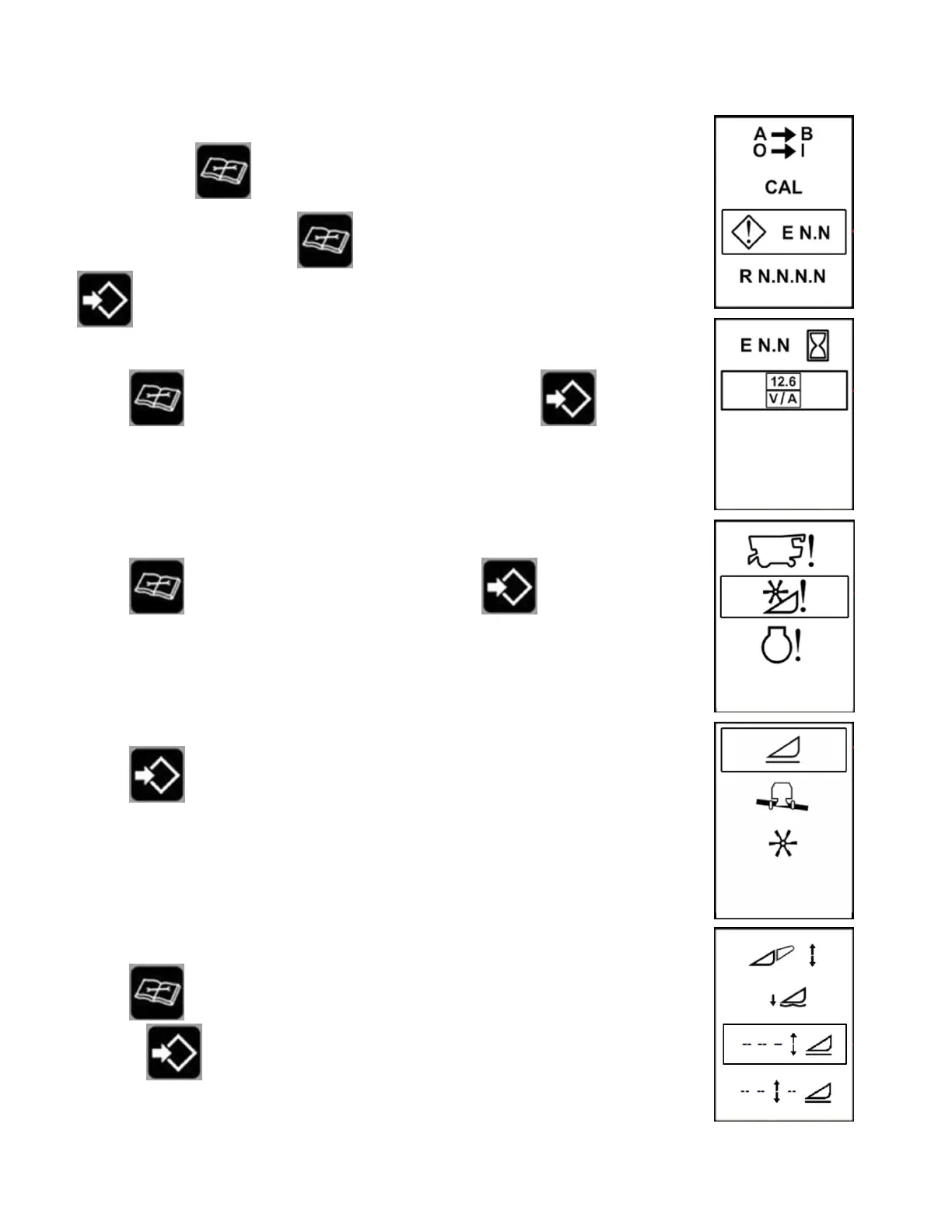
1. Press and hold diagnostic button while turning on the key.
2. Scroll to “E N.N” by pressing
diagnostic button – select this by pressing
enter.
3. Scroll
to the multimeter box – select this by pressing enter.
4. Scroll to the header – select this by pressing enter.
5. Select height.
6. Scroll
to the sensor of interest (right sensor shown) – select this by
pressing
enter.








 To Next Page