SECTION 2 - CONTROLS, INSTRUMENTS AND OPERATION
2ï42
selection to select ICON on the touch screen.
75
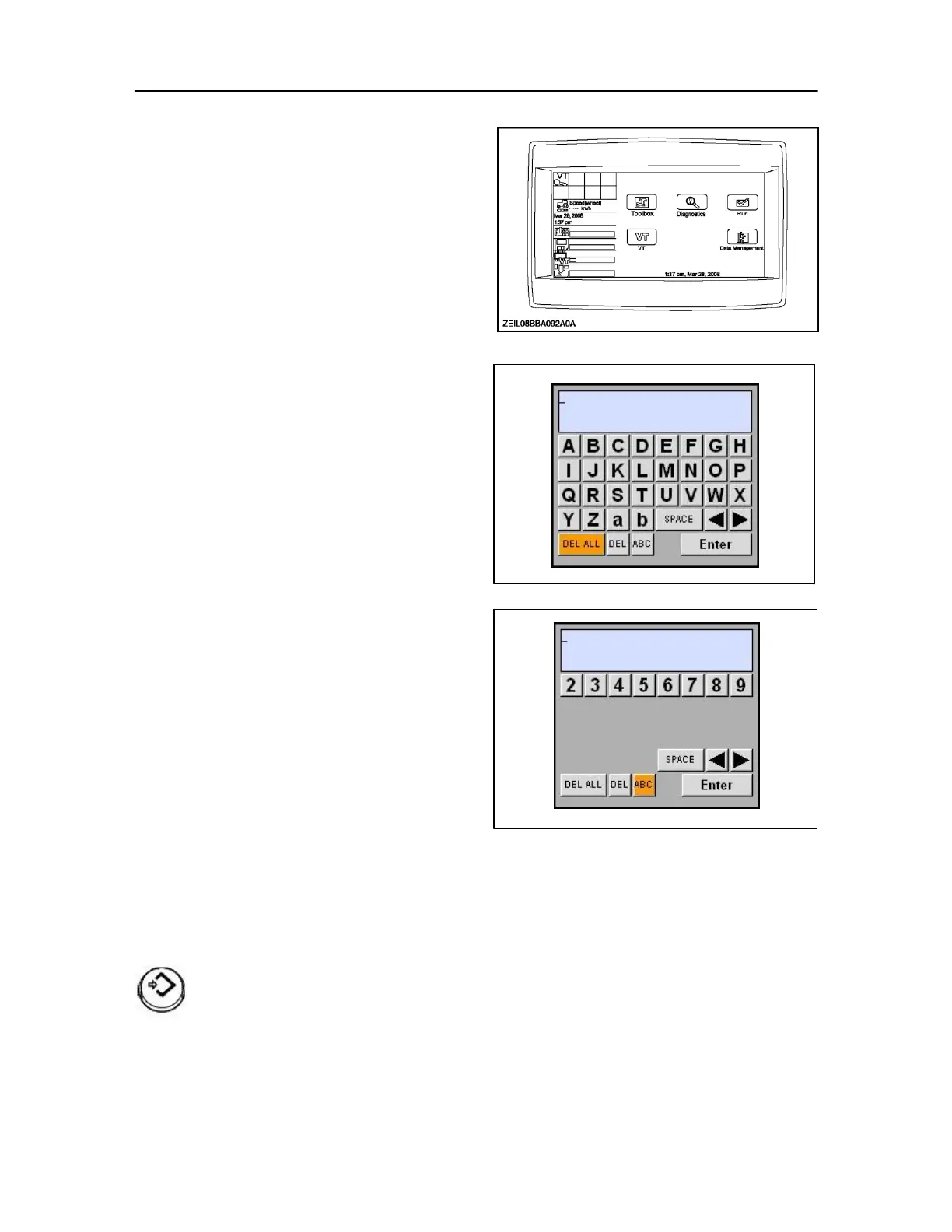
Keypad inputs
Alphanumeric and numeric keypads are part of the
foundation software on the monitor and are available
to any application on the display.
IMPORTANT: These alpha numeric input screens apply only to
the Colour Monitor.
Each application customizes the keypads according
to its needs. The character sets on the alphanumeric
keypad may vary from application to application.
Some may support both uppercase and lowercase
alphabets. Some may support extended character
sets beyond the alphabet.
IMPORTANT: Some applications may support both an
alphanumeric and a numeric keypad, others may support
only one.
Some keypads may show an icon for the currently
selected field; others may not.
The decimal point or comma may be present on some 77 numeric keypads and absent on others, depending on
whether decimal increments are supported for a given value.
Keypad access
Whenever a keypad is needed to enter a name or a
value, the keypad is displayed by pressing Select
while a field is highlighted.
Press enter to select the field.
The keypad displays in the centre of the main screen
area on top of the current screen.



 To Next Page