SECTION 2 - CONTROLS, INSTRUMENTS AND OPERATION
2ï43
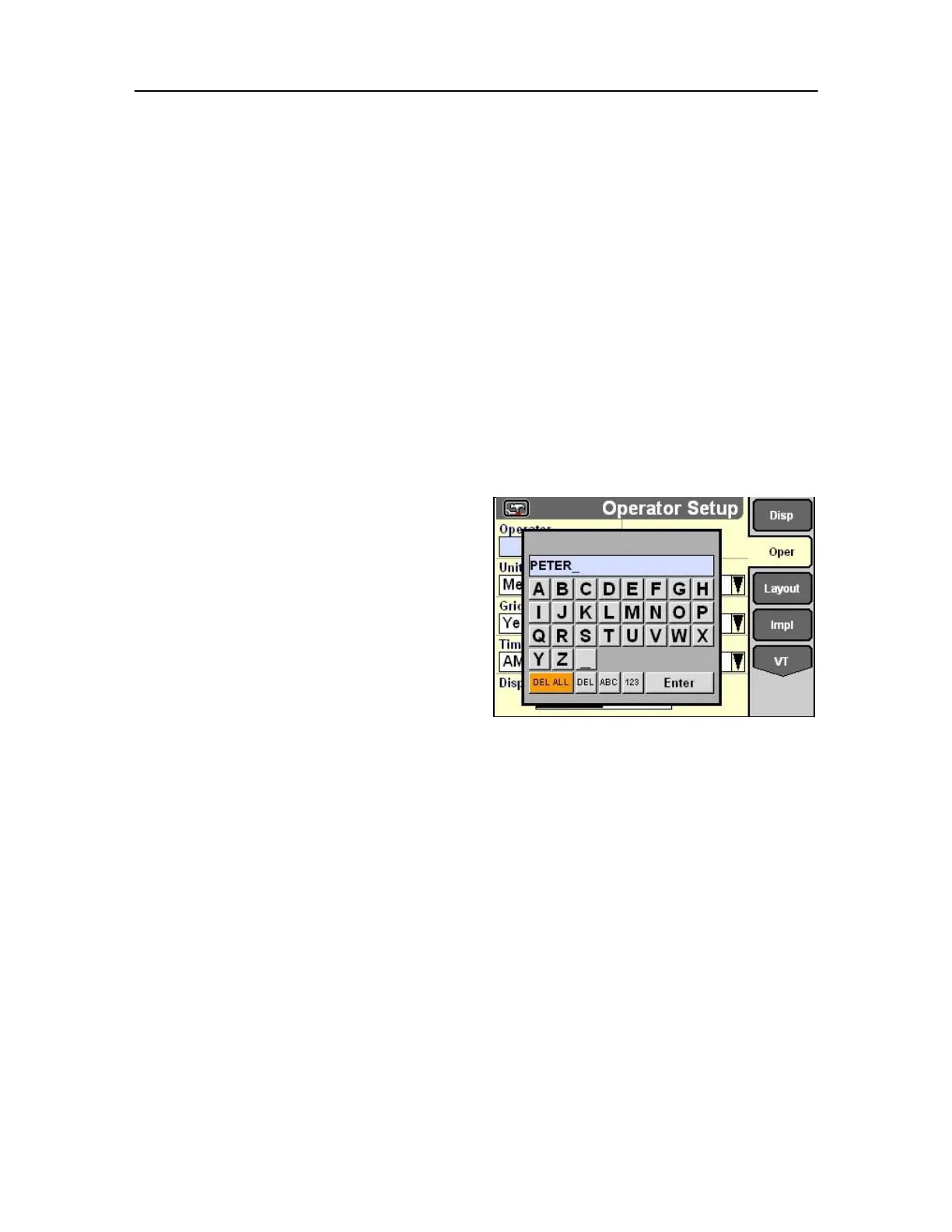
Keypad selections
Use the arrow keys and/or the rotary encoder or touch
screen to navigate through the keypad and highlight
the desired character or number.
Press Select to choose a character for the name or a
number for the value.
When complete, select Enter on the keypad to save
the name or value. The keypad will disappear and the
field will display the newly created name or value.
Press Escape to exit without making a change.
Touch screen selections
Instead of a keypad simply touch the screen to
choose a character for the name or a number for the
value.
When complete, select Enter on the screen to save
the name or value. The keypad will disappear and the
field will display the newly created name or value.
Special keys
• Select DEL(ete) ALL to clear the current entry in
the keypad.
• Select DEL(ete) to clear the previous character or
number.
• Select ABC to toggle between the uppercase and
lowercase letter screens in some applications
and between the alphabet and number screens
in other applications.
• Select 123 to toggle between the numeric/special
character and alphabet screens.
78
• Select ENTER to confirm an input.
• Select the back arrow to move the cursor one
location to the left.
• Select the forward arrow to move the cursor one
location to the right.



 To Next Page