SECTION 2 - CONTROLS, INSTRUMENTS AND OPERATION
2ï53
NOTE: It is shown in this manual simply for guidance as to
what the monitor is capable of, beyond the baler
functions.
The ISOBUS run screen will pop-up whenever the monitor
starts. If you want the baler screen at start-up choose the
baler to run in screen 1.
Set Run 1 screen to 2x6 and VT 2x6.
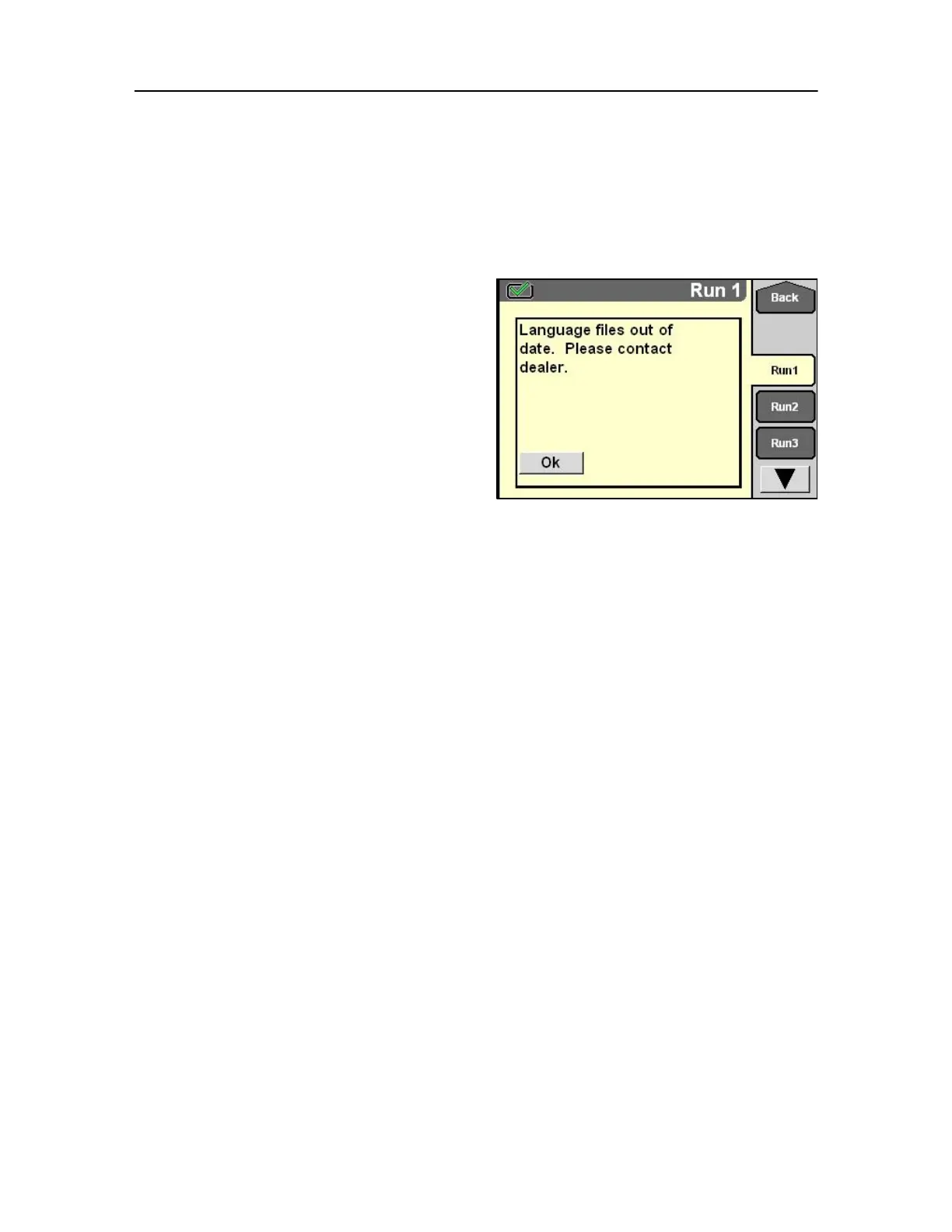
When new software is downloaded and the existing
language memory is not updated this message may
appear.
Consult your dealer for more information.
103



 To Next Page