SECTION 2 - CONTROLS, INSTRUMENTS AND OPERATION
2ï37
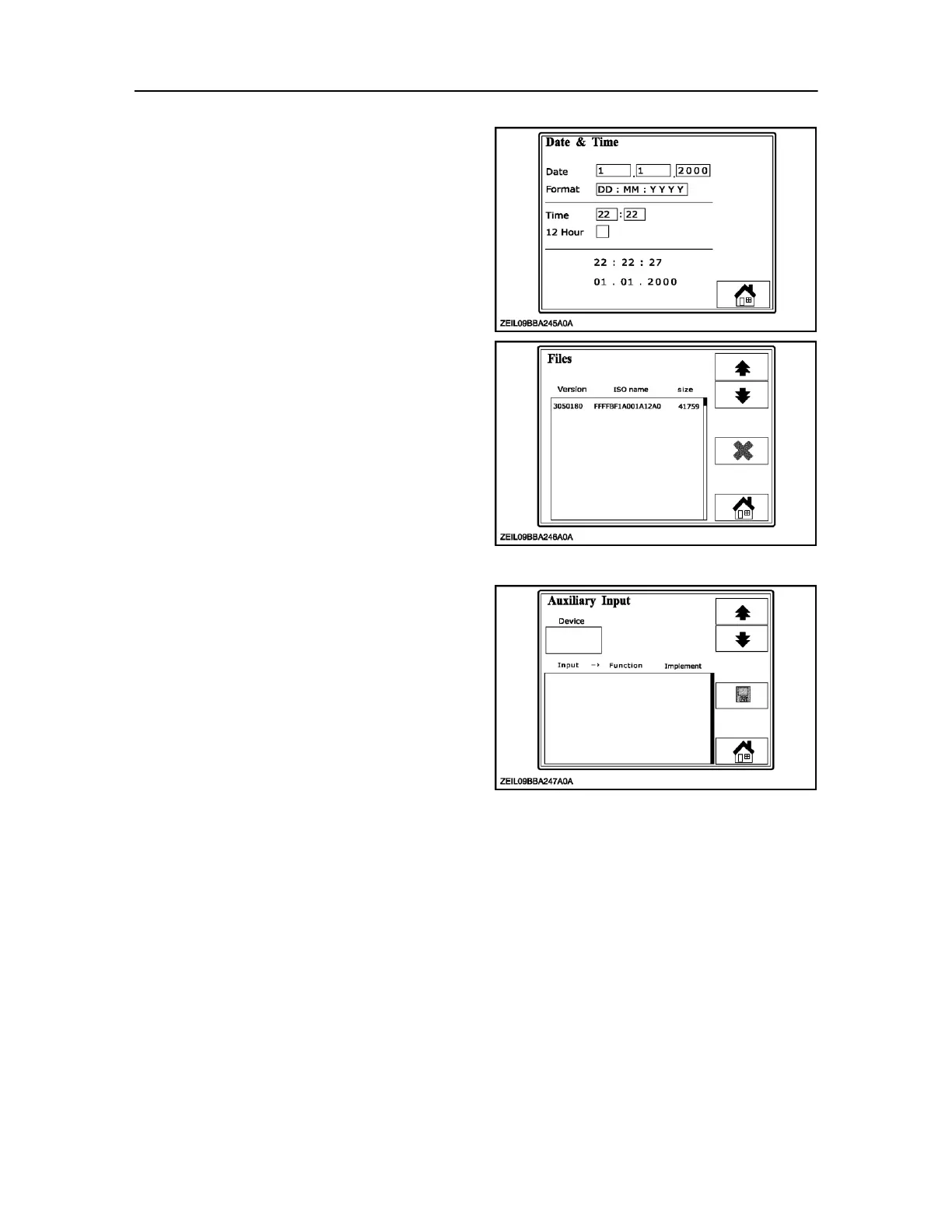
In this screen the operator can select and adjust:
Date
Date format
Time
12 / 24 hr display
NOTE: The clock is powered by an internal battery, should
this ever need to be replaced consult your dealer. The
monitors are sealed units and any warranty would be
invalid if the seals are broken. If the battery is flat all data
stored in the controller will
have a date stamp of 0/0/0000. 63 Files screen
This screen displays the downloaded software and is
not used by the Operator, but will be visual if selected.
64
Auxiliary input screen
It is possible to add tractor auxiliary controls as
discussed in this section but this is not a baler
function.
IMPORTANT: Auxiliary control function is only available
where an ISOBUS compliant tractor is attached.
65
Screens controlled by the implement



 To Next Page