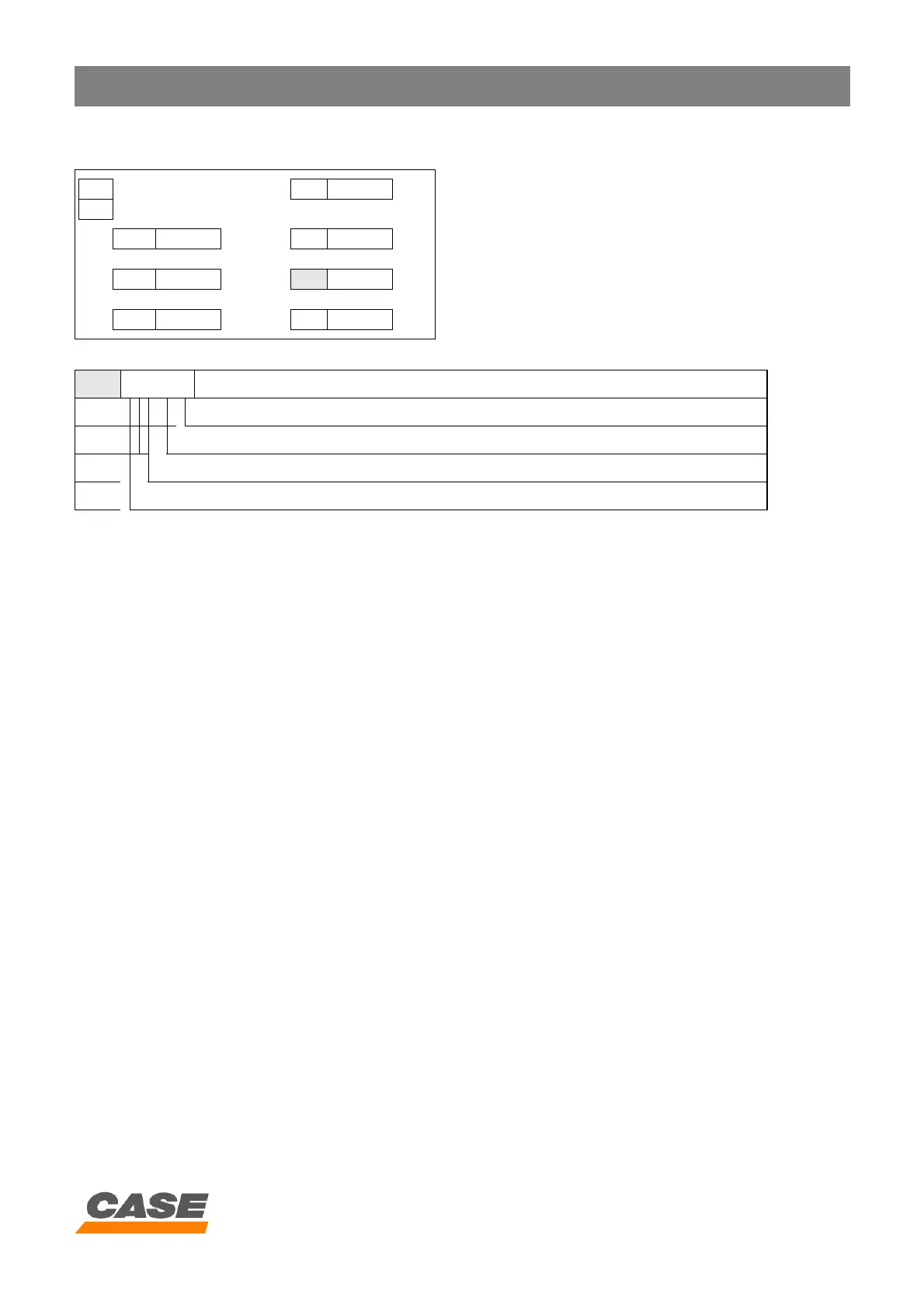
DIAGNOSTIC - SELECTION
4 - 13
CASE TRAINING CENTER
AUGUST 2000
6. Data management
A. Select window HLD (see NOTE on page 60).
B. To set data management, press the travel mode switch until the required figure appears (each time the travel mode
switch is pressed the figures scroll down in the following order: 0000, 0001, 0010, 0011, 0100, 0101 ... up to 1100,
1101, 1110, 1111, 0000).
C. To save the settings, press the work mode switch for 10 seconds. The audible warning device sounds when saving
is completed.
D. Turn the starter key switch to the OFF position.
RST MODE 2 H PA 0000
1
BRK 0000 rpm AU 0000
L/M 0000 rpm
HLD 0000
AI 0000 sec OUT 0000
0 = Maintain previous data
1 = Re-initialisation of data
HLD 0000
Auto mode
Work mode
Travel mode
Hourmeter maintenance (0 = ON, 1 = OFF)



 To Next Page