4 - 12
DIAGNOSTIC - SELECTION
CASE TRAINING CENTER
AUGUST 2000
3. Setting the automatic return to idle timing
A. Select window AI.
B. Press the travel mode switch as many times as
necessary to obtain the required time delay. The
setting must be between 1 and 30 seconds.
C. To save the time delay, press the work mode switch
for 10 seconds. The audible warning device sounds
when saving is completed.
D. Turn the starter key switch to the OFF position.
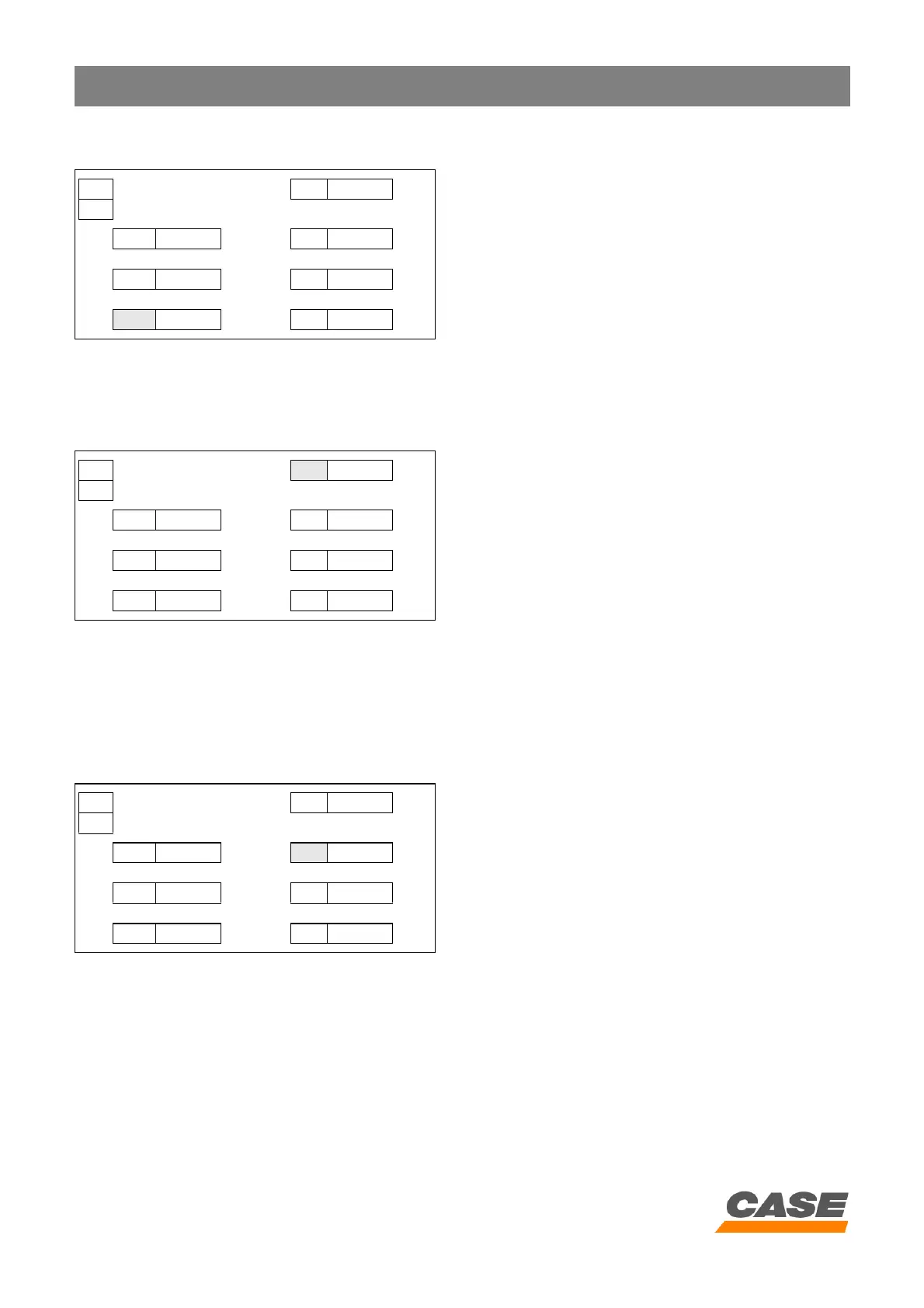
Example:
In the above screen, the automatic return to idle time delay is set at 10 seconds.
4. Selecting the type of supply to the fuel injection pump
A. Select window PA .
B. To select the type of supply to the fuel injection pump,
press the travel mode switch (the right-hand figure
changes alternately from 0 to 1 with each pressure of
the travel mode switch).
C. To save the selection, press the work mode switch for
10 seconds. The audible warning device sounds
when saving is completed.
D. Turn the starter key switch to the OFF position.
Example:
In the above screen, the type of supply to the fuel injection pump is in low power mode.
5. Selecting automatic power boost
A. Select window AU.
B. To activate or de-activate automatic power boost,
press the travel mode switch (the right-hand figure
changes alternately from 0 to 1 with each pressure of
the travel mode switch).
C. To save the selection, press the work mode switch for
10 seconds. The audible warning device sounds
when saving is completed.
D. Turn the starter key switch to the OFF position.
RST MODE 2 H PA 0000
1
BRK 0000 rpm AU 0000
L/M 0000 rpm HLD 0000
AI 0010 sec OUT 0000
RST MODE 2 H PA 0001
1
BRK 0000 rpm AU 0000
L/M 0000 rpm HLD 0000
AI 0000 sec OUT 0000
0 = Normal mode
1 = Low power mode
RST MODE 2 H PA 0000
1
BRK 0000 rpm
AU 0001
L/M 0000 rpm HLD 0000
AI 0000 sec OUT 0000
0 = With power boost
1 = Without power boost



 To Next Page