SECTION 10 -- ENGINE -- CHAPTER 1 9
84176554 -- 03--2008
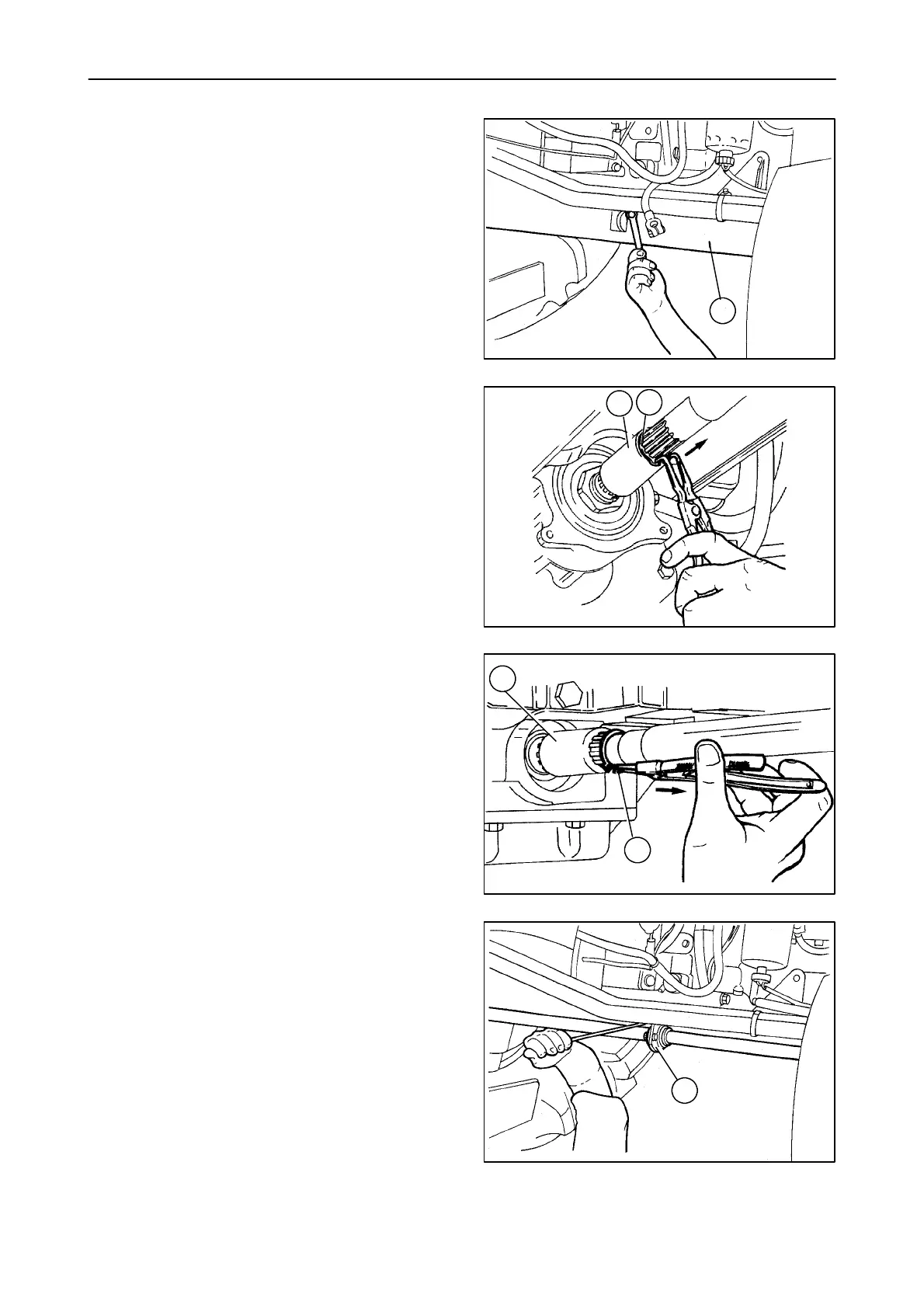
10. Unscrew the front central and rear retaining bolts
on the front axle shaft guard, then remove the
guard (1).
25038
1
8
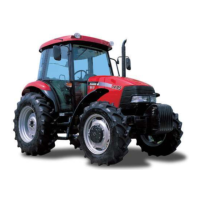
11. Remove the circlip (2) and move the front sleeve
(1) in the direction indicated by the arrow until it
is released from the groove on the front axle.
1
2
25039
9
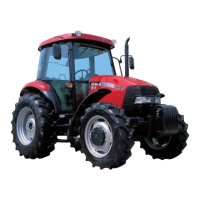
12. Remove the circlip (2) and move the rear sleeve
(1) in the direction indicated by the arrow until it
is released from the groove on the drive.
1
2
25040
10
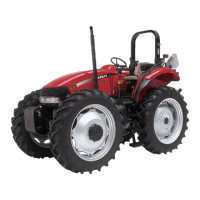
13. Remove the propeller shaft central support (1)
retaining bolts and extract the shaft together with
the support.
1
25041
11


 To Next Page