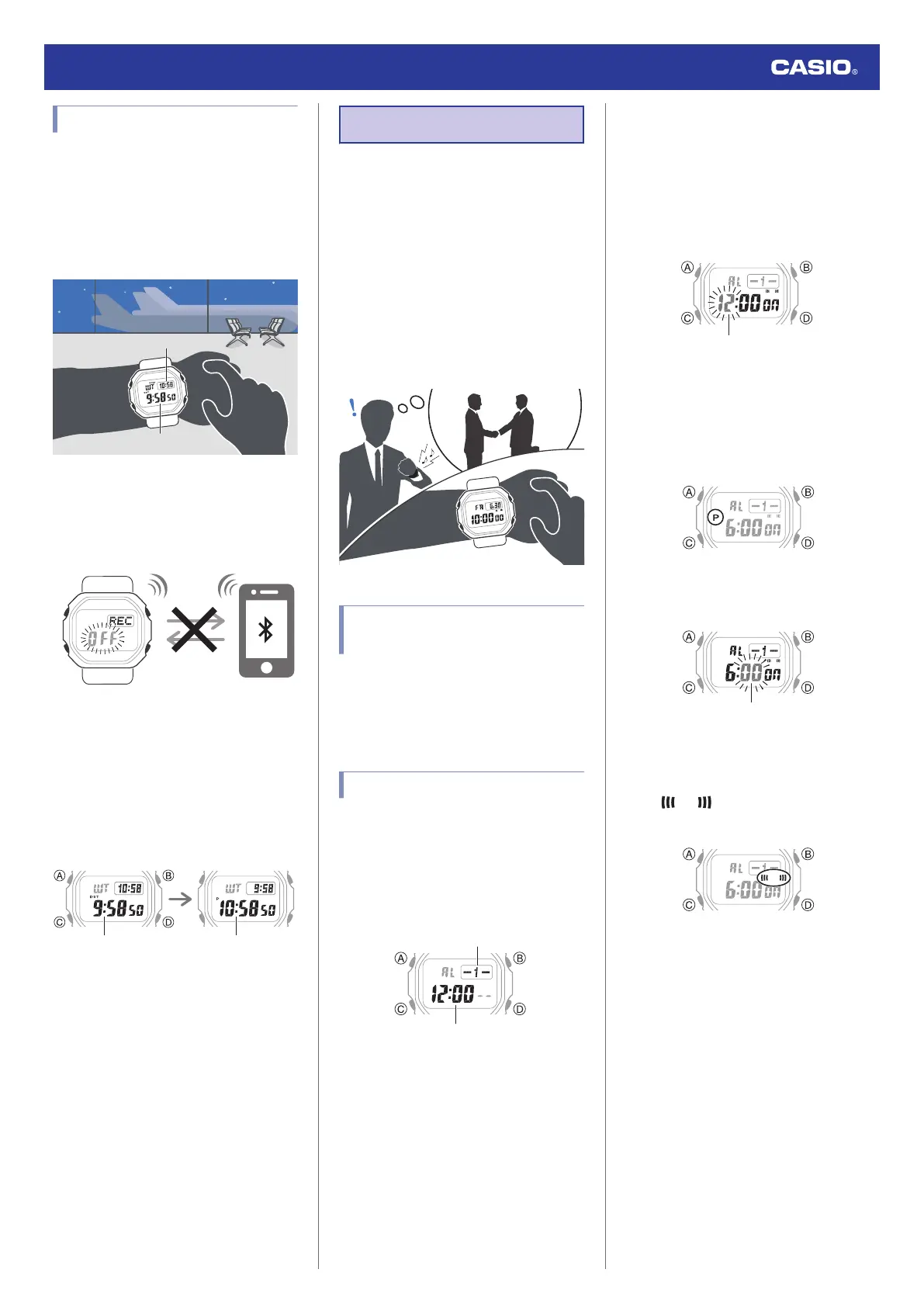
Moving to Another Time Zone
Use the procedure below to easily change day
and time settings of the watch to a destination
location.
●
Before Boarding
1. Configure the World Time to the current
time at your destination.
Destination time
Current time
l
Using CASIO WATCHES to Configure
Settings
l
Using Watch Operations to Configure
Settings
2. Disable auto time adjustment.
l
Using the Watch in a Medical Facility or
Aircraft
●
After Arriving
1. Swap the origin time zone time with the
destination time zone time.
After swappingBefore swapping
World Time
Destination
World Time
Origin
l
Using CASIO WATCHES to Configure
Settings
l
Using Watch Operations to Configure
Settings
2. Enable auto time adjustment.
l
Using the Watch in a Medical Facility or
Aircraft
3. Correct the time setting.
l
Triggering Immediate Time Correction
Alarm
The watch will beep when the alarm time is
reached. You can configure up to four
standard daily alarms, and one daily alarm
with snooze. The hourly time signal causes the
watch to beep every hour on the hour.
●
Snooze causes the alarm to sound up to
seven times, at five-minute intervals.
●
The alarm sound is muted in the cases
described below.
ー
When battery power is low
ー
When watch is at Level 2 power saving
l
Power Saving Function
Using CASIO WATCHES to
Configure Alarm Settings
If the watch is paired with a phone, you can
also use the CASIO WATCHES phone app to
set alarms.
l
Configuring Watch Settings
Configuring Alarm Settings
1. Enter the Alarm Mode.
l
Navigating Between Modes
2. Use (D) to display the alarm screen (alarm
number [1] to [4] or [SNZ]) whose setting
you want to change.
3. Hold down (A) for at least two seconds.
Release the button when the hours digits
start to flash.
●
While the setting is being configured,
the watch will exit the setting operation
automatically after about two or three
minutes of non-operation.
4. Use (B) and (D) to change the hour setting.
●
Holding down (B) or (D) scrolls through
settings at high speed.
●
If you are using 12-hour timekeeping,
[P] indicates p.m.
5. Press (C).
This causes the minutes digits to flash.
6. Use (B) and (D) to set the minute setting.
7. Press (A) to exit the setting screen.
●
(alarm) is shown on the
display while an alarm is turned on.
Watch Operation Guide 3539
18


 To Next Page