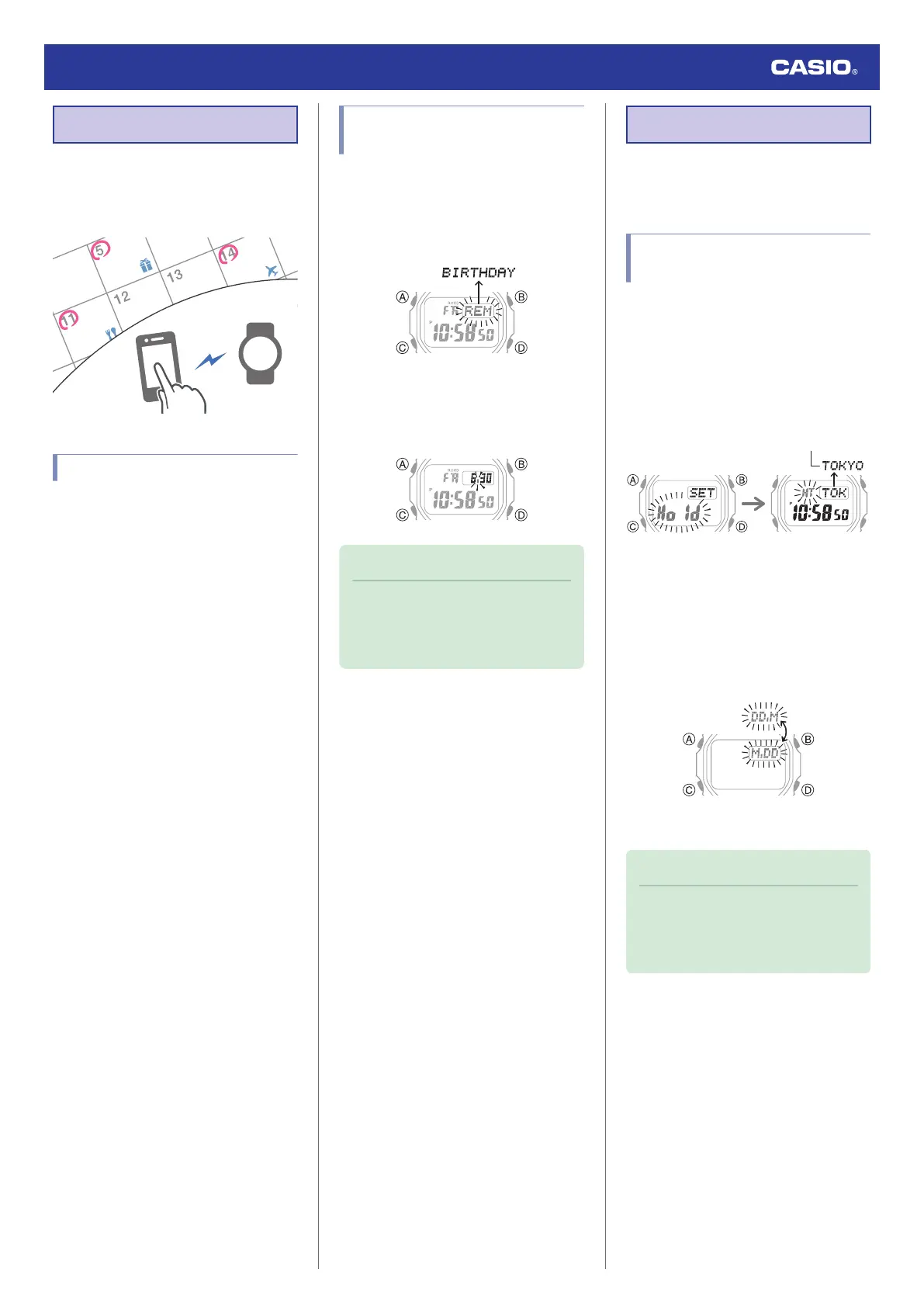
Reminder
After you create a reminder for an
appointment, anniversary, or some other
event you don’t want to forget, the watch will
remind you when that day arrives.
Creating a Reminder
Use CASIO WATCHES to create reminders.
●
To use CASIO WATCHES, you first need to
pair your watch with a phone.
l
Getting Ready
●
If the watch is already paired with a phone,
use CASIO WATCHES to create reminders.
l
Configuring Reminder Settings
Checking Reminder
Notifications
[REM] flashes on the display during a day
when there is an anniversary or event that was
created with the CASIO WATCHES phone
app. Pressing (A) will display the title assigned
to the reminder.
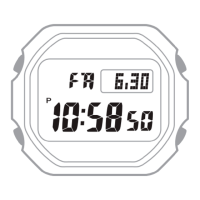
After the title is displayed once, the date of the
reminder will appear with the dot between the
month and day flashing. Pressing (A) while the
dot is flashing will display the title again.
Note
●
If you turn on display illumination on a
reminder date, the display light will
flash red for a few seconds after
illumination automatically turns off.
Other Settings
This section explains other watch settings you
can configure.
Changing the Date Display
Format
1. Enter the Timekeeping Mode.
l
Navigating Between Modes
2. Hold down (A) for at least two seconds.
Release the button when the name of the
currently selected Home City appears on
the display.
3. Press (C) nine times.
This displays a screen for selecting the
date display format.
4. Press (D) to select a date display format.
[M.DD]: Month, day
[DD.M]: Day, month
5. Press (A) to exit the setting screen.
Note
●
While the setting is being configured,
the watch will exit the setting operation
automatically after about two or three
minutes of non-operation.
Watch Operation Guide 3539
22


 To Next Page