18. Press (B) to complete the setting
operation.
After the setting operation is complete,
[SETTING COMPLETED] will appear for
a few seconds, and then the time
adjustment screen will re-appear.
19. Press (D) twice to exit the setting screen.
Note
●
To exit the current time setting
operation at any point, press (D) and
advance to step 17.
●
The watch exits the setting operation
automatically after about two or three
minutes of non-operation.
●
Switching between 12-hour and 24-
hour Timekeeping
You can specify either 12-hour format or 24-
hour format for the time display.
1. Enter the Timekeeping Mode.
l
Navigating Between Modes
2. Hold down (A) for at least two seconds.
This displays the Timekeeping Mode
setting screen.
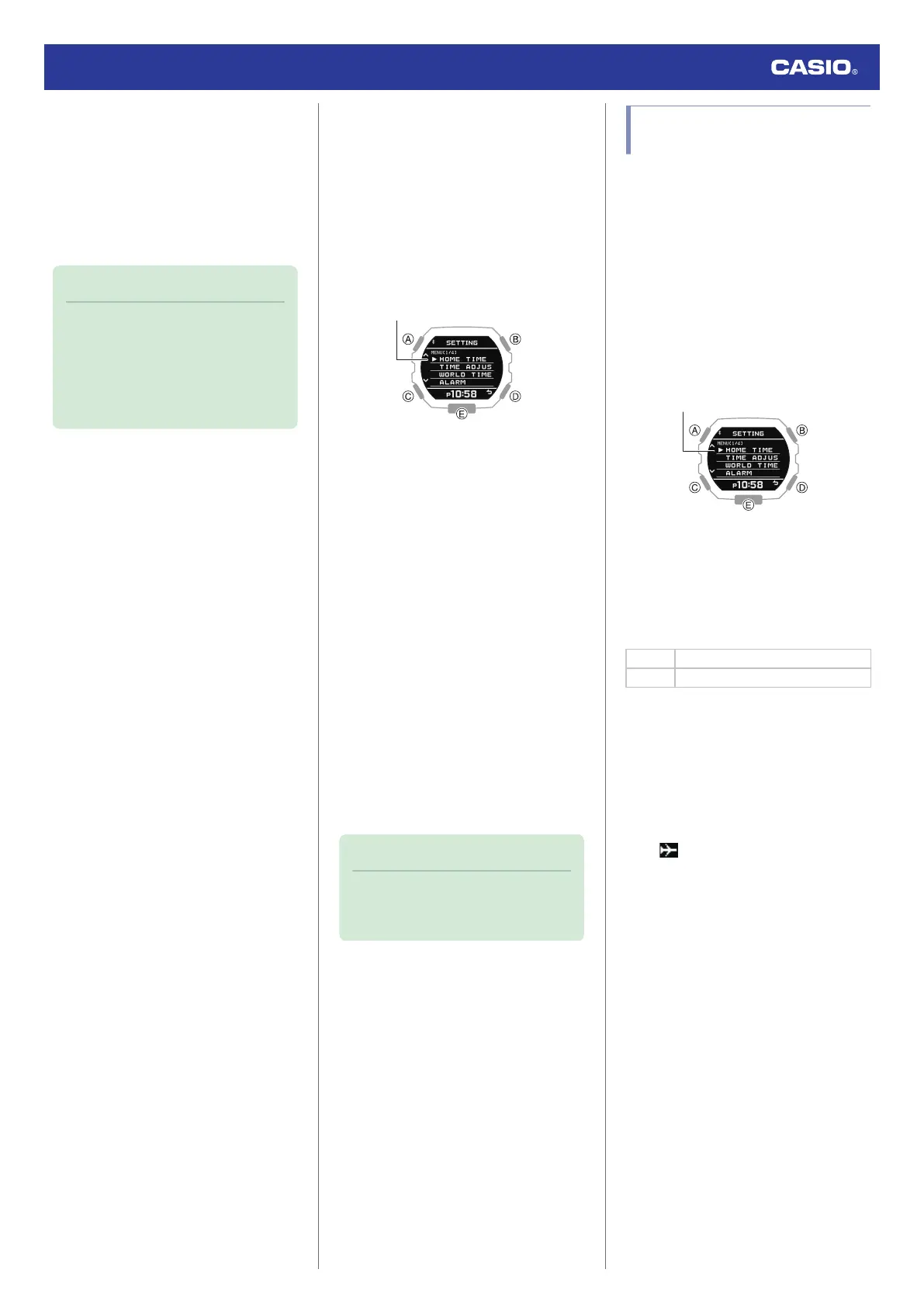
3. Use (A) and (C) to move the pointer to
[TIME ADJUSTMENT].
4. Press (B).
5. Use (A) and (C) to move the pointer to
[12/24H].
6. Press (B).
7. Use (A) and (C) to select [12H] (12-hour
timekeeping) or [24H] (24-hour
timekeeping).
8. Press (B) to complete the setting
operation.
After the setting operation is complete,
[SETTING COMPLETED] will appear for
a few seconds, and then the time
adjustment screen will re-appear.
9. Press (D) twice to exit the setting screen.
●
While 12-hour timekeeping is selected,
[P] will be displayed for p.m. times.
Note
●
The watch exits the setting operation
automatically after about two or three
minutes of non-operation.
Using the Watch in a Medical
Facility or Aircraft
Whenever you are in a hospital, on an aircraft,
or in any other location where connection with
a phone may cause problems, you can
perform the procedure below to disable auto
time correction. To re-enable auto time
correction, perform the same operation again.
1. Enter the Timekeeping Mode.
l
Navigating Between Modes
2. Hold down (A) for at least two seconds.
This displays the Timekeeping Mode
setting screen.
3. Use (A) and (C) to move the pointer to
[AIRPLANE MODE].
4. Press (B).
5. Use (A) and (C) to select an Airplane
Mode setting.
[OFF] Exits Airplane Mode.
[ON] Enables Airplane Mode.
6. Press (B) to complete the setting
operation.
After the setting operation is complete,
[SETTING COMPLETED] will appear for
a few seconds, and then the Timekeeping
Mode setting screen will re-appear.
7. Press (D) to exit the setting screen.
●
is displayed while the watch is in the
Airplane Mode.
Watch Operation Guide 3568
22



 To Next Page