Using Watch Operations to
Correct the Time Setting
If your watch cannot connect with a phone for
some reason, you can use watch operations
to adjust date and time settings.
●
Setting a Home City
Use the procedure in this section to select a
city to use as your Home City.
1. Enter the Timekeeping Mode.
l
Navigating Between Modes
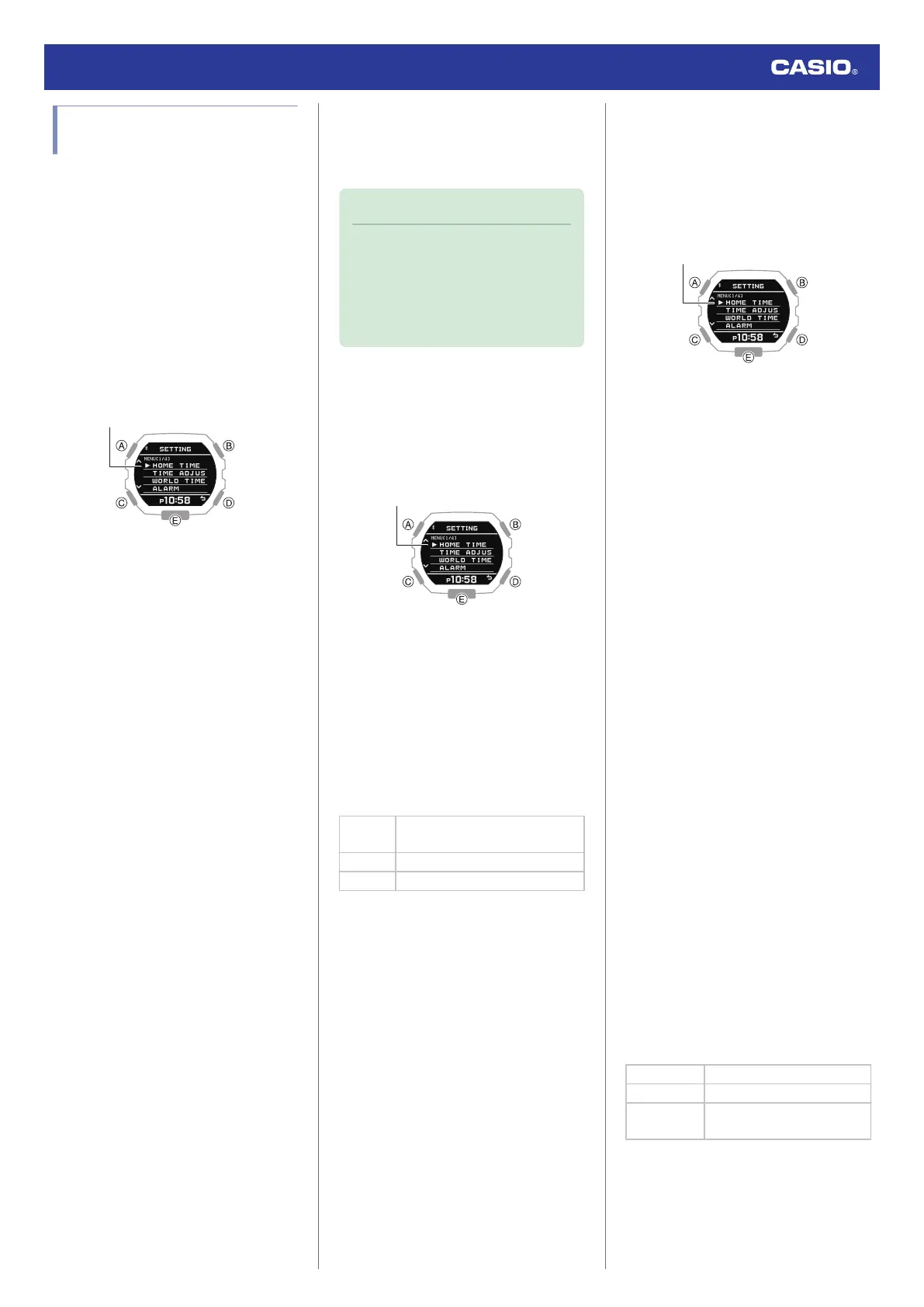
2. Hold down (A) for at least two seconds.
This displays the Timekeeping Mode
setting screen.
3. Use (A) and (C) to move the pointer to
[HOME TIME].
4. Press (B).
5. Use (A) and (C) to move the pointer to
[CITY].
6. Press (B).
7. Use (A) and (C) to move the pointer to the
city you want to use as your Home City.
8. Press (B) to complete the setting
operation.
After the setting operation is complete,
[SETTING COMPLETED] will appear for
a few seconds, and then the Home Time
setting screen will re-appear.
9. Press (D) twice to exit the setting screen.
●
Configuring the Summer Time Setting
If you are in an area that observes summer
time, you can also enable or disable summer
time.
Note
●
The initial factory default summer time
setting for all cities is [AT (AUTO)]. In
many cases, [AT (AUTO)] lets you use
the watch without switching manually
between summer time and standard
time.
1. Enter the Timekeeping Mode.
l
Navigating Between Modes
2. Hold down (A) for at least two seconds.
This displays the Timekeeping Mode
setting screen.
3. Use (A) and (C) to move the pointer to
[HOME TIME].
4. Press (B).
5. Use (A) and (C) to move the pointer to
[DST].
6. Press (B).
7. Use (A) and (C) to select a summer time
setting.
[AUTO]
Auto switching between standard
time and summer time
[OFF] Always standard time
[ON] Always summer time
8. Press (B) to complete the setting
operation.
After the setting operation is complete,
[SETTING COMPLETED] will appear for
a few seconds, and then the Home Time
setting screen will re-appear.
9. Press (D) twice to exit the setting screen.
●
To correct the time manually
1. Enter the Timekeeping Mode.
l
Navigating Between Modes
2. Hold down (A) for at least two seconds.
This displays the Timekeeping Mode
setting screen.
3. Use (A) and (C) to move the pointer to
[TIME ADJUSTMENT].
4. Press (B).
5. Use (A) and (C) to move the pointer to
[MANUAL].
6. Press (B).
This causes a cursor to appear under the
hour setting.
7. Use (A) and (C) to change the current time
hour setting.
8. Press (B).
This moves the cursor to the minute
setting.
9. Use (A) and (C) to change the current time
minute setting.
10. Press (B).
This moves the cursor to the year setting.
11. Use (A) and (C) to change the year setting.
12. Press (B).
This moves the cursor to the month
setting.
13. Use (A) and (C) to change the month
setting.
14. Press (B).
This moves the cursor to the day setting.
15. Use (A) and (C) to change the day setting.
16. Press (B).
17. Use (A) and (C) to select whether or not
you want to save your current settings.
[YES] Saves current settings.
[NO] Discards current settings.
[RETURN]
Returns to the hour setting
screen.
Watch Operation Guide 3568
21



 To Next Page