5. Use (A) and (C) to move the pointer to
[DST].
6. Press (B).
7. Use (A) and (C) to select a summer time
setting.
[AUTO]
The watch switches between
standard time and summer time
automatically.
[OFF]
The watch always indicates
standard time.
[ON]
The watch always indicates
summer time.
8. Press (B) to complete the setting
operation.
After the setting operation is complete,
[SETTING COMPLETED] will appear for
a few seconds, and then the World Time
setting screen will re-appear.
9. Press (D) twice to exit the setting screen.
Note
●
The initial factory default summer time
setting for all cities is [AT (AUTO)]. In
many cases, [AT (AUTO)] lets you use
the watch without switching manually
between summer time and standard
time.
●
While [UTC] is selected as the city, you
will not be able to change or check the
summer time setting.
Alarm
The watch performs a beep or vibration alert
when an alarm time is reached. You can set
up to four different alarms.
●
The sound and/or vibration alert operations
will not be performed while battery power is
low.
●
When snooze is enabled for an alarm, it
sound every five minutes up to seven times.
Using the G-SHOCK MOVE
Phone App to Configure
Alarm Settings
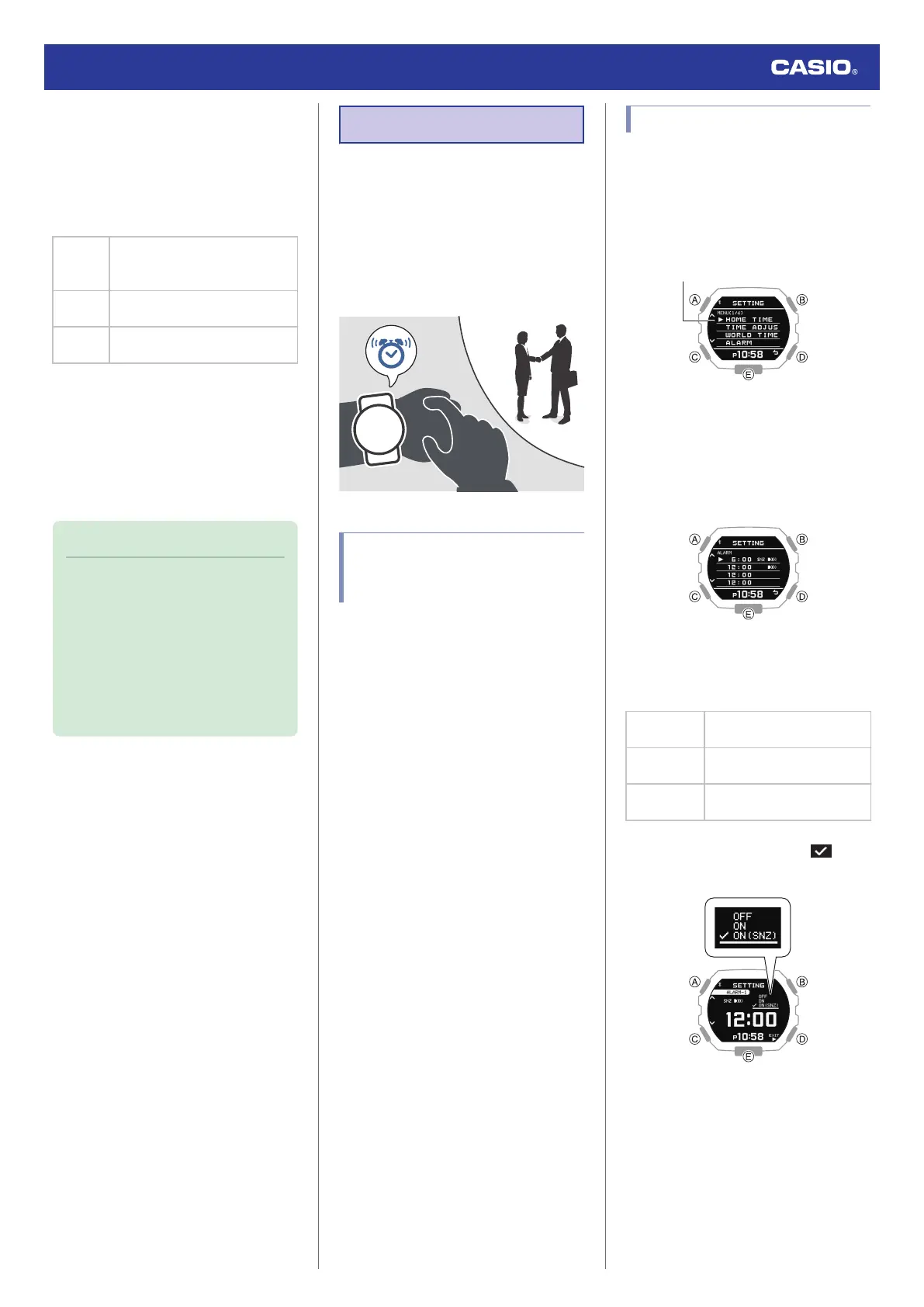
If the watch is paired with a phone, you can
also use the G-SHOCK MOVE phone app to
set alarms.
l
Setting the Alarm
Configuring Alarm Settings
1. Enter the Timekeeping Mode.
l
Navigating Between Modes
2. Hold down (A) for at least two seconds.
This displays the Timekeeping Mode
setting screen.
3. Use (A) and (C) to move the pointer to
[ALARM].
4. Press (B).
5. Use (A) and (C) to move the pointer to the
alarm you want to set.
6. Press (B).
7. Use (A) and (C) to select an alarm and
snooze function ON/OFF setting.
[OFF]
Disables alarm, disables
snooze
[ON]
Enables alarm, disables
snooze
[ON (SNZ)]
Enables alarm, enables
snooze
●
The currently selected setting will be
indicated by a check mark ( ) to the
left.
8. Press (B).
Watch Operation Guide 3568
24



 To Next Page