Setting the Alarm
Check the connection
●
Make sure that the
e
symbol is shown on
the watch display when you perform the
procedure below.
●
If
e
is not displayed, refer to the
information at the link below.
l
Connecting with a Phone
1.
Y
Tap the “G-SHOCK MOVE” icon.
2.
Y
On the menu bar, tap “More”.
3.
Y
Tap “Watch”.
4.
Y
Select your preferred watch.
5.
Y
Select the setting you want to change
and then perform the operation shown on
the screen.
Phone Finder
You can use phone finder to trigger a tone on
a paired phone to make the phone easier to
locate. The phone finder tone sounds even if
your phone is in vibrate mode.
Important!
●
Phone finder will not sound the tone
unless the G-SHOCK MOVE phone
app is running on the phone.
●
Do not use this function in areas where
phone call tones are restricted.
●
The tone sounds at a high volume. Do
not use this function when listening to
phone output over earphones.
1.
X
Enter the Timekeeping Mode.
l
Navigating Between Modes
2.
X
Hold down (A) for at least two seconds.
This displays the Timekeeping Mode
setting screen.
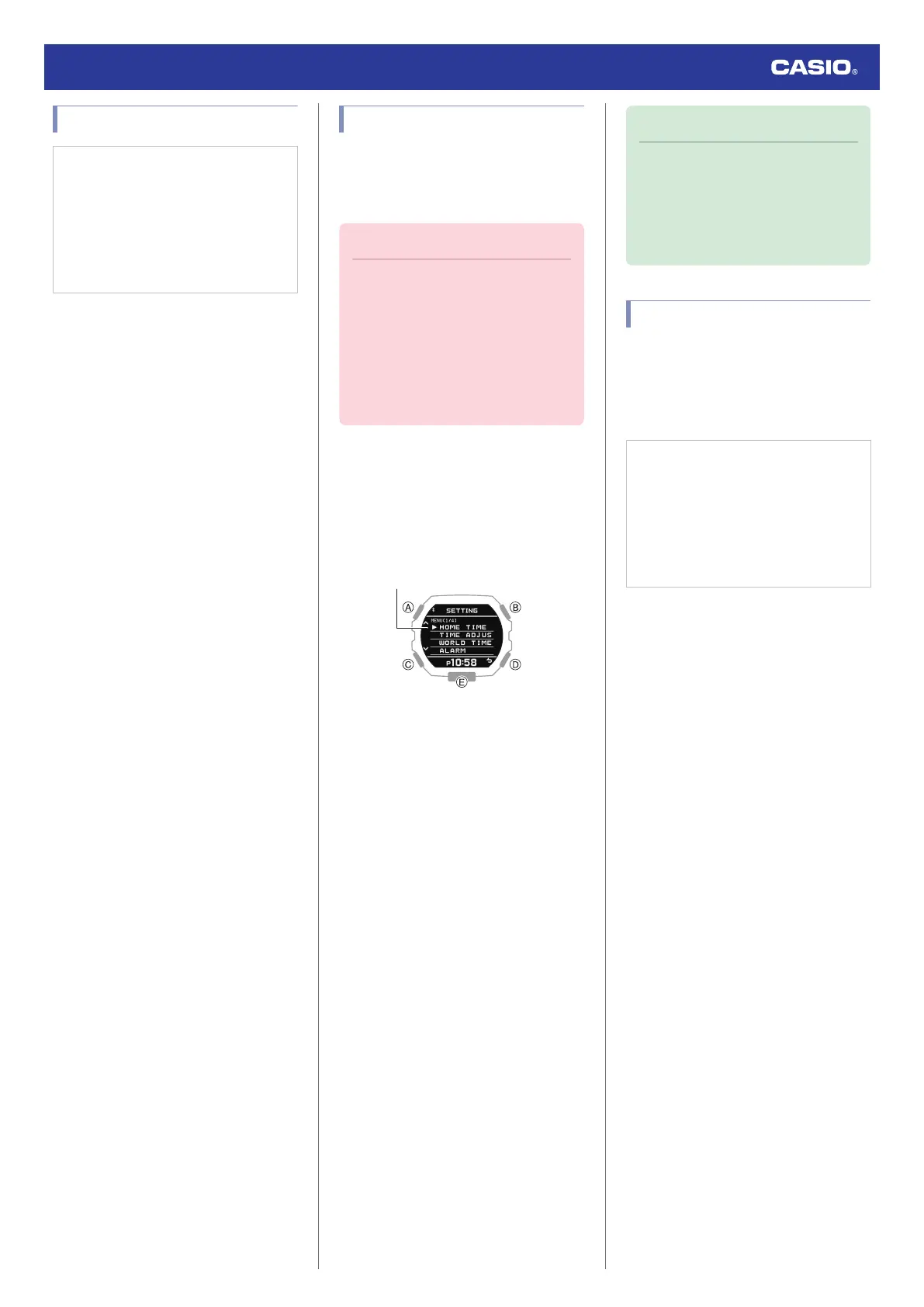
3.
X
Use (A) and (C) to move the pointer to
[PHONE FINDER].
4.
X
Press (B).
5.
X
Use (A) and (C) to move the pointer to
[EXECUTE].
6.
X
Press (B).
This will establish a connection between
the watch and phone, and sound the
phone’s ringtone.
●
It will take a few seconds before the
phone tone sounds.
7.
X
Press any button to stop the tone.
●
You can press any watch button to stop
the phone tone only during the first 30
seconds after it starts to sound.
Note
●
Connection with your phone is not
possible while the watch’s Airplane
Mode is enabled. To connect with your
phone, disable the Airplane Mode.
l
Using the Watch in a Medical
Facility or Aircraft
Configuring Watch Settings
After establishing a connection between the
watch and a phone, you can use the G-
SHOCK MOVE phone app to configure watch
settings and to view information acquired by
the watch.
Check the connection
●
Make sure that the
e
symbol is shown on
the watch display when you perform the
procedure below.
●
If
e
is not displayed, refer to the
information at the link below.
l
Connecting with a Phone
1.
Y
Tap the “G-SHOCK MOVE” icon.
2.
Y
On the menu bar, tap “More”.
3.
Y
Tap “Watch”.
4.
Y
Select your preferred watch.
5.
Y
Select the setting you want to change
and then perform the operation shown on
the screen.
Watch Operation Guide 3568
17



 To Next Page