Setting Up Programmable
Timers
You can use G-SHOCK MOVE to configure
programmable timer settings and create a
group of multiple timers.
●
For information about programmable
timers, refer to the information at the link
below.
l
Overview
Check the connection
●
Make sure that the
e
symbol is shown on
the watch display when you perform the
procedure below.
●
If
e
is not displayed, refer to the
information at the link below.
l
Connecting with a Phone
1.
Y
Tap the “G-SHOCK MOVE” icon.
2.
Y
On the menu bar, tap “More”.
3.
Y
Tap “Watch”.
4.
Y
Select your preferred watch.
5.
Y
Select the setting you want to change
and then perform the operation shown on
the screen.
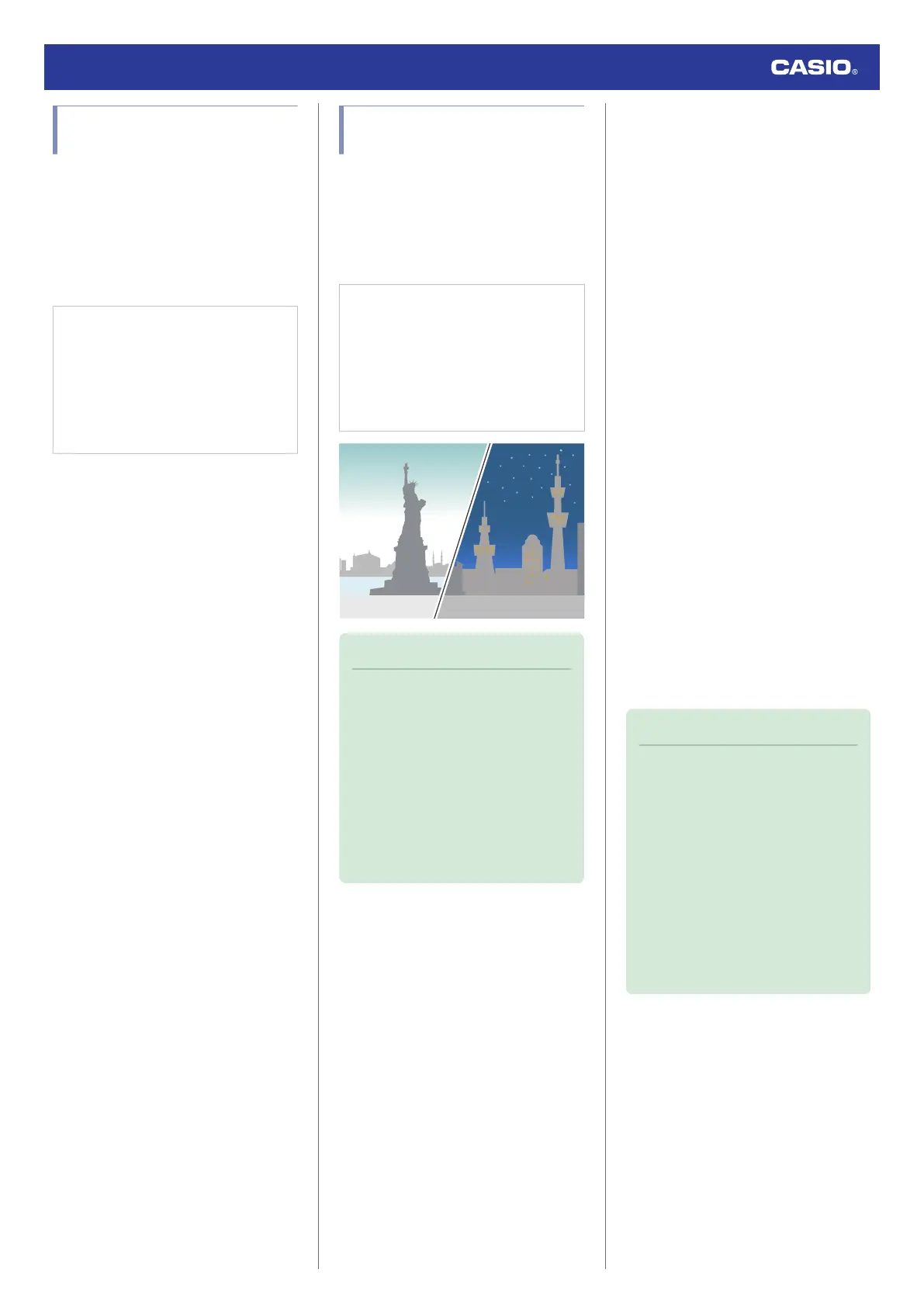
Configuring World Time
Settings
Specifying a World Time City with the G-
SHOCK MOVE phone app causes the watch’s
World Time City to change accordingly.
Settings can be configured to perform auto
summer time switching for the World Time
City.
Check the connection
●
Make sure that the
e
symbol is shown on
the watch display when you perform the
procedure below.
●
If
e
is not displayed, refer to the
information at the link below.
l
Connecting with a Phone
Note
●
The G-SHOCK MOVE phone app
World Time lets you select from among
approximately 300 cities as the World
Time City.
●
You can use the G-SHOCK MOVE
phone app to configure settings for
user cities that are not included in the
watch’s built-in World Time Cities. You
must use the G-SHOCK MOVE phone
app to select a user city as your World
Time City.
●
To select a World Time City
1.
Y
Tap the “G-SHOCK MOVE” icon.
2.
Y
On the menu bar, tap “More”.
3.
Y
Tap “Watch”.
4.
Y
Select your preferred watch.
5.
Y
Select the setting you want to change
and then perform the operation shown on
the screen.
●
Configuring the Summer Time Setting
1.
Y
Tap the “G-SHOCK MOVE” icon.
2.
Y
On the menu bar, tap “More”.
3.
Y
Tap “Watch”.
4.
Y
Select your preferred watch.
5.
Y
Select the setting you want to change
and then perform the operation shown on
the screen.
●
“Auto”
The watch switches between standard
time and summer time automatically.
●
“OFF”
The watch always indicates standard
time.
●
“ON”
The watch always indicates summer
time.
Note
●
While the summer time setting is
“Auto”, the watch will switch between
standard time and summer time
automatically. You do not need to
switch between standard time and
summer time manually. Even if you are
in an area that does not observe
summer time, you can leave the
watch’s summer time setting as “Auto”.
●
For information about summer time
periods, refer to the “Summer Time
Table”.
l
Summer Time Table
Watch Operation Guide 3568
16



 To Next Page