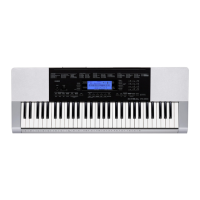
CTK-4200
– 22 –
DIAGNOSTIC PROGRAM
PREPARATION
(1) Connect the AC adaptor.
NOTE: The AC adaptor (AD-E95100L) for the CTK-4200_DI and CTK-4200_UK is sold separately
and does not come with the product. If you do not have the AC adaptor, use six AA-size dry
batteries with enough capacity.
NOTE: “AC ADAPTOR CHECK” cannot be performed unless the AC adaptor is connected.
(2) Turn the main volume to the maximum.
(3) Connect the pedal (SP-3 or SP-20) to the SUSTAIN/ASSIGNABLE jack.
NOTE: SP-3 and SP-20 pedals are sold separately.
“PEDAL CHECK” cannot be performed unless the pedal is connected.
(4) Have a PC and a USB cable ready.
NOTE: “USB CHECK” cannot be performed without a PC and a USB cable.
Operating System: Windows
®
XP (SP2 or later) *
1
Windows Vista
®
*
2
Windows 7
®
*
3
Mac OS
®
X (10.3.9, 10.4.11, 10.5.8 or later, 10.6.6 or later)
*1: Windows XP Home Edition/Windows XP Professional (32 bit)
*2: Windows Vista (32 bit)
*3: Windows 7 (32 bit, 64 bit)
HOW TO START THE DIAGNOSTIC PROGRAM
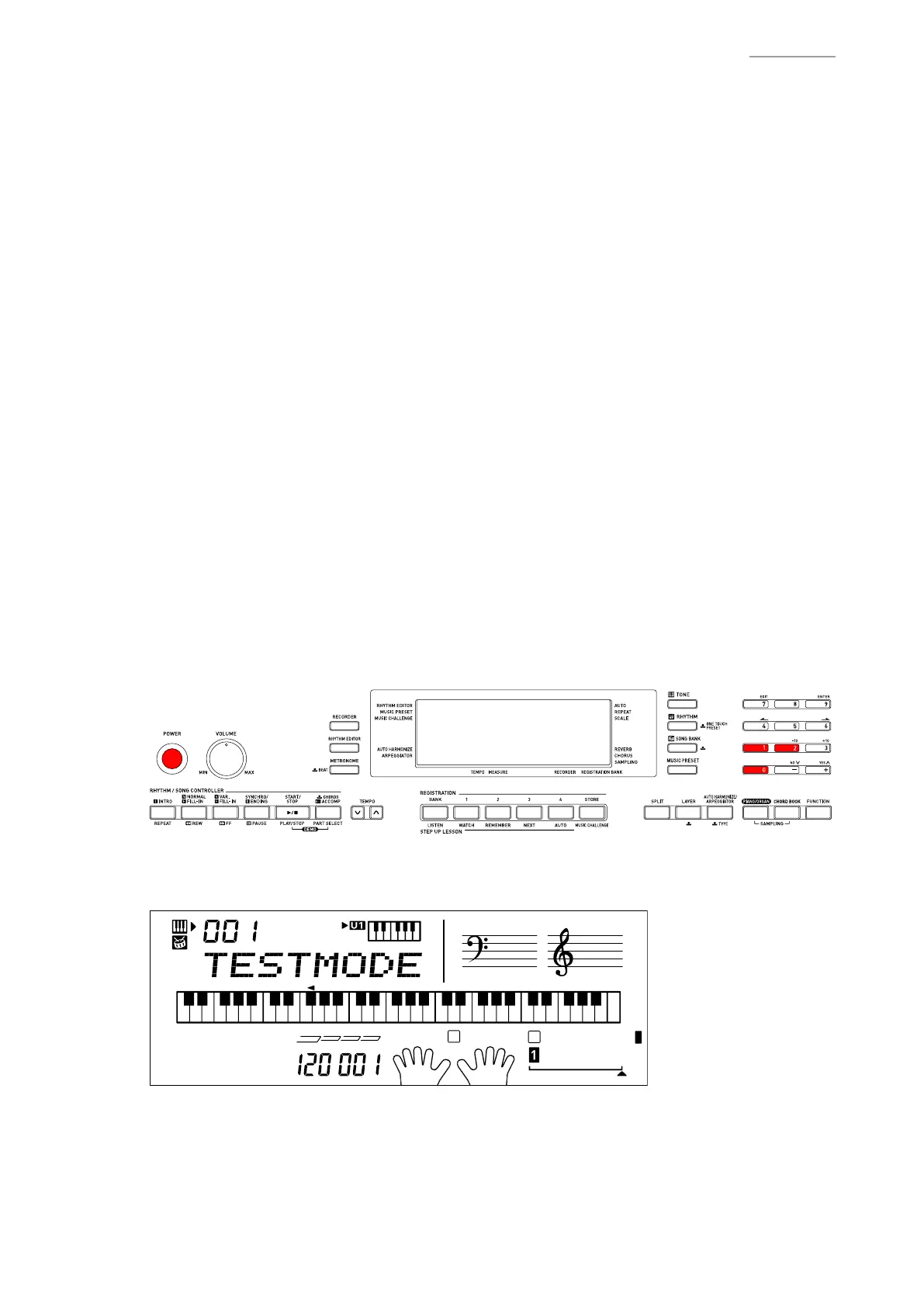
(1) Hold down the “0”, “1” and “2” buttons at the same time, to turn the power ON.
NOTE: Be sure to turn OFF the power when the test is nished.
(2) Release the “0”, “1” and “2”
buttons.
(3) After the diagnostic program is launched, the test mode screen appears.


 To Next Page