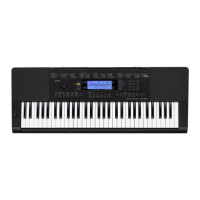
Keyboard Settings
E-70
The tuning feature lets you fine tune the keyboard to match
the tuning of another musical instrument.
1. Press the TRANSPOSE/FUNCTION button.
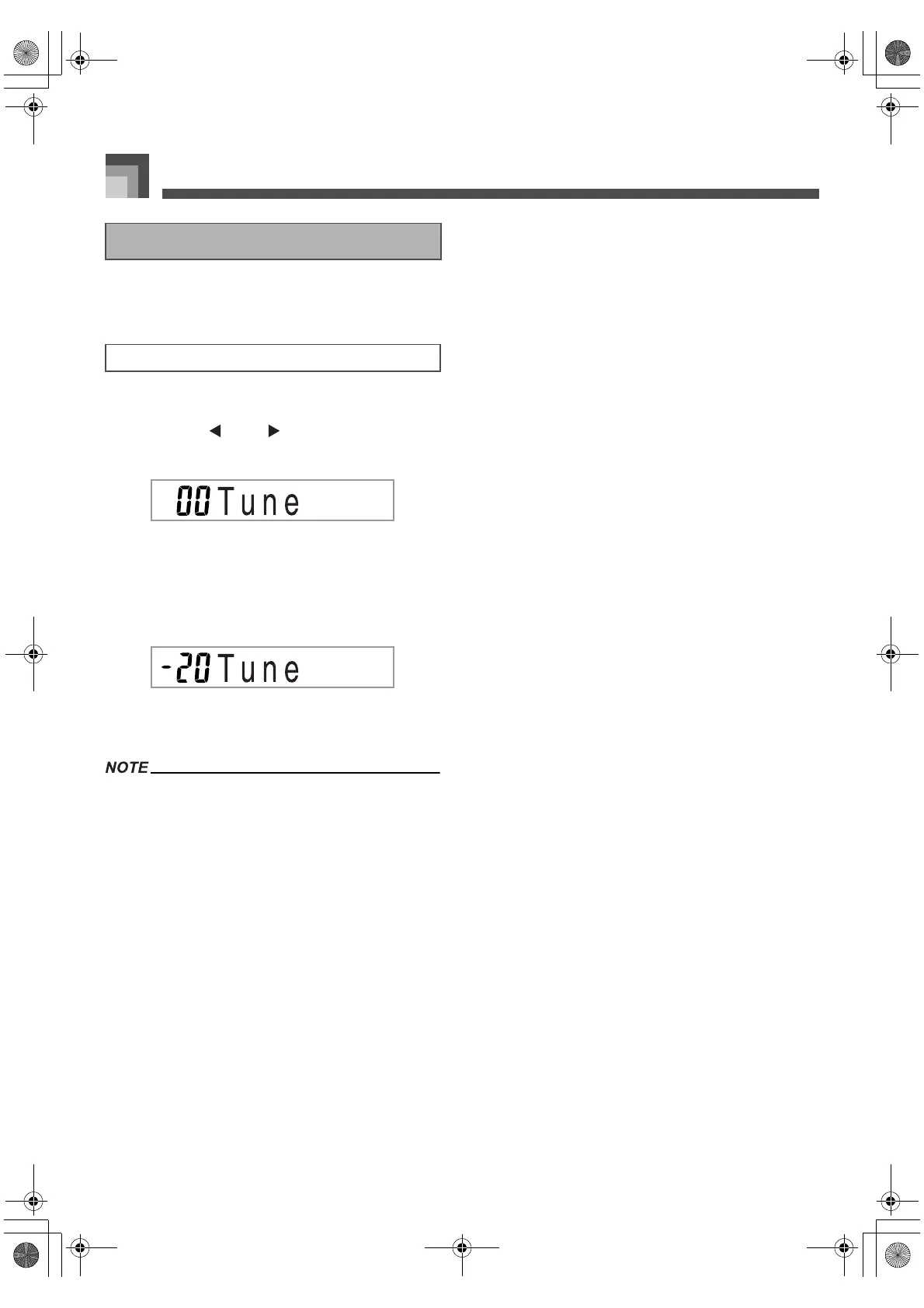
2. Use the [ ] and [ ] CURSOR buttons to
display the tuning screen.
3. Use [+] and [–] to change the tuning setting of
the keyboard.
Example:
To lower the tuning by 20.
Pressing the TRANSPOSE/FUNCTION button
exits the transpose screen.
The keyboard can be tuned within a range of –99 cents to
+99 cents.
* 100 cents is equivalent to one semitone.
The tuning setting also affects playback from song memory
and Auto Accompaniment.
Tuning the Keyboard
To tune the keyboard
705A-E-072A
CTK691E01‑01.book70ページ2003年9月29日 月曜日 午後4時47分


 To Next Page