— 53 —
[ 15 ] External printer print test
[Function]
This test will check the print test for the RS232C I/F printer.
Connect the printer to the COM which is to be tested.
[Operation]
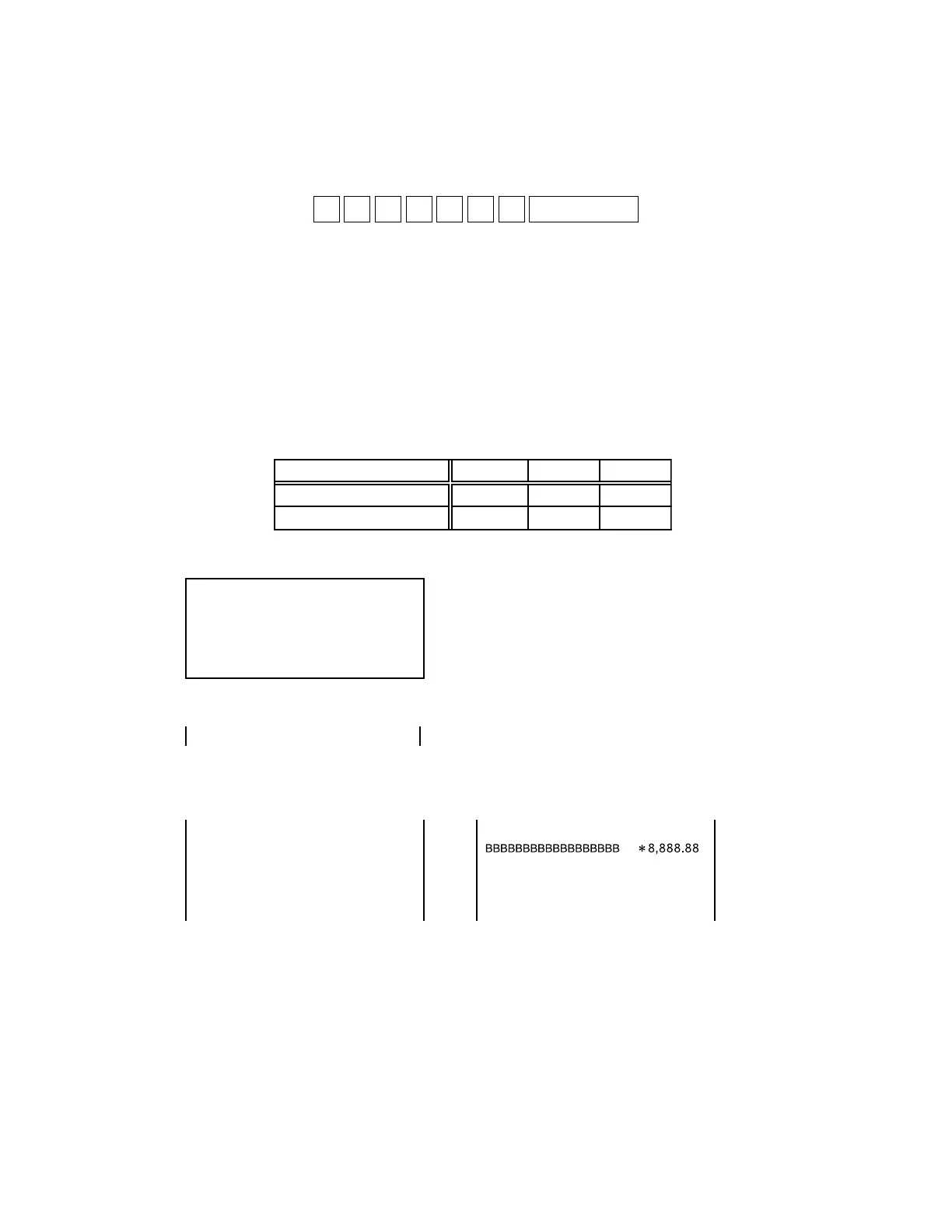
Operation : x1 x2 x3 n 0 3 d SUBTOTAL
X1:Print test pattern
0 = A pattern, 1 = B pattern
X2:Port selection
1 = COM1, 2 = COM2, 3 = COM3, 4 = COM4
X3:Baud rate selection
1 = 4800 bps, 2 = 9600 bps, 3 = 19.2 kbps
n: 0 = One time check (Can be omitted)
not 0 = Continuous check (To stop the test, press “Esc” key)
d: Printer type selection
1 = RJ, 2 = SLIP
Note that some printers cannot use certain baud rates. Refer to the list below.
When changing the baud rate, make sure to change the setting for the printer also.
[LCD]
* When the RJ printer is selected
19.2 Kbps 9600 bps 4800 bps
SLIP PRINTER (SP1300) ✕ ΟΟ
RJ PRINTER (UP250/350) ΟΟΟ
PRT xxxn03d
END xxxn03d
* In case of error
When a printer is not connected
[Print]
Printing pattern is the following 2types.
The number of lines : 40 lines for RJ and 35 lines for SLIP.
NON PRINTER ERR
BBBBBBBBBBBBBBBBBBBBBBBBBBBBB
A pattern B pattern












 To Next Page