— 56 —
[ 18 ] Internal printer dot rate test
[Function]
This test will check the printing of the receipt/journal according to the following specifications.
The printing specification is reflected in 1/2 line and the only specified number of dot lines are printed
in all dots from the 1 dot line.
Note that 1/2 line is printed two times because the printing unit is one line.
[Operation]
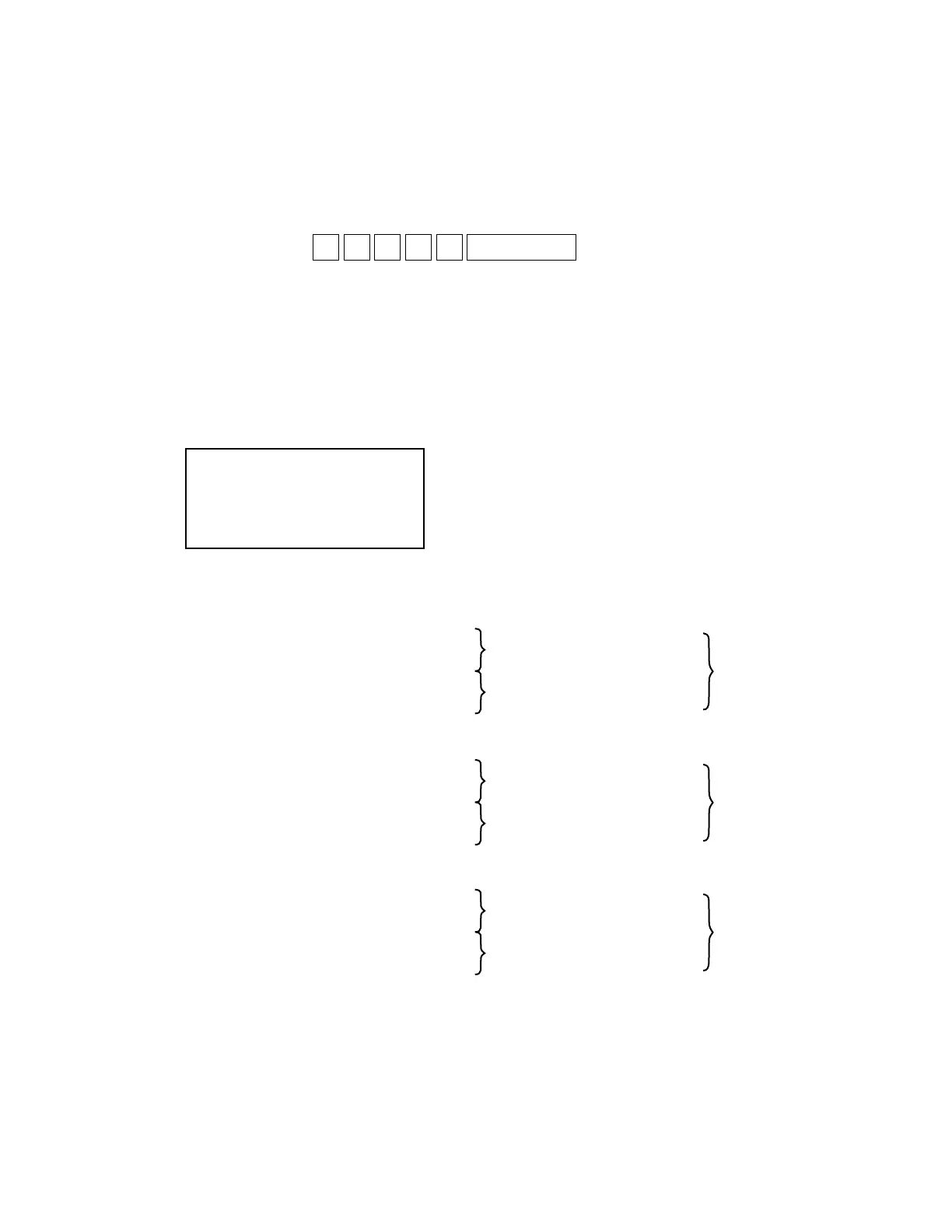
Operation : p n 3 3 d SUBTOTAL
p: 0 = 3 dot line
1 = 5 dot line
2 = 7 dot line
n: 0 = One time check (Can be omitted)
not 0 = Continuous check (To stop the test, press “Esc” key)
d: 3 = prints only receipt
4 = prints only journal
5 = prints both receipt/journal (prints alternately)
[LCD]
[Print]
PRT pn33d
END pn33d
1 3 dot lines
The first 3 dot lines in the 1/2 line ( 14 dot lines) out of one line are printed in all dots.
3 dot lines (printed in all dots)
11 dot lines (no printing)
3 dot lines (printed in all dots)
11 dot lines (no printing)
2 5 dot lines
The first 5 dot lines in the 1/2 line ( 14 dot lines) out of one line are printed in all dots.
5 dot lines (printed in all dots)
9 dot lines (no printing)
5 dot lines (printed in all dots)
9 dot lines (no printing)
3 7 dot lines
The first 7 dot lines in the 1/2 line ( 14 dot lines) out of one line are printed in all dots.
7 dot lines (printed in all dots)
7 dot lines (no printing)
7 dot lines (printed in all dots)
7 dot lines (no printing)
Printing image of 1/2 line
(14 dot lines)
Printing image of 1/2 line
(14 dot lines)
printing image of 1 line
(28 dot lines)
Printing image of 1/2 line
(14 dot lines)
Printing image of 1/2 line
(14 dot lines)
printing image of 1 line
(28 dot lines)
Printing image of 1/2 line
(14 dot lines)
Printing image of 1/2 line
(14 dot lines)
printing image of 1 line
(28 dot lines)












 To Next Page