EasyManua.ls Logo

Casio LK-127 - User Manual

Casio LK-127
37 pages
Print Icon
To Next Page IconTo Next Page
Loading...
LK120/125/127ES1B
EN/ES
USER’S GUIDE
GUÍA DEL USUARIO
Please keep all information for future reference.
Guarde toda información para tener como referencia futura.
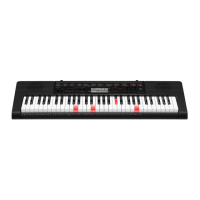
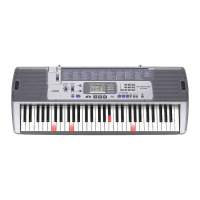
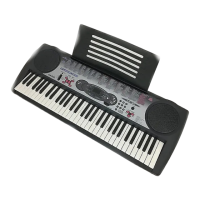
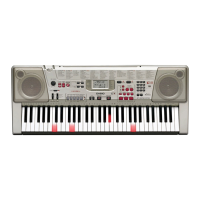
LK-120
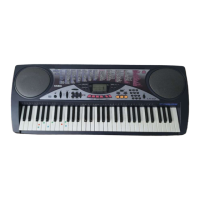
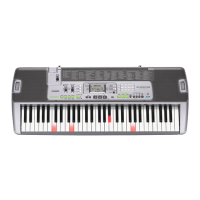
LK-125
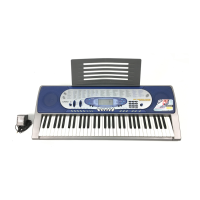
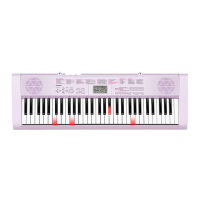
LK-127
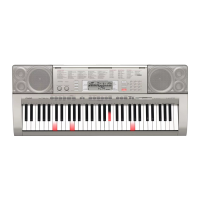
LK-130

Other manuals for Casio LK-127

Questions and Answers

  • L
    Laura PierceAug 11, 2025
    What to do if I cannot change TRANSPOSE/TUNE settings on Casio Musical Instrument?
    • M
      michaelbenitezAug 11, 2025
      If you cannot change the TRANSPOSE/TUNE settings on your Casio Musical Instrument, it might be because the keyboard is in SONG BANK mode. Press the SONG BANK button to return to the normal mode. It could also be that a demo tune is currently playing; stop the demo tune play to adjust the settings.
  • R
    Rebecca DayAug 18, 2025
    How to fix no sound on my Casio Musical Instrument?
    • J
      Joe GibbsAug 19, 2025
      If your Casio Musical Instrument isn't producing any sound when you press the keys, here's what you can check: * First, ensure the AC adapter is correctly attached and that the batteries are properly installed (+/–) and not dead. * Next, verify that the volume isn't set too low by using the VOLUME slider. * Also, make sure headphones aren't plugged into the PHONES/OUTPUT jack. * Check that the POWER/MODE selector is set to NORMAL, not CASIO CHORD or FINGERED. * Finally, if you've selected Tone '99 PERCUSSION', remember that only keys with percussion instrument illustrations will produce sound.
  • V
    Victoria OrtizAug 26, 2025
    What to do if the RHYTHM button does not work on Casio Musical Instrument?
    • J
      Jessica RobinsonAug 26, 2025
      If the RHYTHM button on your Casio Musical Instrument isn't working, it might be because the keyboard is in SONG BANK mode. To fix this, simply press the SONG BANK button to return to the normal mode.
  • E
    Edward MartinSep 3, 2025
    Why does the key light stay on my Casio Musical Instrument?
    • G
      Gabriel GarciaSep 3, 2025
      If a key light stays on your Casio Musical Instrument, it could mean the keyboard is waiting for you to press the correct note during Step 1 or Step 2 play. Press the lit key to continue. Alternatively, if you want to quit Step 1 or Step 2 play, press the START/STOP button.

Casio LK-127 Specifications

General IconGeneral
Number of Keys61
Key Lighting SystemYes
Touch ResponseNo
Maximum Polyphony48
Lesson FunctionYes
Key TransposeYes
DisplayLCD
Tones100
Rhythms/Patterns50
Tuning ControlA4 = 440 Hz
Speakers2
Amp Output2.5 W + 2.5 W
Power SupplyAC Adapter or Batteries

Related product manuals