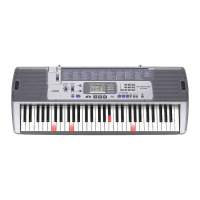
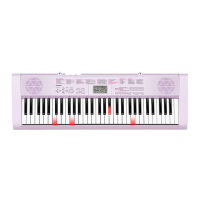
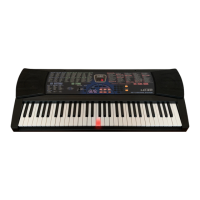
English
General Guide
E-3
• The following explains the meaning of the $ symbol that appears on the product console and with the key names below.
$ : Indicates a function that is enabled by holding down the button for some time.
1
POWER button ☞E-6
2
VOLUME slider ☞E-6
3
FUNCTION, $ KEY LIGHT button ☞E-4
4
SAMPLING button ☞E-13
5
METRONOME, $ BEAT button ☞E-9
6
TEMPO buttons ☞E-9, 18, 32
7
REPEAT, INTRO button ☞E-17, 31
8
REW, NORMAL/FILL-IN button ☞E-17, 31
9
FF, VAR./FILL-IN button ☞E-17, 31
bk
PAUSE, SYNCHRO/ENDING button ☞E-17, 31
bl
PLAY/STOP, START/STOP button ☞E-17, 28
bm
PART SELECT, ACCOMP, $ CHORDS button
☞E-19, 29
bn
TONE button ☞E-10
bo
RHYTHM, ONE TOUCH PRESET $ button
☞E-28, 32
bp
SONG BANK button ☞E-16
bq
Number buttons, [–]
/
[+] keys ☞E-4
br
LISTEN, VOICE PAD1 button ☞E-8, 22
bs
WATCH, VOICE PAD2 button ☞E-8, 22
bt
REMEMBER, VOICE PAD3 button ☞E-8, 23
ck
NEXT, VOICE PAD4 button ☞E-8, 21
cl
AUTO, VOICE PAD5 button ☞E-8, 24
cm
MUSIC CHALLENGE, SET SELECT button
☞E-8, 26
cn
Speakers
co
Song Bank list
cp
Display
cq
Rhythm list
cr
Tone list
cs
CHORD root names ☞E-29
ct
Percussion instrument list ☞E-10
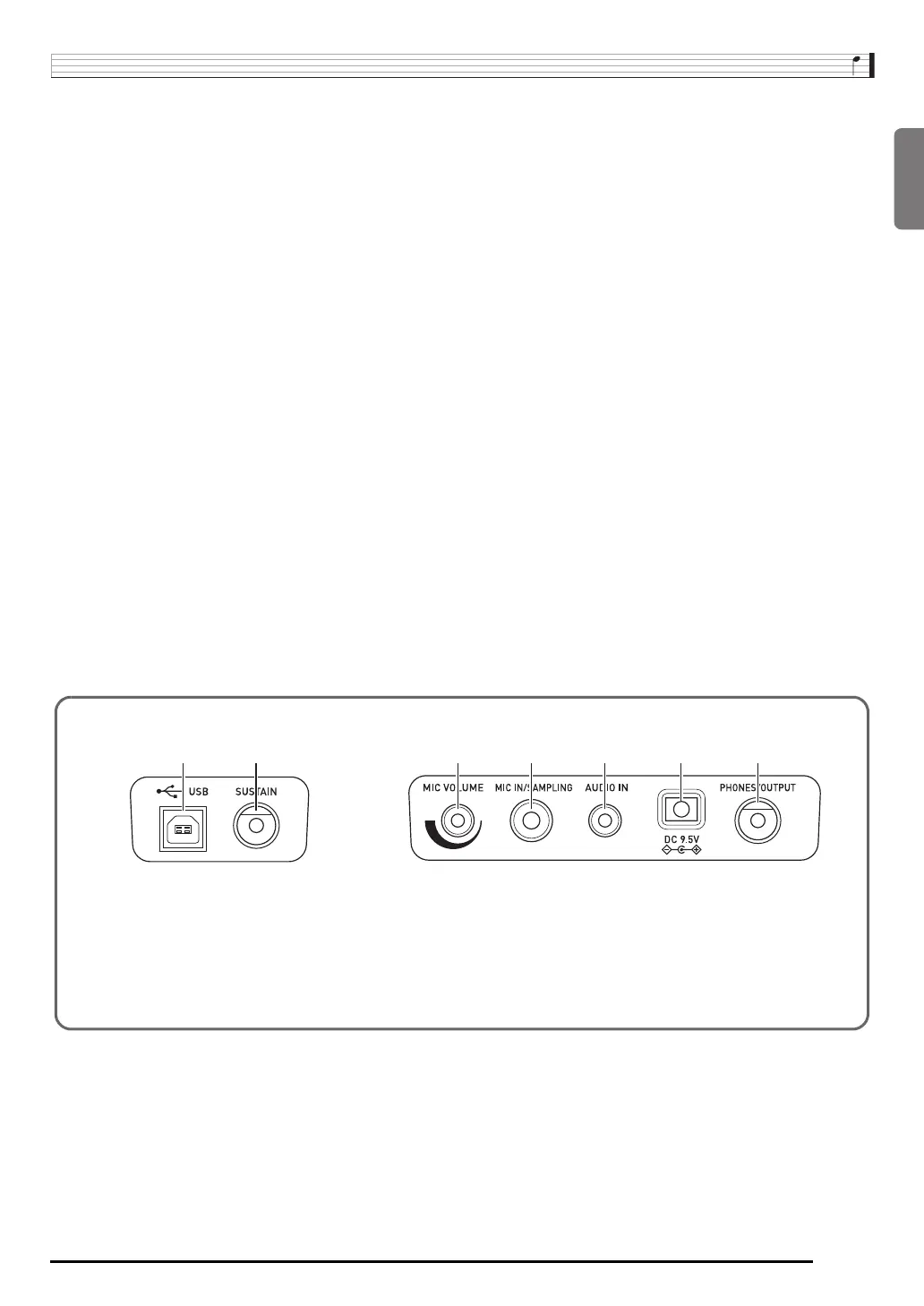
dk dl
dodm dn dp dq
dk
USB port ☞E-33
dl
SUSTAIN jack ☞E-11
dm
MIC VOLUME knob ☞E-12
dn
MIC IN/SAMPLING jack ☞E-12
do
AUDIO IN jack (LK-240 only) ☞E-36
dp
DC 9.5V terminal ☞E-5
dq
PHONES/OUTPUT jack ☞E-7, 36
■ Back


 To Next Page