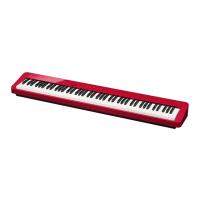
EN-3
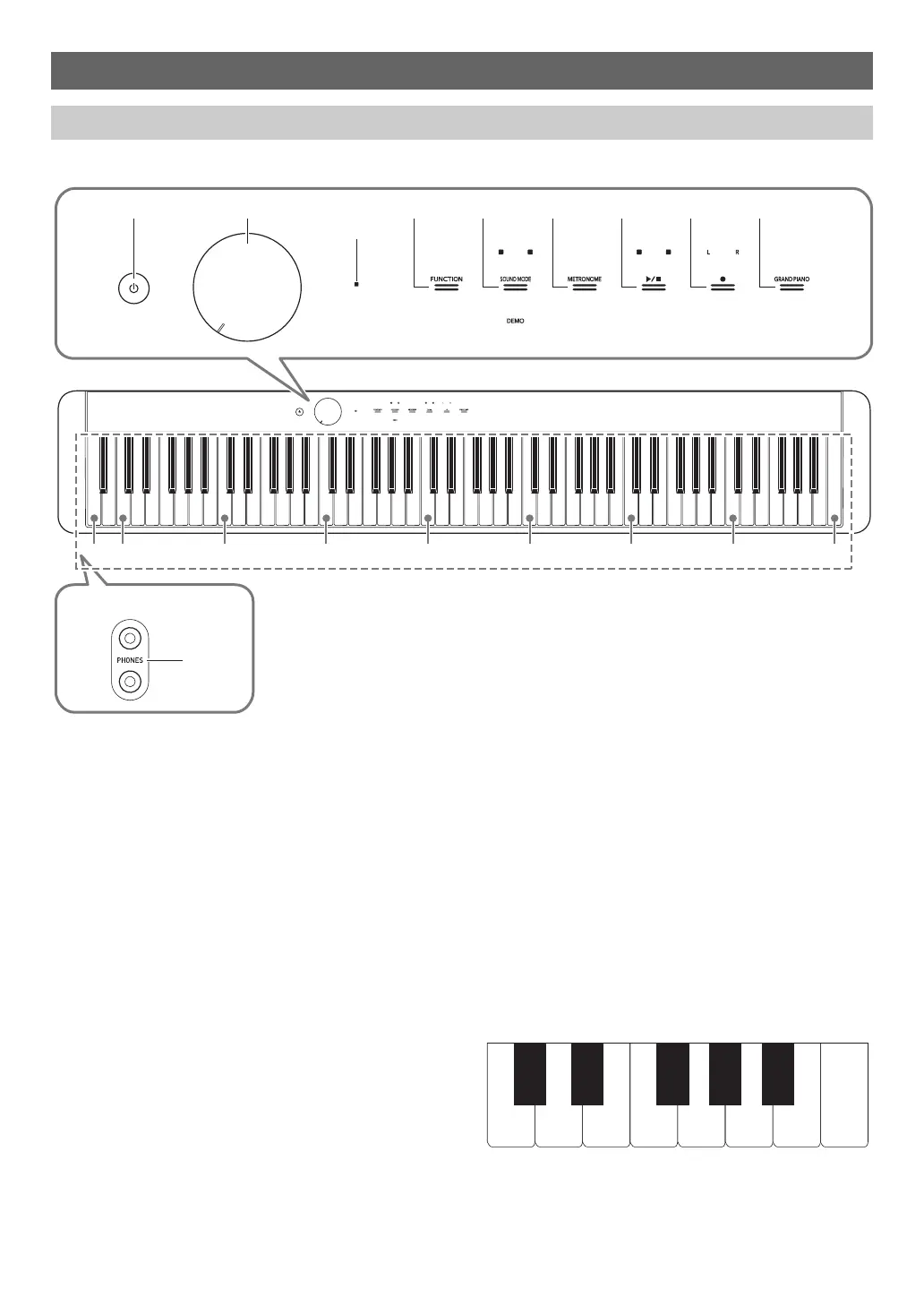
■ Front Panel
Overview and Setup
General Guide
1 P (Power) button
2 Volume knob
3 FUNCTION button
4 SOUND MODE button
5 METRONOME button
6 a button
7 0 (REC) button
8 GRAND PIANO button
9 PHONES jacks
*1 Bluetooth Indicator
Under initial default settings, turning on power without the
Wireless MIDI & audio adaptor attached will cause the
Bluetooth indicator to blink momentarily to inform you that the
Wireless MIDI & audio adaptor is not attached.
*2 Touch buttons
Buttons 3 through 8 are touch buttons whose lights light
when power is turned on.
*3 Keyboard note names and pitches
The keyboard note names and pitches used in this manual
follow the international standard. Middle C is C4, the lowest C
is C1, and the highest C is C8. The illustration below shows
keyboard key note names from C4 through C5.
9
C1 C2 C3 C4 C5 C6 C7 C8A0
1 2 345678
*
3
*
2
Front
Bluetooth
®
Indicator *
1
C4 D4 E4 F4 G4 A4 B4 C5
C{4E}4F{4A}4B}4


 To Next Page
 Loading...