EN-39
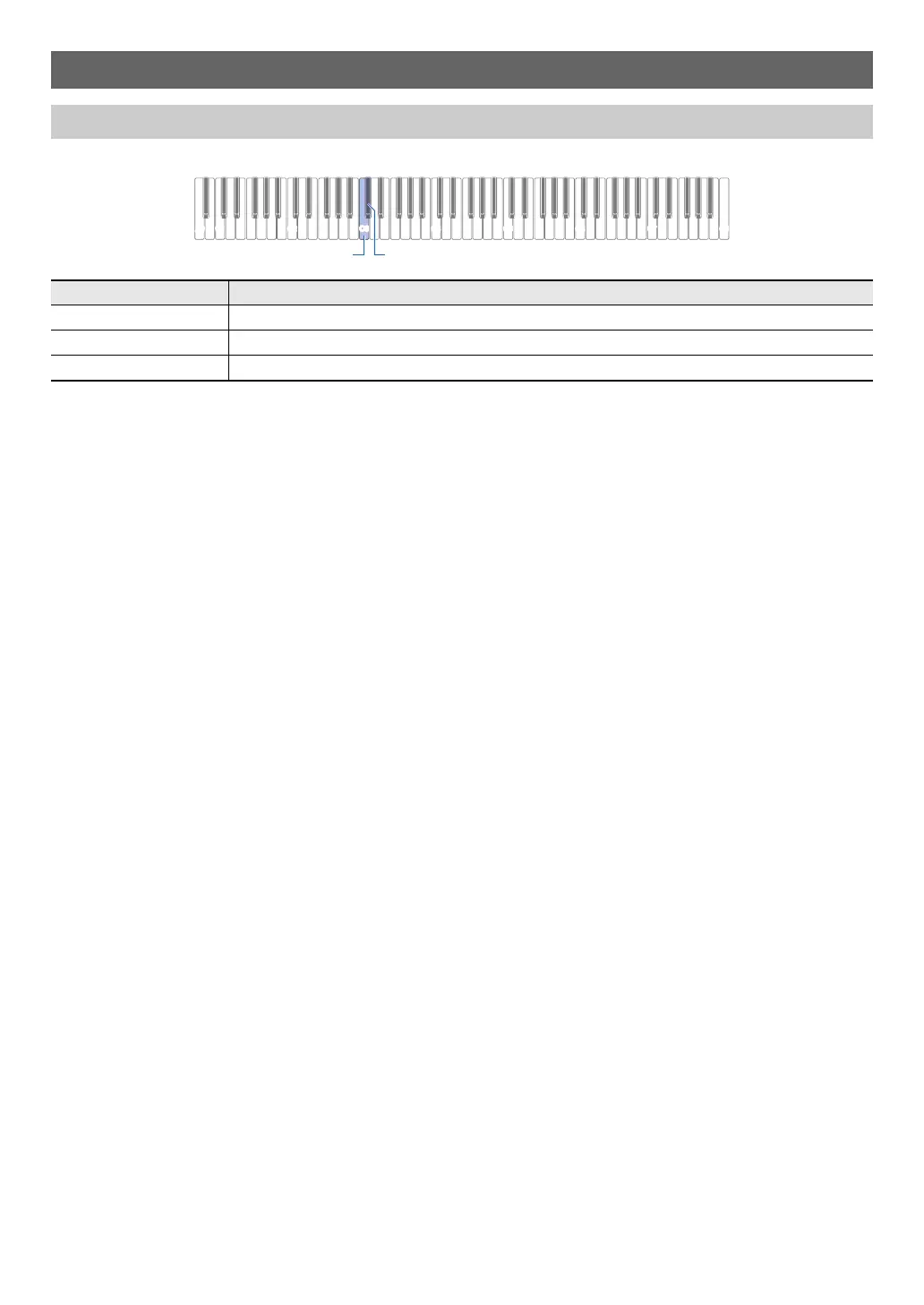
To adjust the Upper1 part volume, hold down 8 GRAND PIANO as you press the keyboard keys shown below.
*1 You can set the volume within the range of 0 to 42. The reference tone (page EN-10) will sound any time the setting value
becomes a multiple of 10 (10, 20, etc.)
Configuring Settings
Adjusting the Upper1 Part Volume
Pressing this key: Does this:
C3 Lowers the Upper1 part volume by 1.
*1
C{3 Raises the Upper1 part volume by 1.
*1
C3 + C{3 Returns the volume of the Upper1 part to the initial default setting.


 To Next Page
 Loading...