EN-33
Digital Piano Operations
■ Fill-in
These accompaniment patterns are used to insert short one-
or two-measure fill-ins into a piece. A fill-in pattern starts to
play as soon as you touch one of the fill-in buttons (see
below). Accompaniment play returns to the original normal or
variation pattern from beat one after the one- or two-measure
fill-in is complete.
■ Intro
This is an accompaniment pattern that can be used at the
beginning of a song. Normal accompaniment pattern play will
start after the measures of the intro accompaniment pattern is
complete.
■ Ending
This is an accompaniment pattern that can be used at the end
of a piece. After a multiple-measure ending sounds, Auto
Accompaniment ends.
Use the procedure below to configure the Digital Piano to start
Auto Accompaniment play as soon as you press a keyboard
key.
■ To trigger Auto Accompaniment play with chord
keyboard input
1.
While Auto Accompaniment play is stopped,
touch 7 SYNCHRO/ENDING.
This enters synchro start standby, which is indicated by
the LEDs above the 8 START/STOP button flashing
between yellow and red.
• If you want to start with an intro, touch 4 INTRO
here.
• If you want to start with a variation, touch
6 VARIATION/FILL-IN here.
2.
Finger a chord on the accompaniment
keyboard.
This starts Auto Accompaniment.
• To exit synchro start standby, touch 7 SYNCHRO/
ENDING.
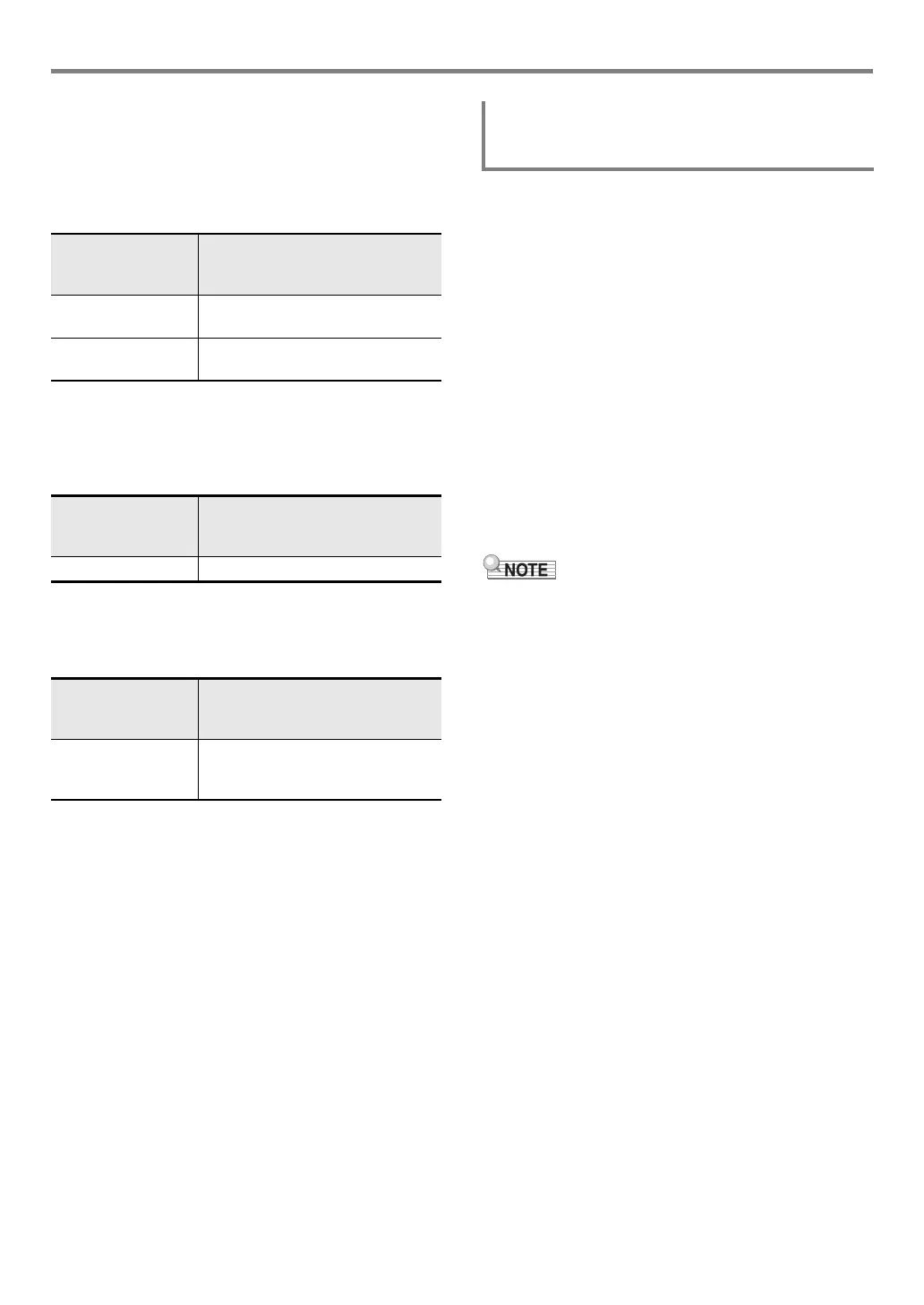
To play this
accompaniment
pattern:
Do this:
Normal Fill-in While a normal pattern is playing,
touch 5 NORMAL/FILL-IN.
Variation Fill-in While a variation pattern is playing,
touch 6 VARIATION/FILL-IN.
To play this
accompaniment
pattern:
Do this:
Intro Touch 4 INTRO.
To play this
accompaniment
pattern:
Do this:
Ending While an Auto Accompaniment is
playing, touch 7 SYNCHRO/
ENDING.
Triggering Auto Accompaniment Play with
Accompaniment Keyboard Input (Synchro
Start)



 To Next Page
 Loading...