Part-1
15
E
Part-1 QUICK START OPERATION
V?? y
Z??
X??
h
y
B h
X??
Printout
Operation
9-5 Split cash/
charge sales
X??
C??
V??
B?? p
u
Z? h
ZB? y
Z? h
Z?B
9-6 Corrections
Corrections can be made while you are registering the item (before
you press a department key), or after it has already been regis-
tered into the memory (by pressing a department key).
9-6-1 Before you
press a depart-
ment key
y
key clears the last item entered.
2. Entered unit price first
instead of quantity
and then pressed
h
.
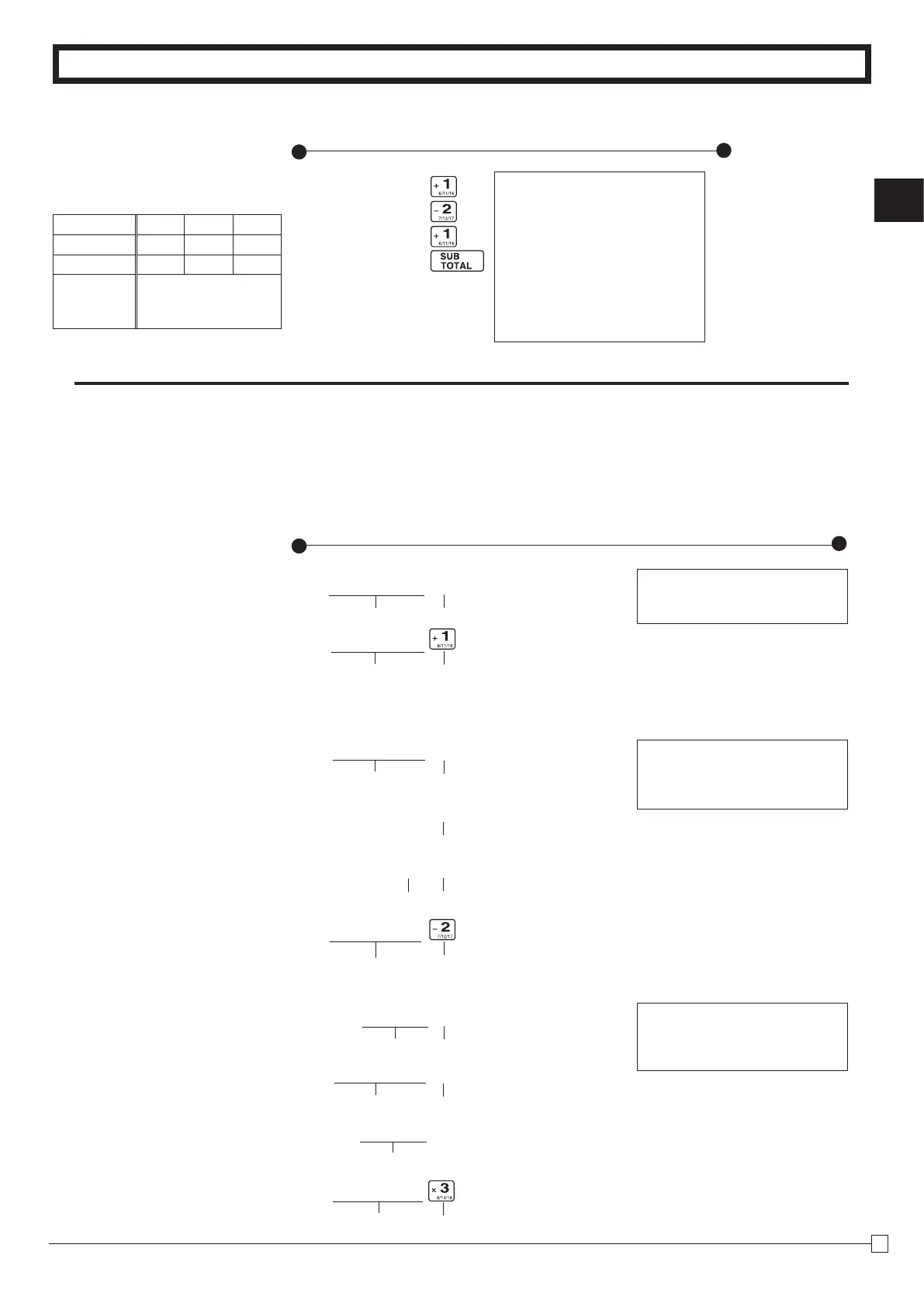
Example
1. Entered 400 for unit
price by mistake in-
stead of 100.
Operation
Printout
Wrong entry Clears the last item entered.
Correct entry Registered Department 1
Unit price Multiplication
Multiplication
Registered Department 2
Clears the last item entered.
Quantity
Unit price
3. Entered 150 for unit
price by mistake in-
stead of 105.
Quantity
Quantity
Wrong entry Clears the last item entered.
Correct entry Registered Department 3
Multiplication
—
Cash Amount Tendered
— Charge Sales
08-01-2010 09:25
REG 0005
DEPT01 •2.00
DEPT02 •3.00
DEPT01 •4.00
TOTAL •
9
.
00
CASH •5.00
CHARGE •4.00
DEPT01 •1.00
5X@2.00
DEPT02 •10.00
10X@1.05
DEPT03 •10.50
Example
Unit Price $2.00 $3.00 $4.00
Quantity 1 1 1
Dept. 1 2 1
Cash
Amount
tendered
$5.00



 To Next Page