Part-2
37
E
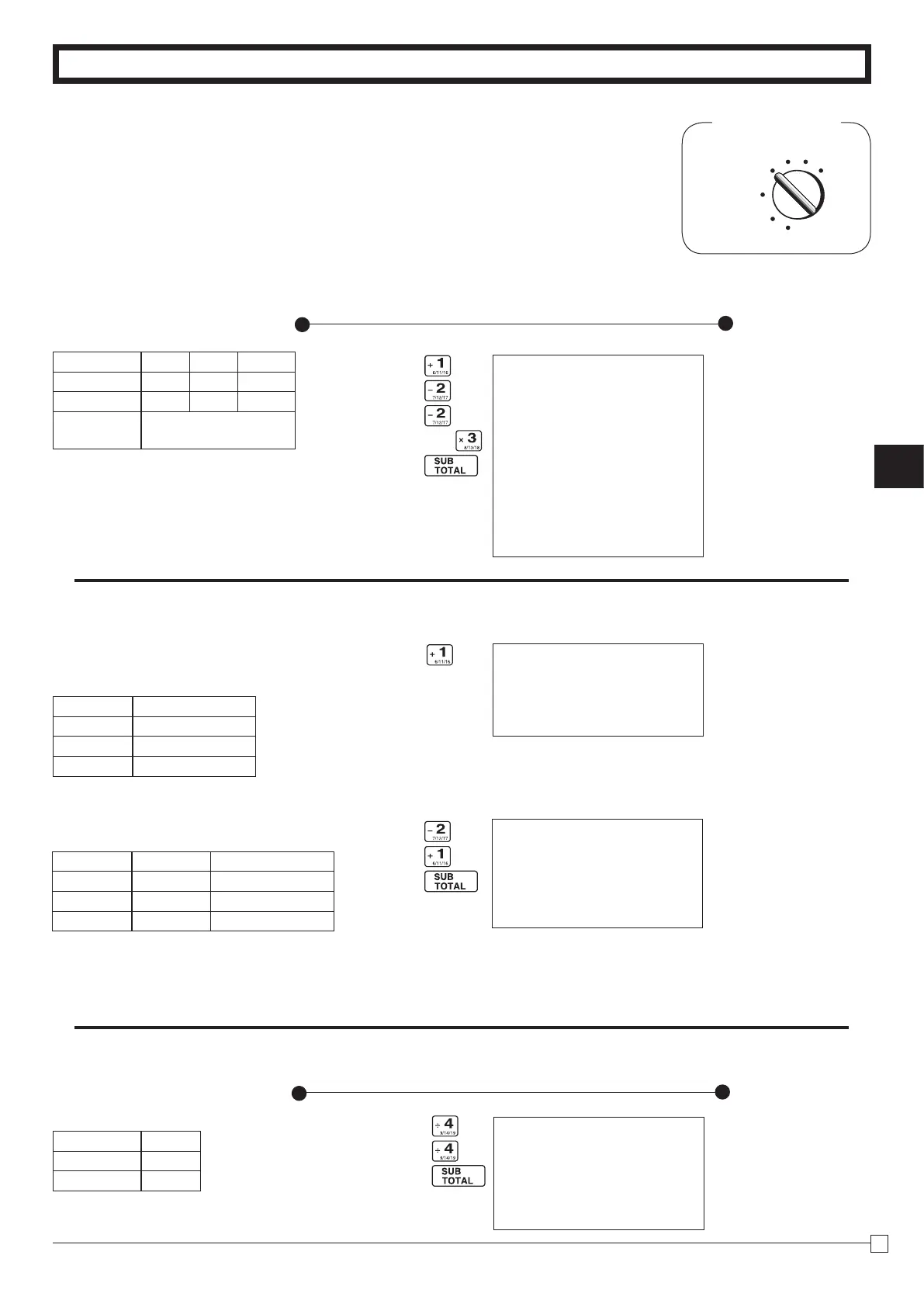
Part-2 CONVENIENT OPERATION
2-3 Check sales
Printout
Operation
CB??
m
08-01-2010 16:10
REG 0043
DEPT04 •35.00
DEPT04 •35.00
CHECK •
70
.
00
—CheckSales
2-1 Registration using
preset price
for Departments.
2. Various Operations
Mode Switch
REG
OFF
RF
PGM
CAL
Z
X
V h
B???p
(Programming:Seepage20)
Printout
Operation
2-2 Single-Item Sales
(Programming: See page 21)
B?
Forthisexample,Dept.1isprogrammedforasingle-item-sale.
Single-item sale cannot be nalizedif an item is registered
previously.
Z??
B?
p
—Repeat
—
Multiplication/UnitPrice
—
CashAmountTendered
—Change
08-01-2010 15:30
REG 0040
DEPT01 •1.00
DEPT02 •2.20
DEPT02 •2.20
4 X @11.00
DEPT03 •44.00
TOTAL •
49
.
40
CASH •50.00
CHANGE •0.60
08-01-2010 15:45
REG 0041
DEPT01 •0.50
CASH •
0
.
50
—CashSales
08-01-2010 16:00
REG 0042
DEPT02 •1.00
DEPT01 •0.50
CASH •
1
.
50
—CashSales
Example
UnitPrice $1.00 $2.20 $11.00
Quantity 1 2 4
Depts. 1 2 3
Amount
tendered
$50.00
Example 1:
Status Single item sale
UnitPrice $0.50
Quantity 1
Dept. 1
Example 2:
Status Normal Single item sale
UnitPrice $1.00 $0.50
Quantity 1 1
Dept. 2 1
Example
UnitPrice $35.00
Quantity 2
Depts. 4



 To Next Page