Part-2
23
E
Part-2 CONVENIENT OPERATION
C
?NXX
???? p
Mode Switch
REG
OFF
RF
PGM
CAL X
Z
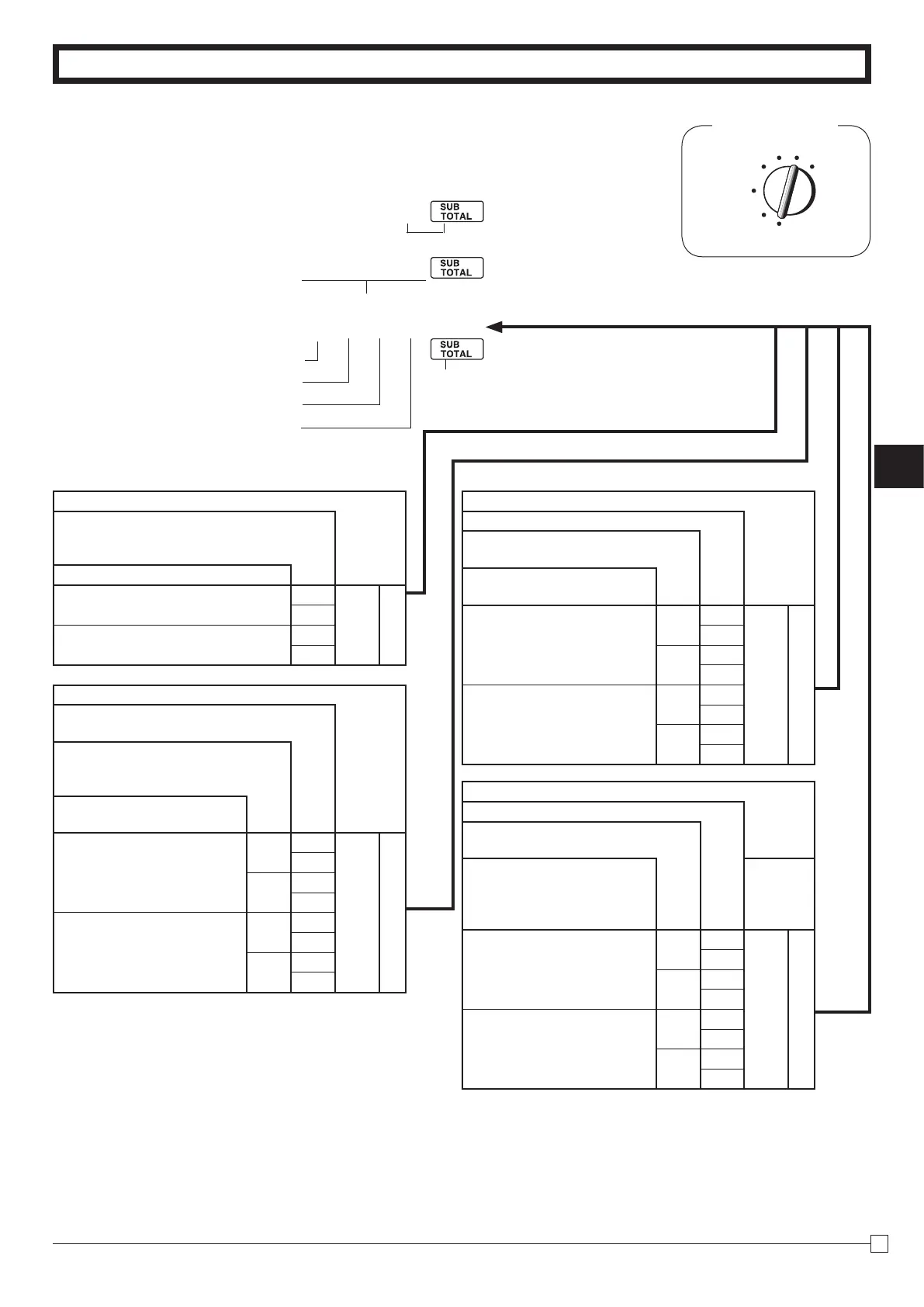
1-7-1 To set general
controls
1-7 General features
P3 appears in mode display
(To end the setting)
ProgramcodeNo.
SelectanumberfromlistA
SelectanumberfromlistB
SelectanumberfromlistC
SelectanumberfromlistD
Selections
Maintainkeybufferduringreceiptissue
inREGmode.
Resettheconsecutivenumber
tozerowheneveraDailyReset
Reportisissued.
Allowcreditbalanceregis-
tration.
No
Yes
Yes
?
B
No
Z
No
Yes
X
No
C
Yes
Yes
Yes
V
No
B
No
Yes
N
No
M
Selections
Timedisplayswithsecond.
Allowsplitcashamountten-
dered.
Allowsplitcheckamount
tendered.
Yes
Yes
No
?
C
Yes
Z
No
No
X
Yes
C
No
Yes
No
V
Yes
B
No
No
N
Yes
M
Selections
Usethe
'
keyasa000key.
Cashierassignmentsystems(sign
on) is used.
Limitthelast1digitoftotal
amountto0and5whenMa-
laysianroundingisspecied
forsubtotalandtotalamount.
No
No
No
?
D
Yes
Z
Yes
No
X
Yes
C
Yes
No
No
V
Yes
B
Yes
No
N
Yes
M
Selections
Limitthelast2digitsoftotalamountto00
and50whenDanishroundingisspecied
forsubtotalandtotalamount.
Keycatchtone.
Yes
No
?
A
Yes
X
No
No
V
Yes
N



 To Next Page