TE-7000S User's Manual
103
E
User Maintenance and Options
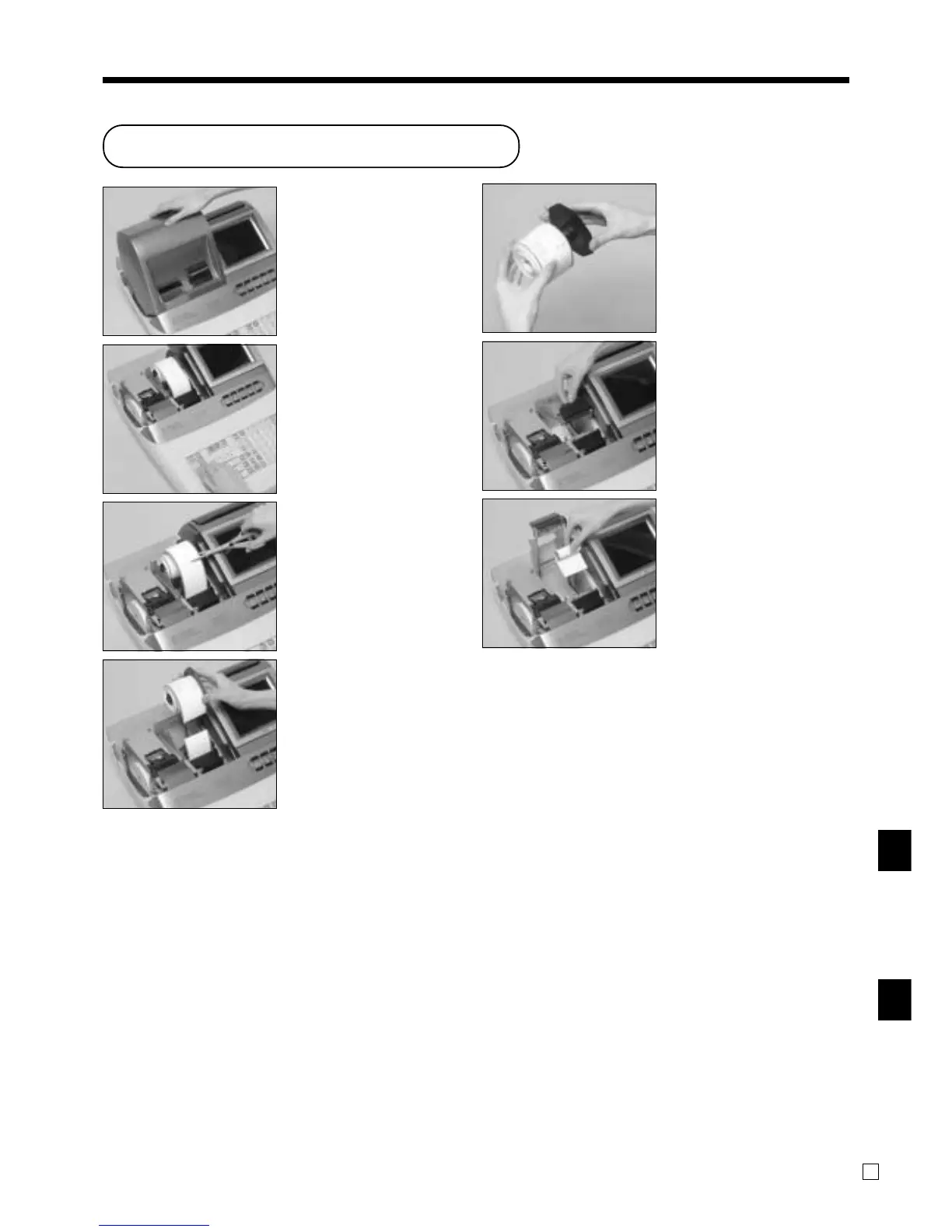
Step 2
Press | to feed about 20
cm of paper.
Step 3
Cut the journal paper at the
point where nothing is
printed.
Step 4
Remove the journal take-up
reel from its holder.
Step 5
Slide the printed journal from
the take-up reel.
Step 6
Open the platen arm.
Step 7
Remove the old paper roll
from the cash register.
Step 8
Load new paper.
Go to the step 3 described on
page 13 of this manual.
Step 1
Turn on the cash register and
remove the printer cover.
(If the cover is locked, unlock
by using the printer cover key
before this step.)
To replace journal paper
Troubleshooting/User Maintenance and Option
www.cashregisters.net



 To Next Page