EasyManua.ls Logo

Casio VZ-10M - Page 36

Casio VZ-10M
113 pages
Print Icon
To Next Page IconTo Next Page
To Previous Page IconTo Previous Page
Loading...
ENVELOPE
(DCO)
0/S_|
MENU
1
—
VALUE
—
MENU
|
—
VALUE
Pages
|
3
|
Graphic
Editing
|
YES
t J
Domain
GLOBAL
SSUSTAIN
STEP
(INTERNAL
key)
Related
Functions
"END
(CARD
key)
(MENU
1-04)
(MENU
1-08)
a
‘determines
the
change
in
pitch
overtime
The
VZ-10M
features
8-step
envelopes,
jthat
RATEs
and
LEVEL
can
be
set
at
up
the
envelope.
(See
“Rates
and
Levels”
on
)
FOF
00
indicates
no
change
in
pitch.
(standard
keyboard).
This
means
that
positive
values
10
rise,
while
negative
values
lower
the
pitch.
RATE
and
LEVEL
values,
SS
(Sustain,
FIG-
|,
FIG-B)
points
can
be
specified
at
‘envelope.
SSS
point
in
any
step,
simply
press
the
IN-
"AIN
key
when
the
cursor
is
in
ether
the
IL
position
of
the
specified
step.
olin
inserted
in
the
envelope,
the
PITCH.
Until
a
note
off
message
is
received.
The
following
the
SS
step
then
becomes
the
{as
in
ADSR
type
pitch
envelope)
[sustain
point,
move
the
cursor
to
the
cor-
and
press
the
INTERNAL
/SUSTAIN
ED
point
in
any
step,
simply
press
the
Key
when
the
cursor
isin
either
the
RATE
Of
the
specified
step.
[As
there
are
up
to
8
steps
in
the
DCO
envelope,
the
end
point
is
initially
set
in
step
8.
The
end
point
can
be
moved
to
any
step,
however
subsequent
steps
will
automatically
be
deleted.
Note
that
ED
points
can
be
set
for
any
step,
regardless
of
its
LEVEL
value.
To
delete
the
end
point
from
any
step
(1
through
7),
sit:
ply
move
the
cursor
to
the
step
and
press
the
CARD/END
key
once
again.
The
end
point
returns
to
step
8
automatically
AVINXON
Note
that
the
actual
change
affected
by
the
level
parameter
depends
on
the
setting
of
the
envelope
depth
in
MENU
1-04.
When
this
depth
is
at
its
maximum,
a
value
of
~
63
10
+63
represents
more
than
a
$-octave
change
in
pitch
(up
or
down).
Note
that
when
this
function
is
initialized,
enabled
steps
in
MENU
1-17
are
also
initialized
(see
page
90).
NOLLVNIGNOD
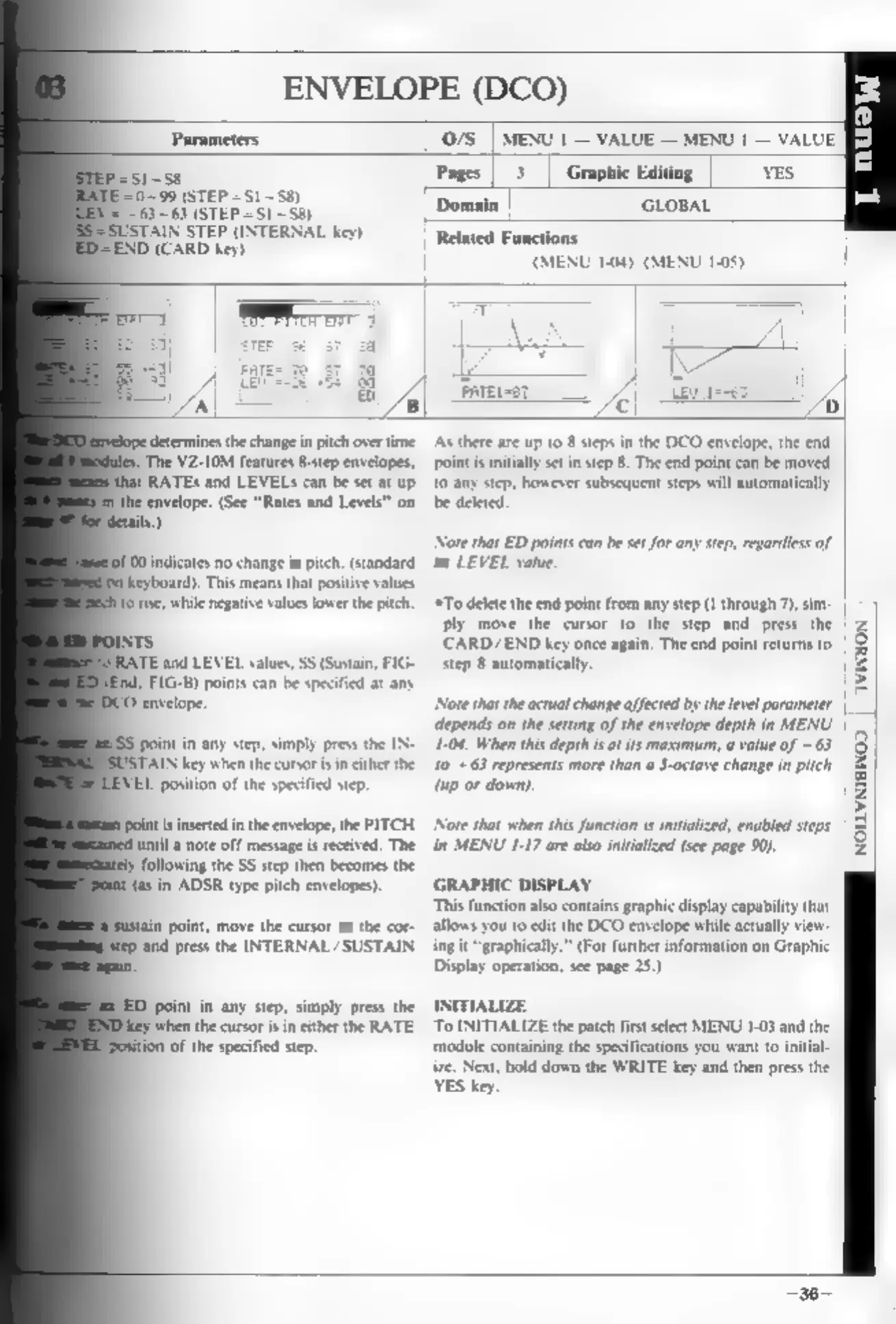
GRAPHIC
DISPLAY
This
function
also
contains
graphic
display
capability
that
allows
you
to
edit
the
DCO
envelope
while
actually
view-
ing
it
“graphically.”
(For
further
information
on
Display
operation,
see
page
25.)
INITIALIZE
To
INITIALIZE
the
patch
first
select
MENU
1-08
and
the
‘module
containing
the
specifications
you
want
to
initial-
ie.
Next,
hold
down
the
WRITE
key
and
then
press
the
YES
key