EasyManua.ls Logo

Casio VZ-10M - Page 44

Casio VZ-10M
113 pages
Print Icon
To Next Page IconTo Next Page
To Previous Page IconTo Previous Page
Loading...
ll
KF
LEVEL
(DCA)
Parameters
[o/s
|
MENU
1
—
VALUE
—
MENU
1
—
VALUE
es
|
2
|
Graphic
Editin
YES
POINT
=1~6
=
|
Soe
=
|
Domain
MODULAR
|
Related
Functions
¢94eNv
1-09)
«MENU
1-10)
POINT
Pt
F2
a
|
&
7
A
al
—-
D
‘The
parameters
in
this
function
are
used
to
determine
how
The
settings
for
this
function
are
made
in
exactly
the
same
Keyboard
Follow
(KF)
affects
the
DCO
envelope
(pitch)
way
is
in
the
DCO
(pitch)
KF
LEVEL
function
(MENU
Produced
using
the
parameters
in
MENU
1-03
and
MENU
1-05).
But,
DCA
KF
LEVEL
can
be
set
for
each
MOD-
1-04,
The
VZ-10M
features
6-step
keyboard
follow,
which
ULE
independently.
(See
page
38.)
‘means
that
LEVELs
can
be
set
at
6
points
in
the
KEY-
BOARD
FOLLOW
CURVE.
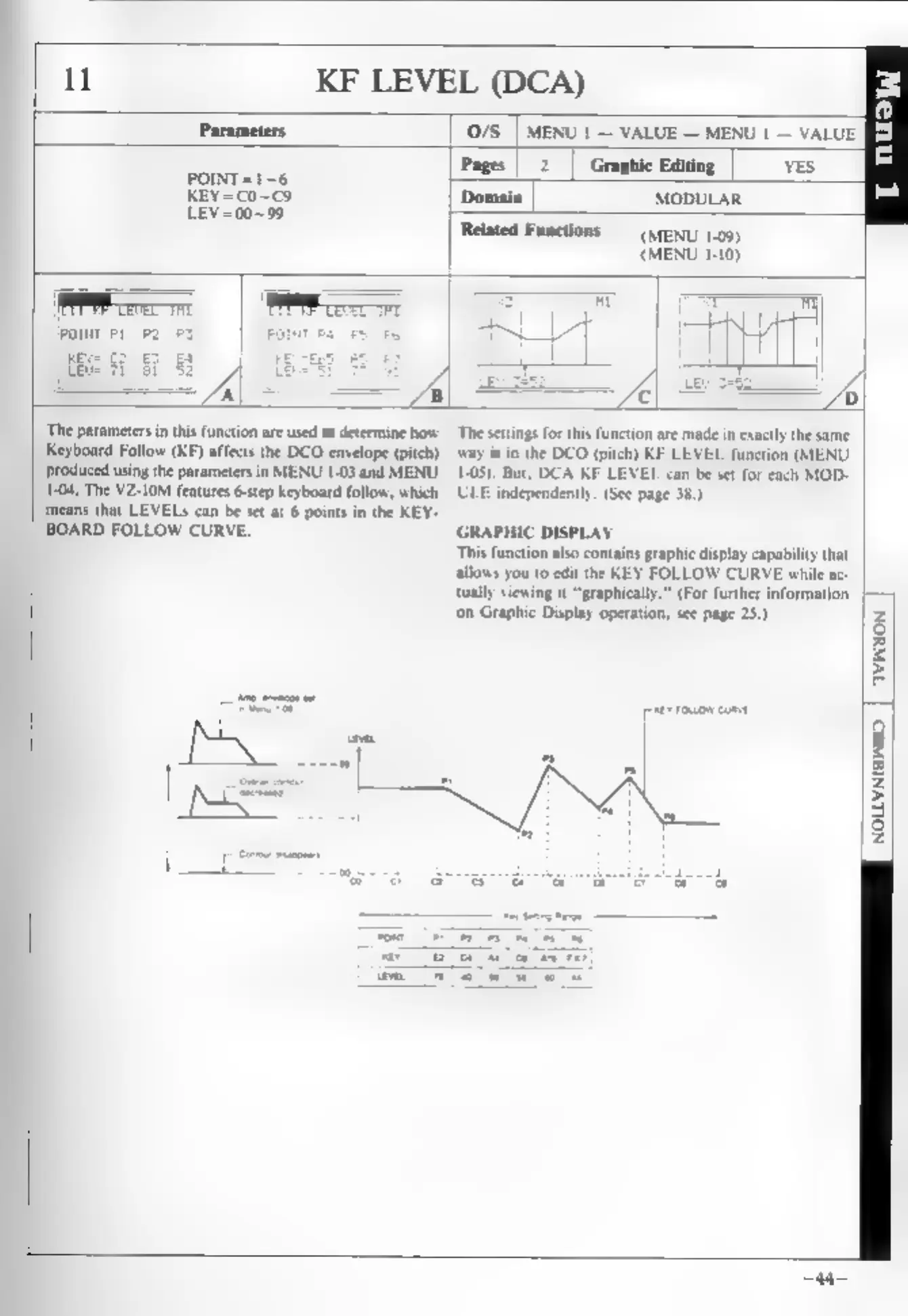
GRAPHIC
DISPLAY
This
function
also
contains
graphic
display
capability
that
allows
you
to
edit
the
KEY
FOLLOW
CURVE
while
ac-
tually
viewing
it
“graphical
‘on
Graphic
Display
operation,
see
page
25.)
[peer
roxsow
come
For
further
information
|
Q
io}
z
g
Z
ES
I
3
z