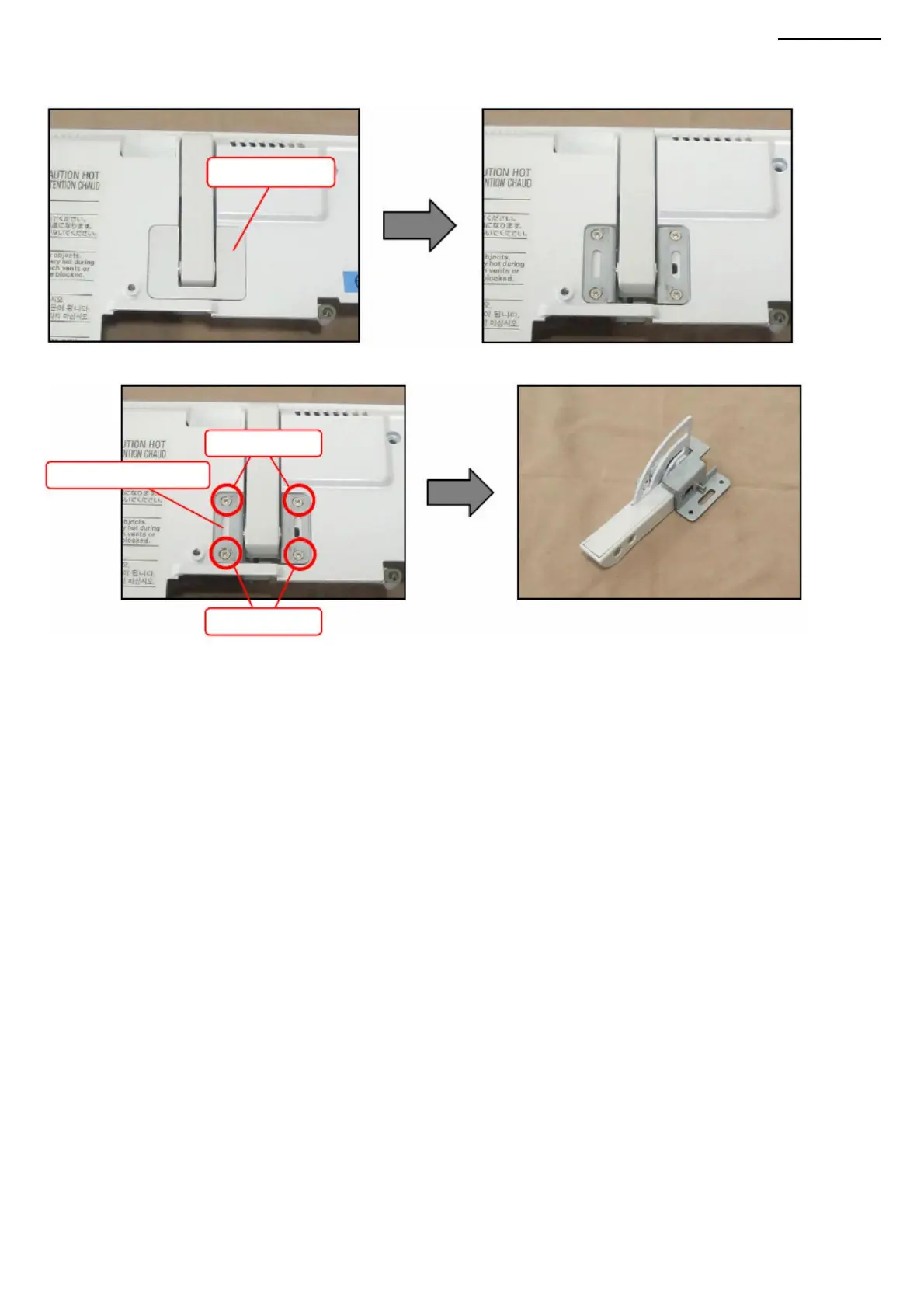
Q. TF COVER Q-1.
Remove the plug.
Q-2. Unscrew the four screws (S14) and remove the TF cover.
XJ-A240/A245
• If the plug is visibly damaged or difficult to fit onto the plate, use a new
plug, reuse of the old plug is prohibited.
<ASSEMBLY NOTES: TF COVER>
Screws (S14)
Screws (S14)
Stub
TF cover
-39-
Machine Translated by Google



 To Next Page