-52-
Window
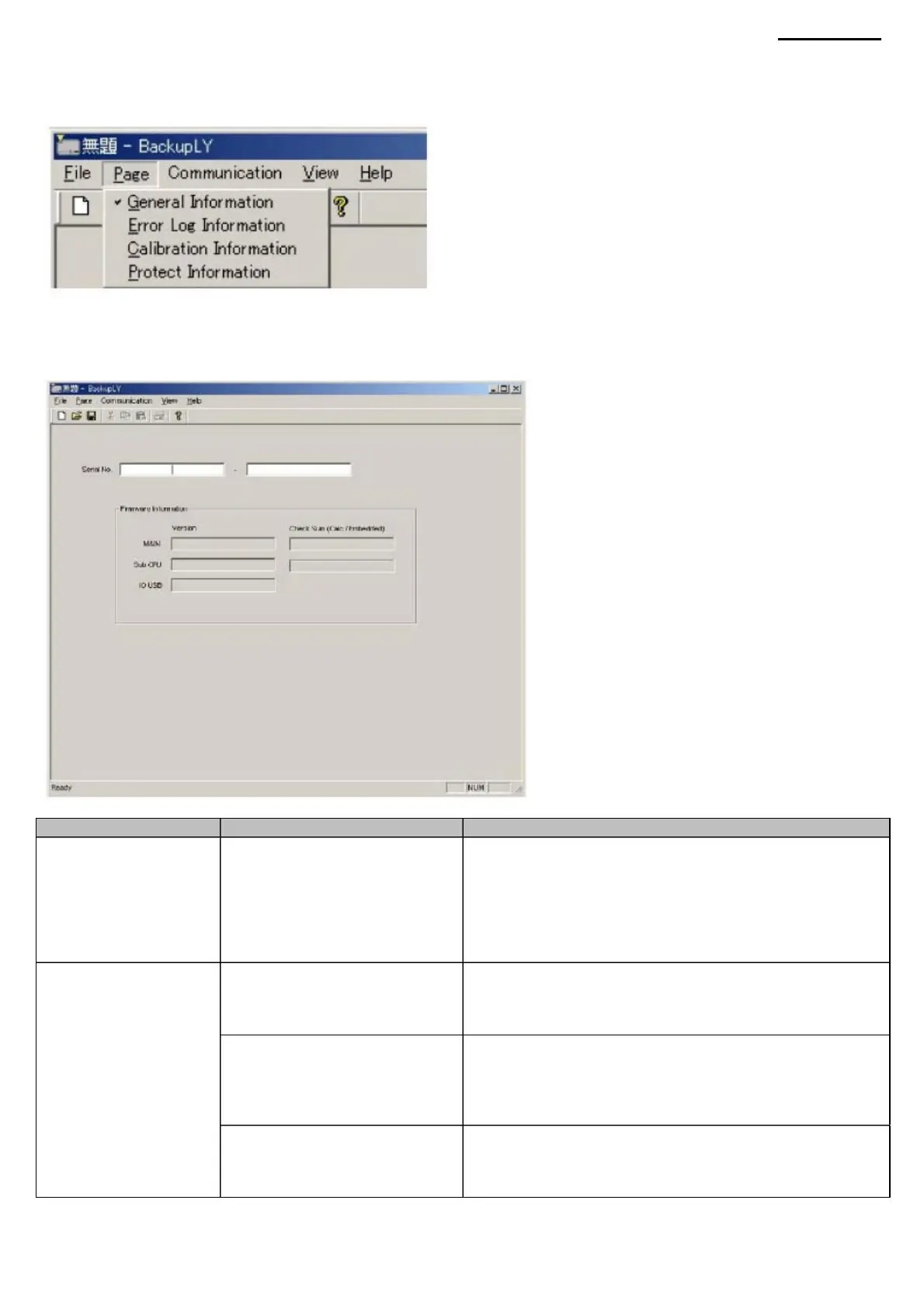
9-6. View Backup Data Select the page of
backup data you want to view. After clicking the “Page” item, a drop-down list will appear in the menu bar.
Group
File
CPU»
"IO("IN/OUT USB")
XJ-A240/A245
Enter the serial number of the product.
(In this case: A030AAAA9C-010018) The
entered serial number will be used as the default name
under which the backup file will be saved. (The name can
be changed by
the user in the "Save File" dialog box. Displays the loaded
firmware version for the main CPU
(*.*.**) and checksum (ROM). The format is the same as
that used for projector output .Displays the firmware
version loaded for the main sub CPU (*.*.**) and checksum
(ROM) The format is the
same as that used when outputting information on the
projector.Displays the loaded firmware version for the USB
host I/O (*.*.
**/*.*.**) The format is the same as that used for projector
output.
(1) General Information page This page displays product
information.
«Firmware
Click on the required line to open the page window displaying the data.
Information"
USB»
Item
Edit window “Serial
about
Group
"MAIN" window
Description
"Sub" (Additional CPU)
Number" ("Serial number")
Window
Machine Translated by Google



 To Next Page