-51-
Connect COM Port
Show or hide the toolbar. Show or hide the
status bar. Displays the application details
dialog box.
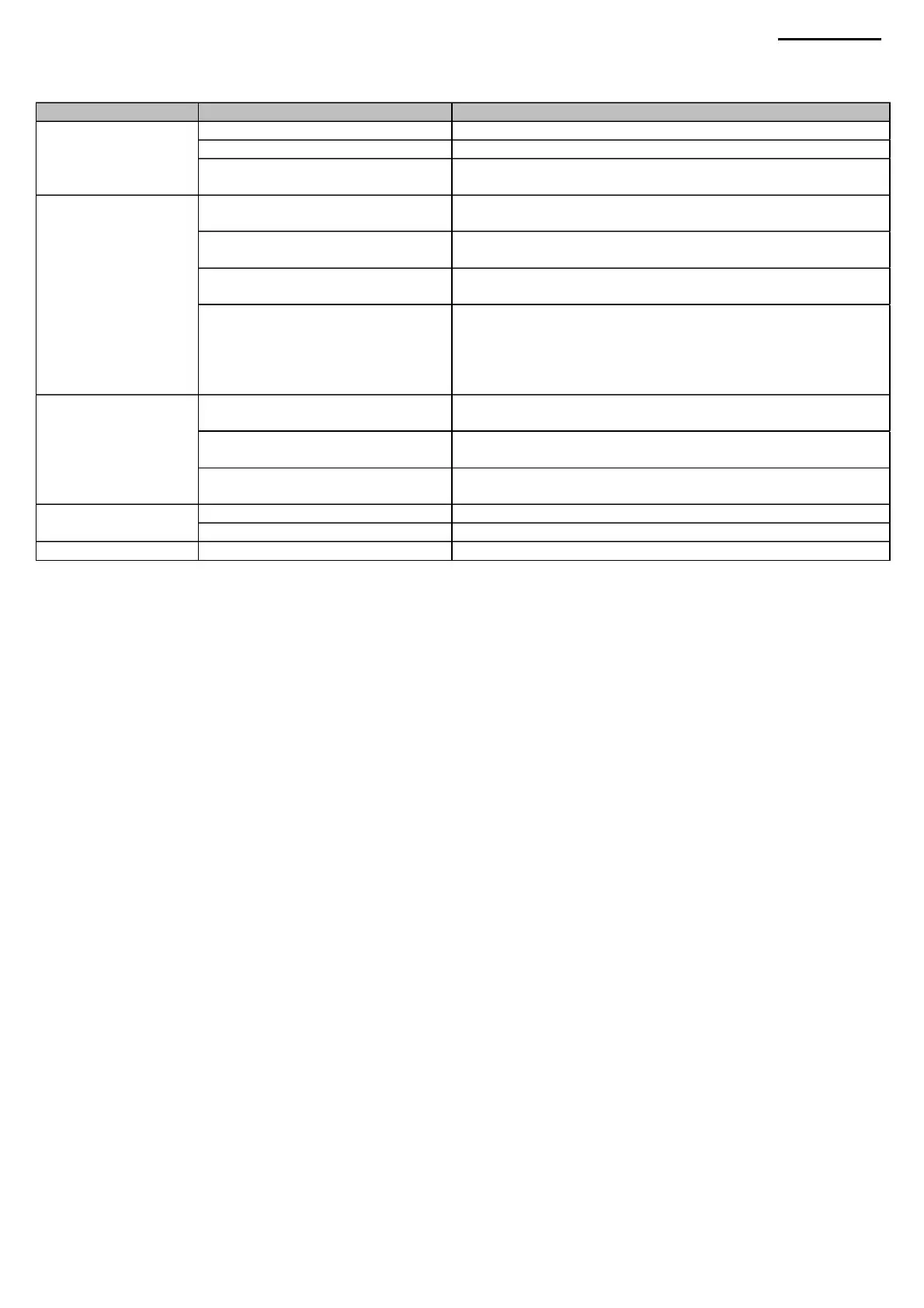
(5) Description of the menu
bar The menu bar located at the top of the screen is used to perform the following tasks.
Information
Save (Save as)
Communication
Get Information from Projector
XJ-A240/A245
General Information
Help
File (File)
Log
(Error log information)
Tool Bar (Menu Bar)
Main menu
Error
Set Information to Projector
Submenu
Protect Information
About BackupLY (ÿ BackupLY)
Description
Create a new backup file (*.klg). Opening an
existing backup file (*.klg). Saving a modified backup
file (*.klg).
Calibration Information
Status Bar
open
Displays the product information page on the projector.
Displays
the error information page of the projector. Displays the
product
calibration data page in the projector. Displays the projector
security information
page. The information includes device usage data, settings
for the intended market, and specific video input calibration
data. Selecting a COM port, connecting or disconnecting
from a port. Download data from projectors as a batch.
View
New (New)
Page
Upload data to the projector as a batch.
Machine Translated by Google



 To Next Page