-55-
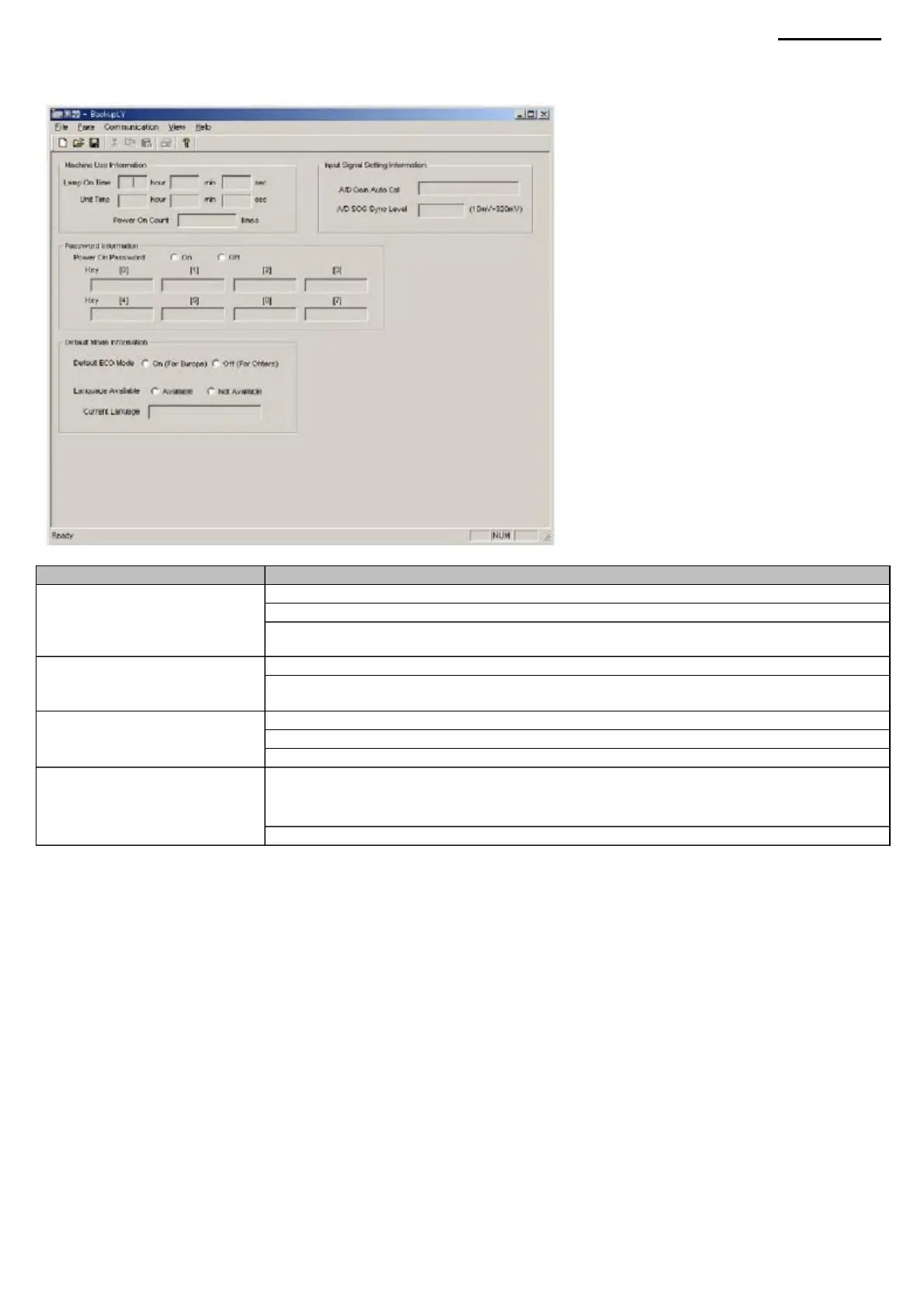
Information” Group
Item
Lamp On Time window Unit Time window Power On
Count window
Group
Group
"On" and "Off" switches "Key" window
«Default Mode
«Machine Use
Default ECO Mode Switch Language Available Switch Current Language Window
A/D Gain Auto Cal Window amplification of the analog-to-
digital converter")
Information” (“Information
about the default mode”)
Group “Input Signal Setting
Information” Group
SOG Separate Level Window
XJ-A240/A245
Information”
«Password
(4) Protect Information page This page displays the special
information stored in the device.
Machine Translated by Google



 To Next Page