Getting Ready
E-18
Some video devices are equipped with a component video output terminal. You can use an
optionally available component video cable (YK-3) to connect the RGB input terminal of the
projector to the component video output terminal of a video device.
z Always turn off the projector and the video device before connecting them.
z You can use the optional YK-3 component video cable to connect to pin jack (RCA) type
component video output terminals. The projector does not support connection to any other
type of terminal.
z Component video output terminals come in 3-terminal sets: Y·Cb·Cr or Y·Pb·Pr. Be sure to
match the colors of the plugs on the optional YK-3 component video cable with the colors of
the terminals (Green: Y; Blue: Cb/Pb; Red: Cr/Pr).
z Note that connection only to an analog component video output terminal is supported.
Connection to a digital output terminal is not supported.
Connecting to a Component Video Output Device
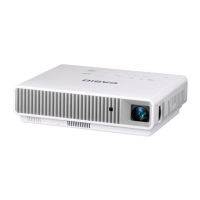
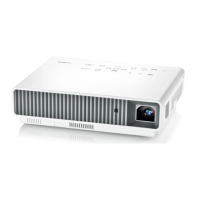
Projector
RGB input terminalAV terminal
Bundled special AV cable
Optional component
video cable (YK-3)
To component video
output terminal
To AUDIO output terminal
Video device
Yellow
(Not connected)
Red
White


 To Next Page