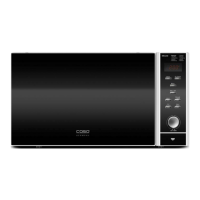
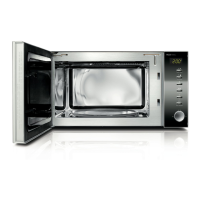
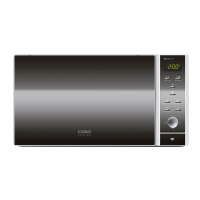
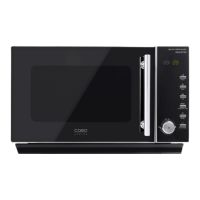
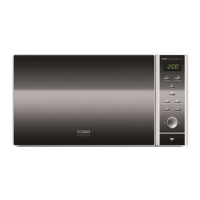
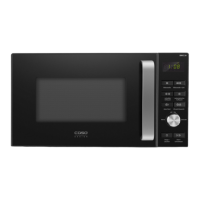
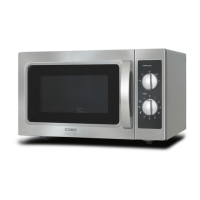
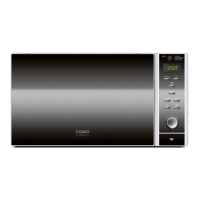
4.7 Operating elements and displays
Getting Started
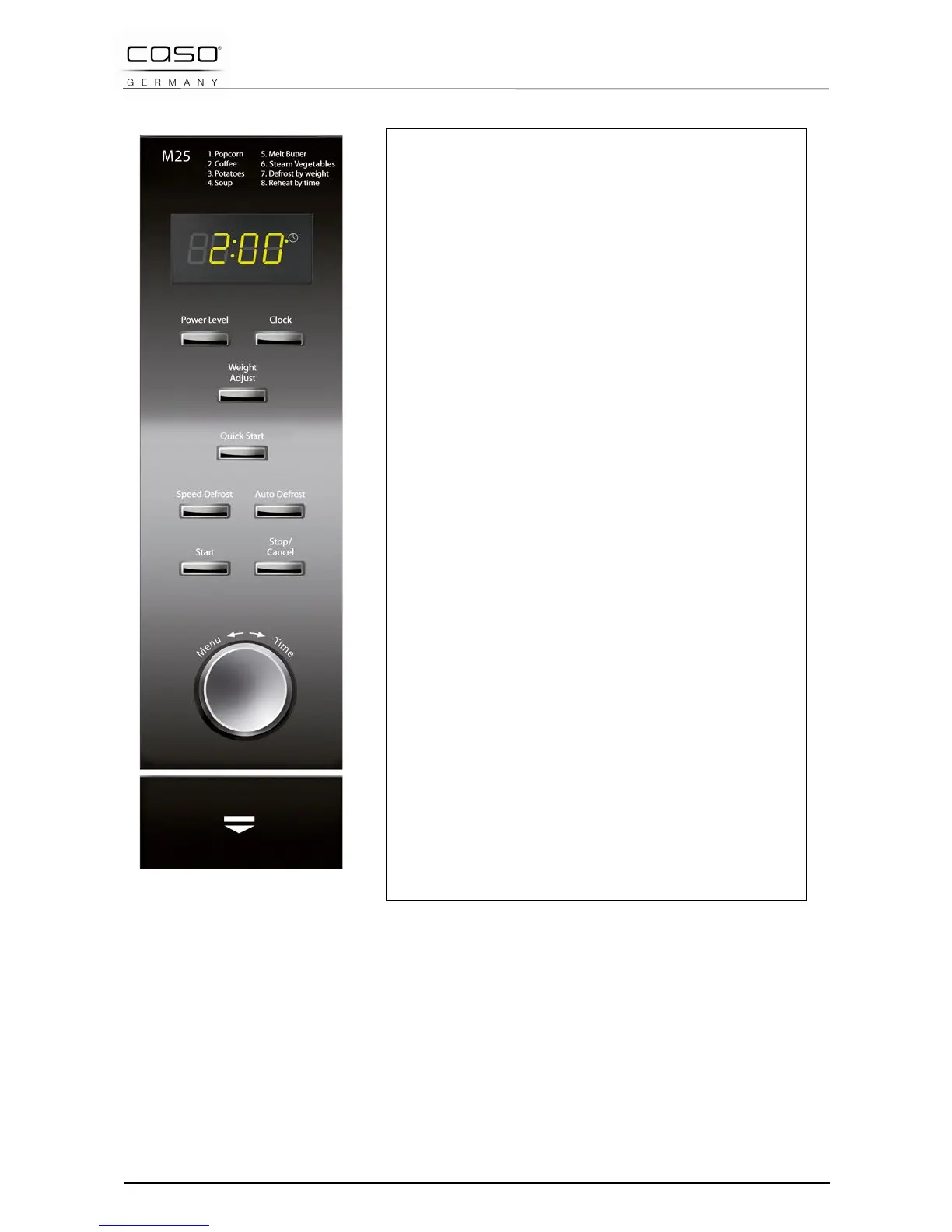
Cooking Program Mode: This mode allows
you to select the cooking program from 8
different menus.
Display panel: Cooking time, Power Level,
function display and clock are displayed.
Power Level: Press to select the microwave
Power Level.
Clock Press to set the clock.
Weight/Adjust: Press to select the food’s
weight.
Quick Start: Press to set in 30 second
intervals.
Speed Defrost: Press to defrost based on the
time entered.
Auto Defrost: Press to defrost based on the
weight entered.
Start: Press to start cooking or to set the Quick
Start cooking
Stop/Cancel: Press once to stop the cooking
program and twice to delete all
previous
settings
prior to starting the cooking procedure.
Menu/Time dial: Turn to set the cooking time
or to choose the automatic menu program.
4.8 Signal tones
The appliance emits the following sequence of signal tones:
One signal tone: The entry is valid and has been accepted.
Two signal tones: The entry is invalid. Check the entry and try
again.
Four signal tones: The cooking time has ended.


 To Next Page